
Pages kit - Published pages don’t update in Domain

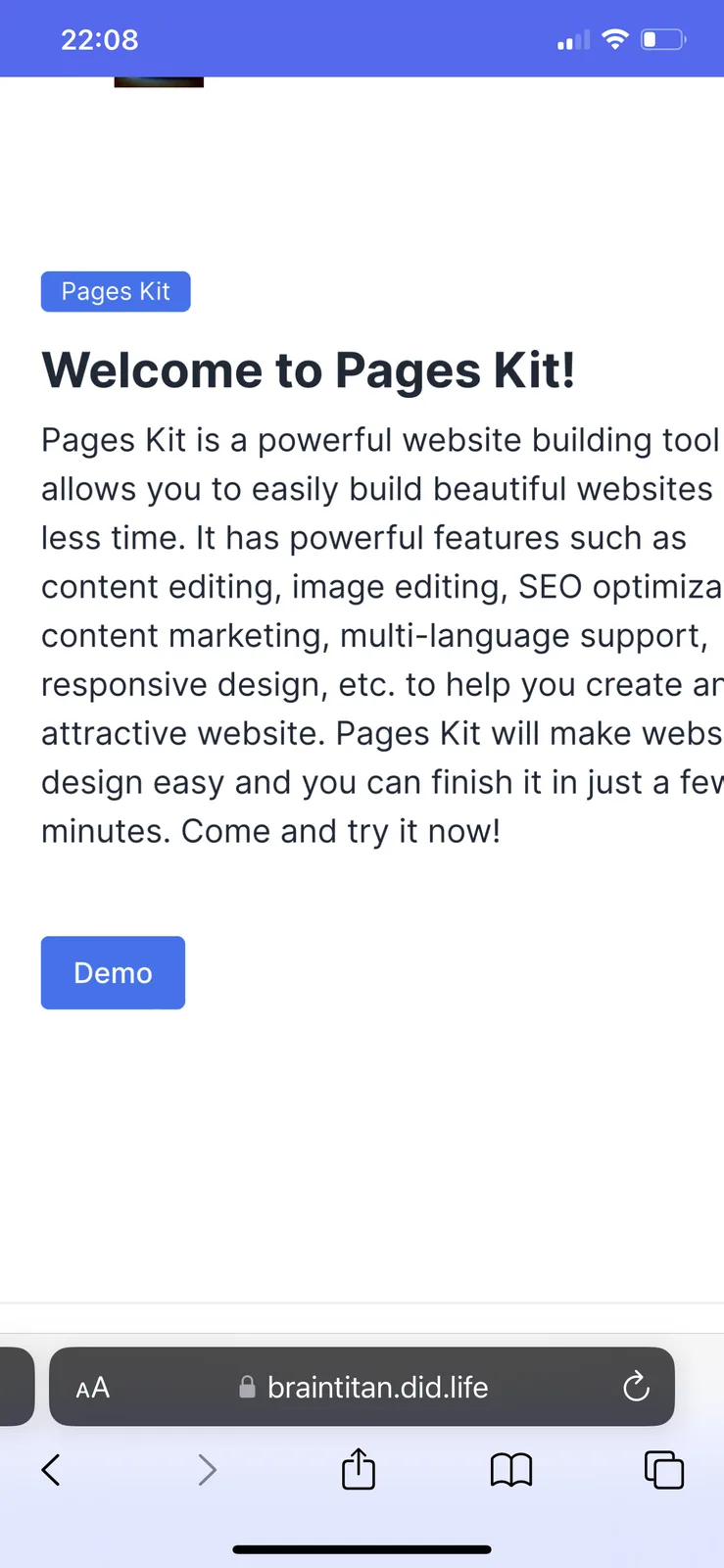
When going to my domain, despite having updated my website, it still shows this demo page (see pic, which is not even part of Pages Kit for me anymore, I have deleted the demo page). how can I fix this issue so the domain can show my actual website pages I worked on? I have published them to staging and then to production…should have worked in theory
10 replies
This problem is in the domain itself. But I‘m having another issue with Pages Kit…the pages I’m working on refuse to update in staging sometimes. Despite having changed everything im my pages, the draft/staging shows as the old page before the updates
i had a similar problem upon initially setting up page. seems like there was period of time that had to pass before update occurred. now my updates happen instantly
Can this thread help you with the issue: How do I get my website to publish?
yes that is useful, but I already tried changing the URL path to “/“
It works for Staging, but when Publishing to production it still shows the demo Pages Kit page
the only thing that worked was if I choose any path let‘s say “/Home” etc
But I would like it to be the “/“ path for my website.
right now I set it back to the “/“ path, and published to production. but still shows me the demo page when running the website with this path
When publishing to production, did you check all pages to be published?
Don’t think so, no. I only checked “/” page . I don’t want the “/demo” page to be published
Do i have to check them all for this to work?
It looks like you have two pages with the same slug, "/", and one of them is the pages-kit demo page. I guess you deleted it but didn't check it when publishing to staging or production. When publishing, make sure to select the deleted page to confirm its removal.
very possible
so when you say select the deleted ones, does that confirm their deletion im staging then production?
never realised, I’ll try it now
thank you very much, it worked. everything looks as I wanted it to now🤝
Okay, there are some interaction issues during the release process that may cause users to not get the expected results. We will fix them as soon as possible.