
AIGNE Studio DID spaces syncing issue

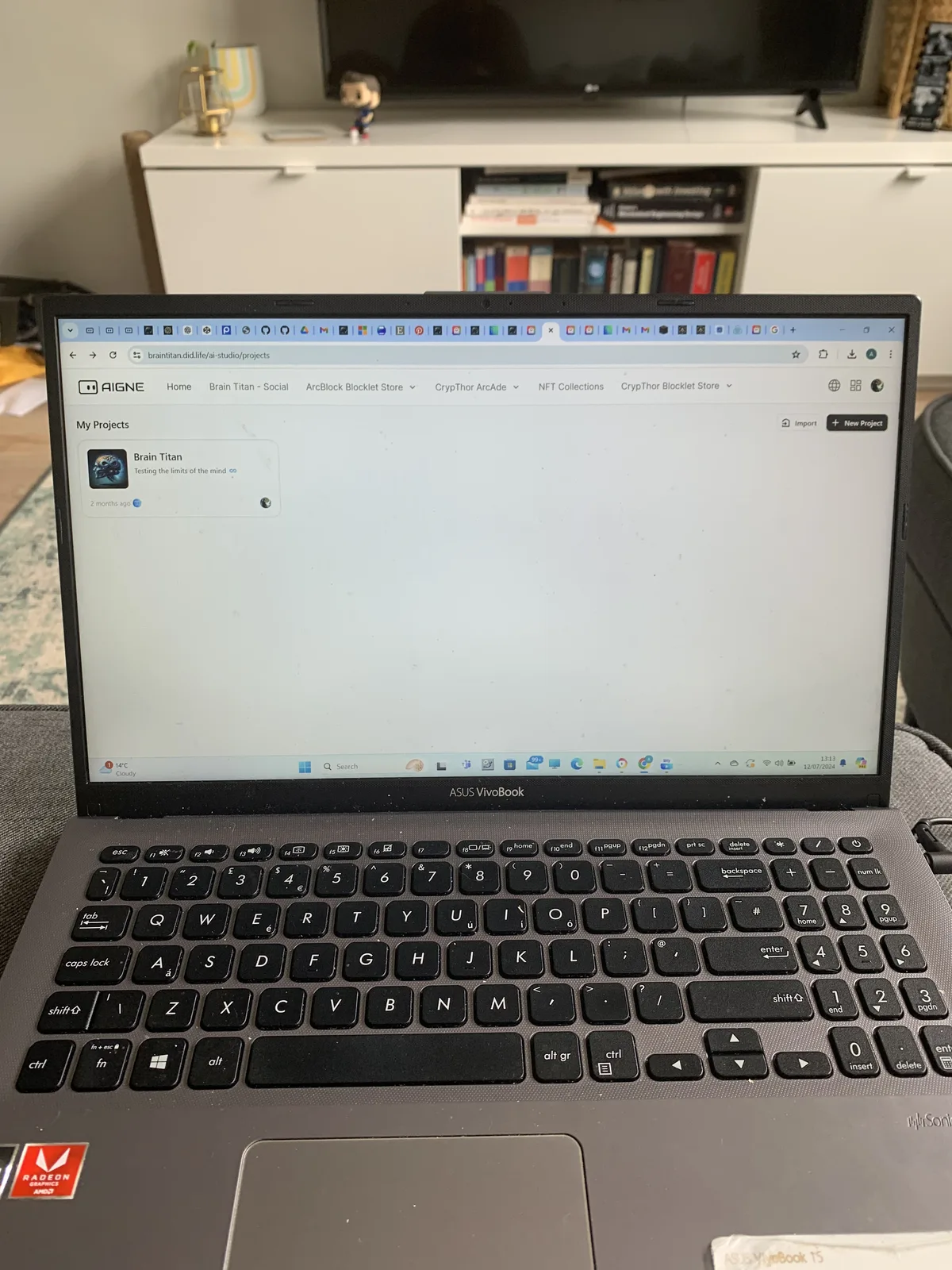
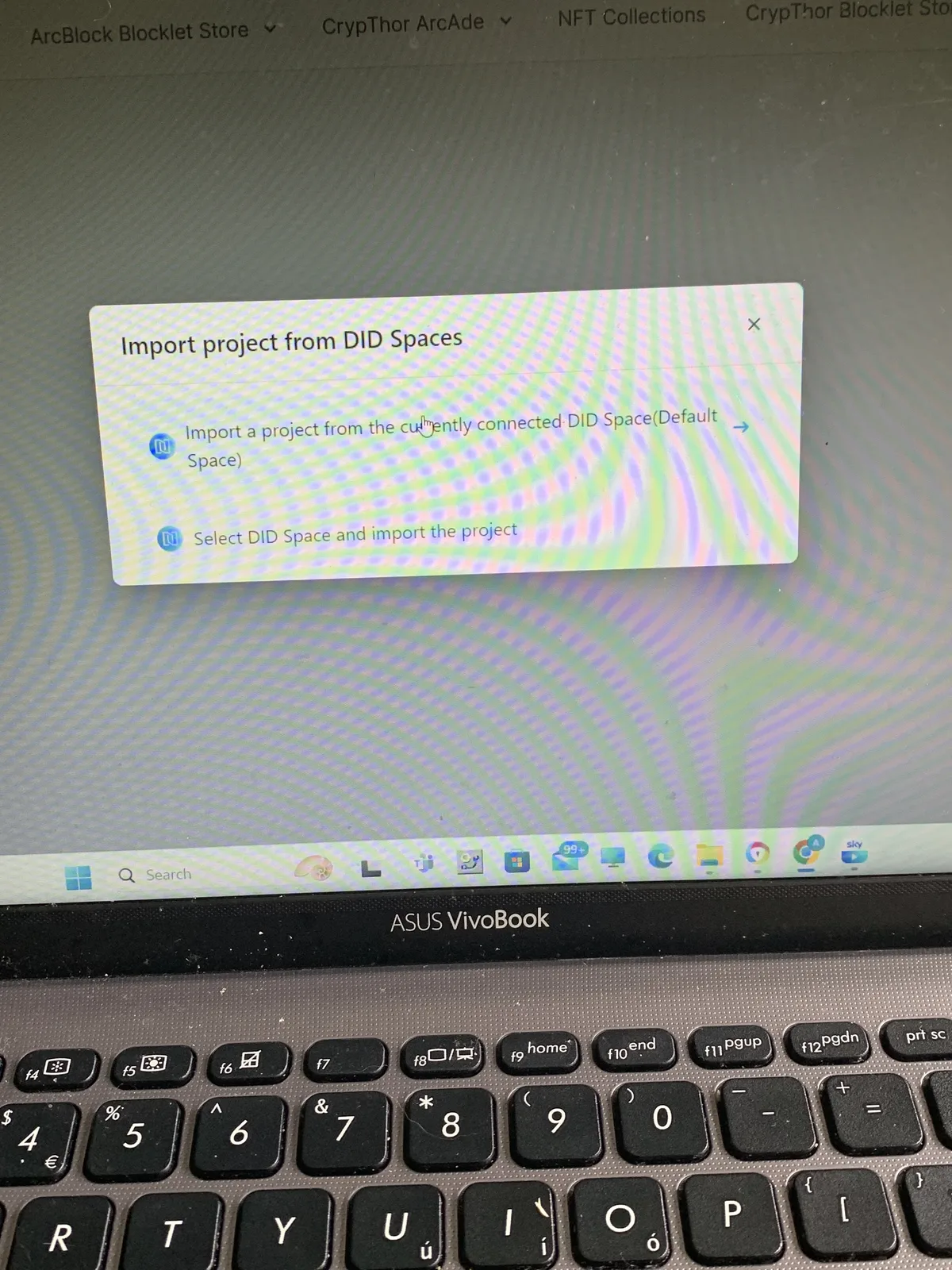
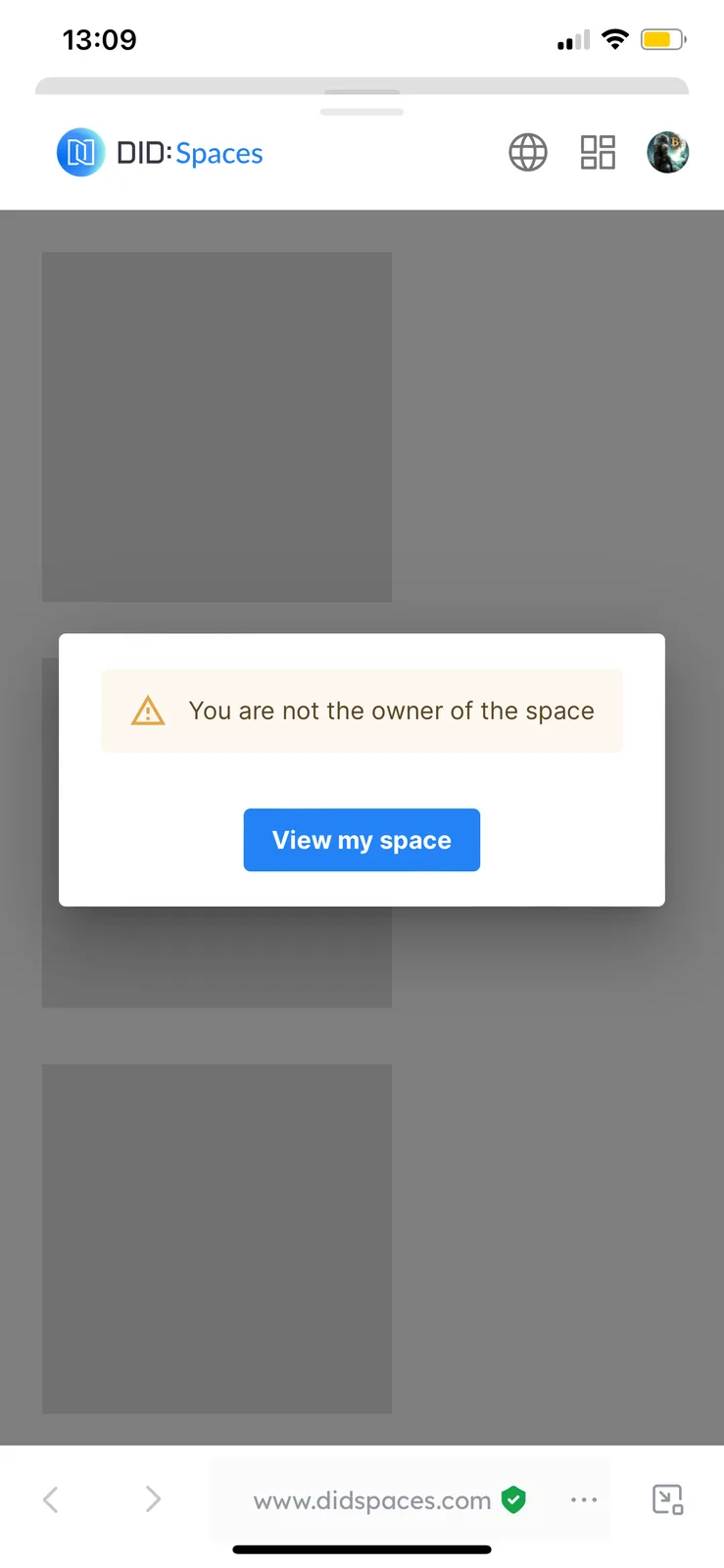
I’m not sure if this is due to a recent update, but it seems that I have Default DID spaces linked to AIGNE, and my projects are supposed to be stored there. When i try to upload an aigne project in the aigne studio blocklet, it fails to find my projects from aigne.io (which is backed in Default DID space). How can I fix this? older applications like Brain Titan, were synced from Default DID space no problem at the time (months ago), but this new dApp doesn’t work to be synced from there; when trying to access Default DID spaces (where I’m sure the project is saved) it says I’m not the owner of the space🤔 I also checked all my other spaces and project is not there, so must be saved in Default DID spaces, which I can’t access it seems
3 条回复
I figured it out now 😆
How did you get this fixed?
i was trying to access Default DID spaces with the wrong DID address😂 (I had 2 options between DID addresses). Once I picked the correct one, I no longer got “not the owner of the space” message, and I was able to sync AIGNE dApps really easily👌