
Content Cards primary button and layout options missing

While editing on Pages Kit a few moments ago, I realized that the ability to change around the layout for the content cards in the Pages Templates has been removed, changed around, or is missing.
I was just trying to to create a new set, when I saw the primary button was not deletable either.
I restarted the pages kit blocklet to see if maybe a glitch was taking place, but the issue is still there.
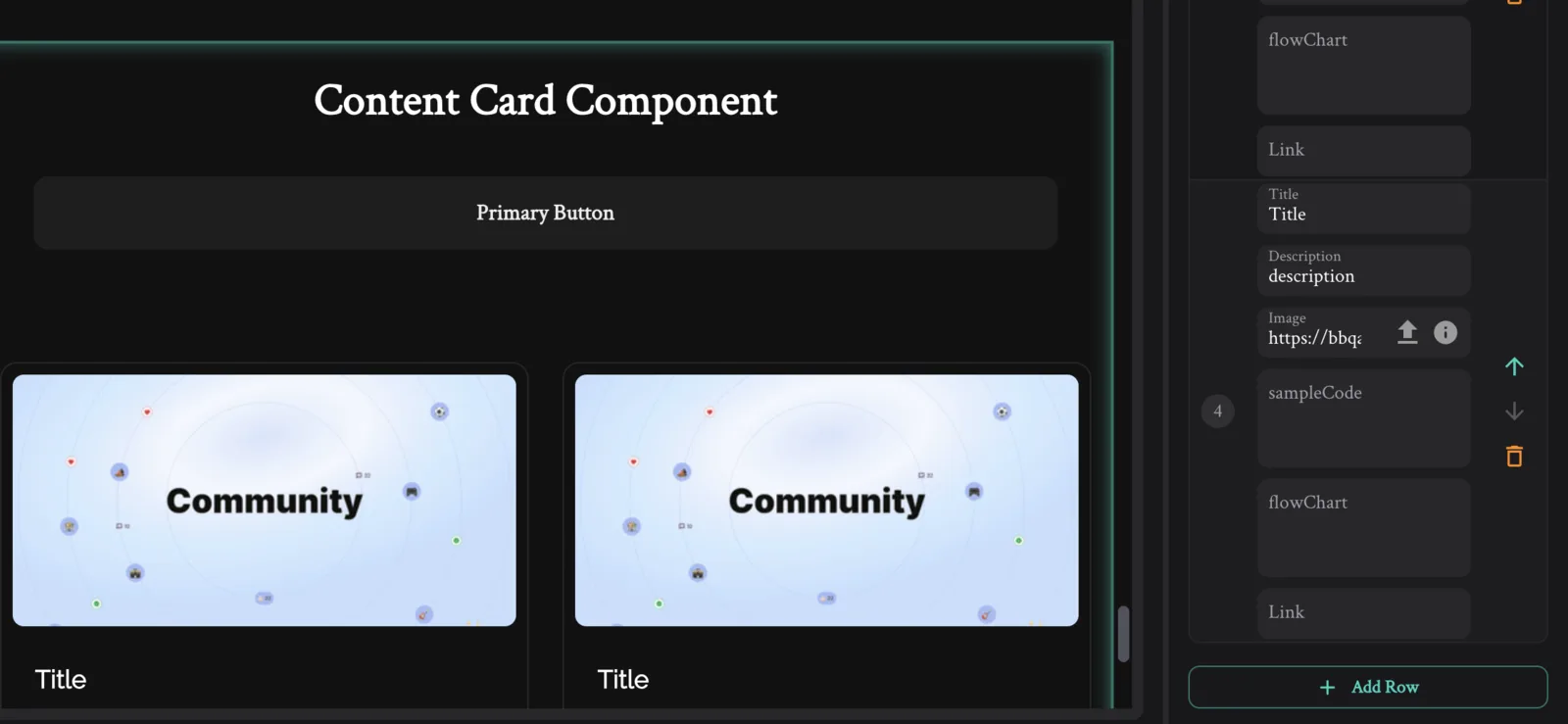
Thanks in advance for your help! This is my favorite component template, so that's how I lowkey noticed it immediately lmao. Great job to whoever made it, much appreciated!
Side note: Thank you to whoever made the carousel component, it is wonderful and may actually be better than the contentcards... top tier!
2 条回复
To add more context, the pictures below show the other options that are normally usable in the layout of the Content Cards. There was 4 if I remember correctly, and also the ability to add or delete the Primary button.
I updated and restarted the blocklets, but as of now, that feature does appear anymore on the Content Cards, even to change them back.
非常感谢您喜欢我们开发的组件,我们已经修复了这个问题,请升级 Pages Templates 到最新版本体验。