
Inconsistent Data Type Validation in Memory Feature

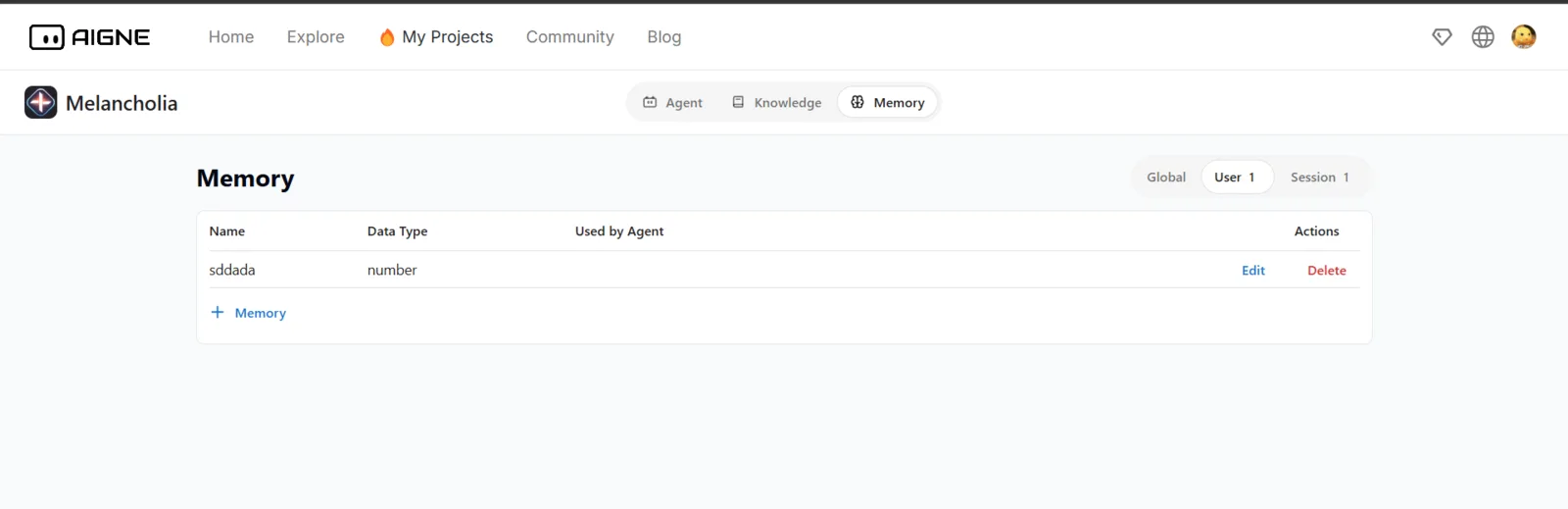
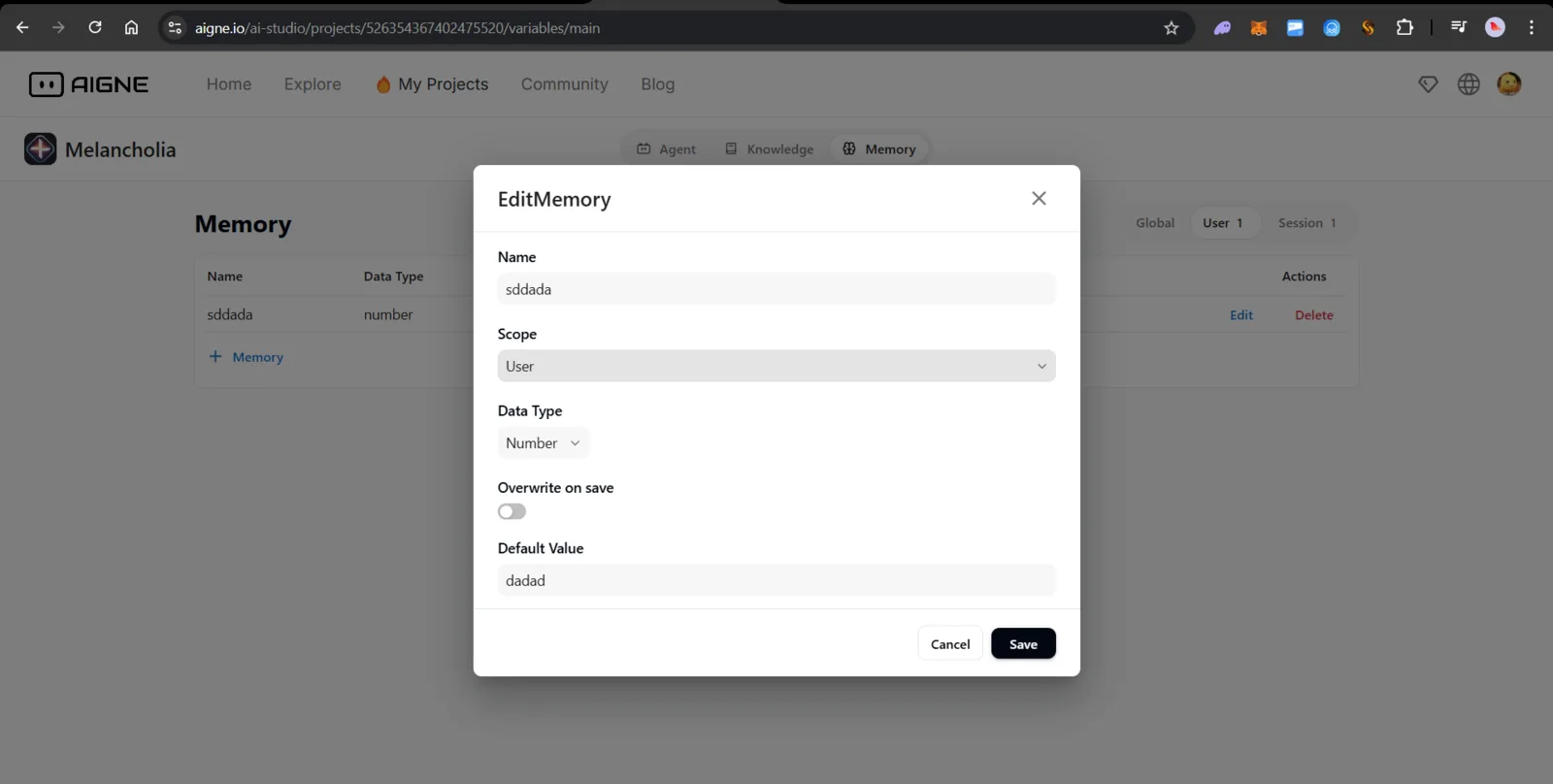
Summary:
The system allows the addition of memory entries with mismatched data types, even when the "Default Value" does not conform to the selected "Data Type." For instance, selecting "Number" as the data type and entering a string (e.g., "dadad") as the default value should trigger a validation error. However, the system proceeds to save the memory entry without any warnings or errors.
Steps to Reproduce:
- Navigate to the Memory section while creating or editing a project in Aigne.
- Add a new memory entry with the following details:
- Name: Any valid name (e.g., "TestMemory").
- Scope: User or Global (any).
- Data Type: Select "Number."
- Default Value: Enter a string (e.g., "dadad").
- Save the memory entry.
Expected Behavior:
The system should validate the "Default Value" based on the selected "Data Type." If the value does not conform (e.g., a string entered for a "Number" data type), the system should:
- Display an error message indicating the type mismatch.
- Prevent the memory entry from being saved until the issue is resolved.
Actual Behavior:
The system allows the memory entry to be saved even when the "Default Value" does not match the selected "Data Type," resulting in potential runtime errors or unexpected behavior.
1 条回复
Thank you for your feedback, I will fix this problem as soon as possible