
Unlisted NFTs Not Viewable in Marketplace Dashboard

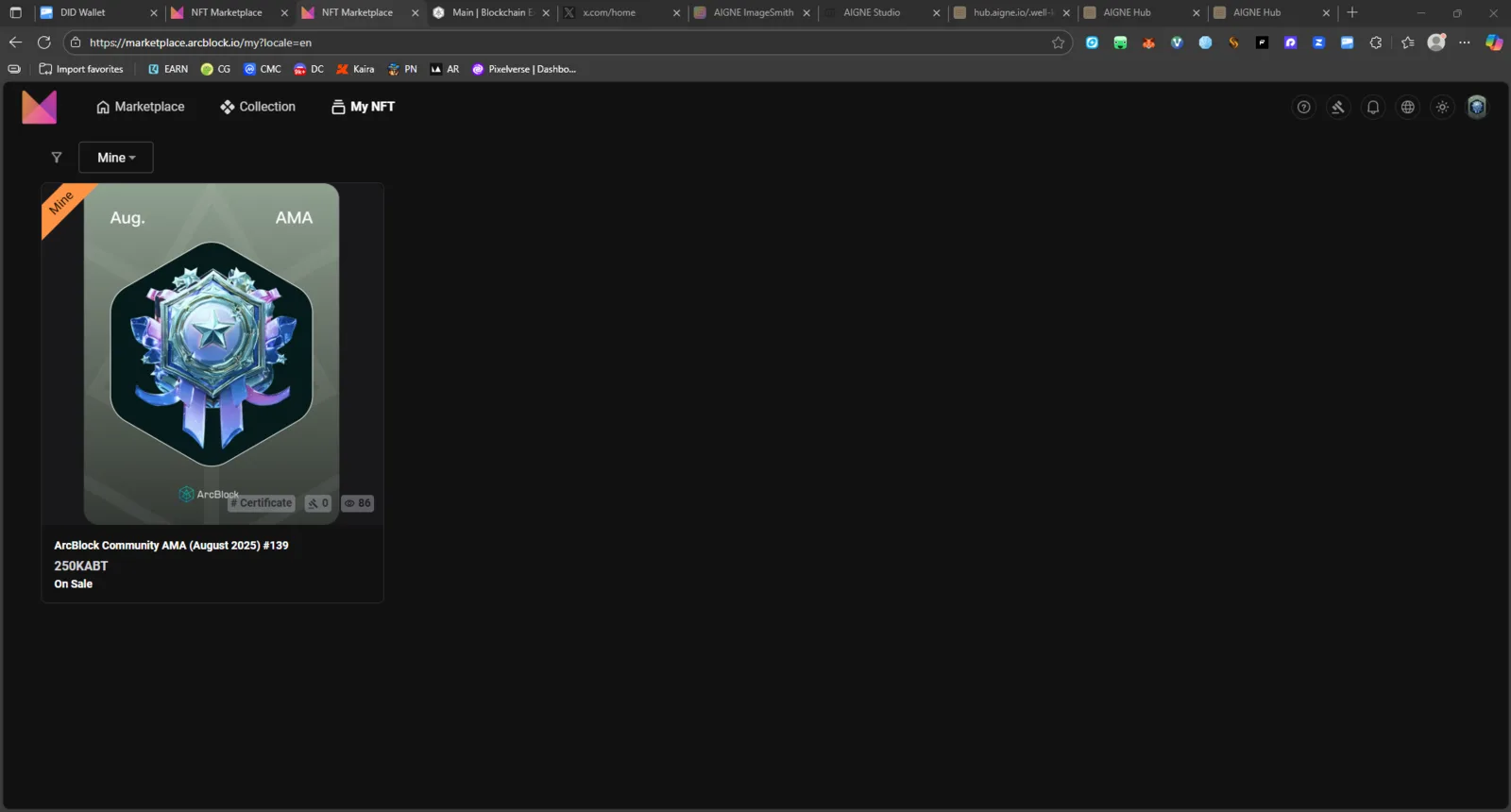
Issue Summary: On the My NFTs page of the ArcBlock Marketplace, only listed NFTs (currently for sale) are visible. Unlisted / Not listed NFTs owned by the user are not displayed, even though they exist on-chain and can be verified in the blockchain explorer.
Steps to Reproduce:
- Go to https://marketplace.arcblock.io/my?locale=en
- Log in using your DID Wallet.
- Observe the NFTs displayed under “My NFTs.”
- Compare with your NFT assets on-chain or within the ABT Wallet.
- Notice that unlisted NFTs do not appear in the marketplace dashboard.
Expected Behavior:
- All owned NFTs (listed and unlisted) should be visible in the My NFTs section.
- Users should be able to view unlisted NFTs and manage them (e.g., list for sale or transfer).
Actual Behavior:
- Only listed NFTs are displayed.
- Unlisted NFTs are completely missing from the UI.
- No option to view or manage them from the marketplace interface.
Impact:
- ⚠️ Users cannot view or list unlisted NFTs through the Marketplace UI.
- 🧭 Causes confusion and potential assumption that NFTs are missing.
- 🪙 Affects NFT creators and traders who manage large inventories.
Possible Technical Cause:
- The “My NFTs” API endpoint or query may only return assets with an active listing status (e.g.,
status = listed), omitting those marked asunlistedorinactive.
Severity: 🟠 Medium (Functional Bug) — Affects usability and asset management, though not causing data loss.