Face ID not triggering on iphone15 until a manual login

hello! FaceID on my iPhone 15 doesn’t trigger automatically. I am first required to type my password in manually, and then if I check back on the app within an hour FaceID will trigger. Most of the time it simply won’t work, even when I press on the faceID option on the login screen. I have updated my phone and the app and the issue remains.
7 条回复
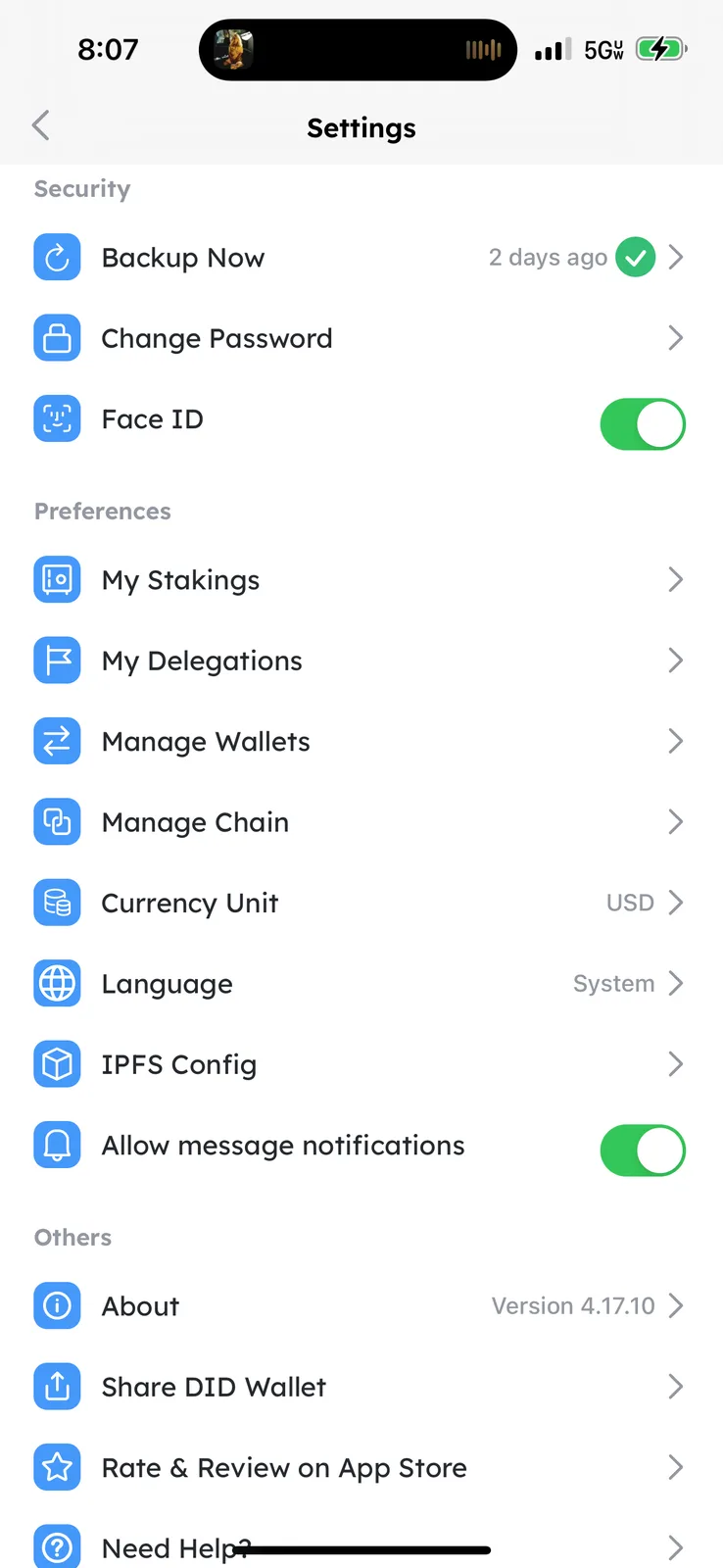
Is it convenient to take a screenshot and show me if your settings page for Face ID is open? You can click on the button in the upper right corner to enter the settings page.
My faceID is toggled on like in your screenshot. I am unable to upload a screenshot on my reply. No option to add a photo…
Can you help to do a toggle off and then toggle on, to see if it can restore normalcy?
I will try that and then see if the problem persists.
This seems to have fixed it! Thank you!
type "/pic" to add photos
ahh ok thank you!