
Unable to Log In to ArcBlock – Invalid Credential Signature Proof

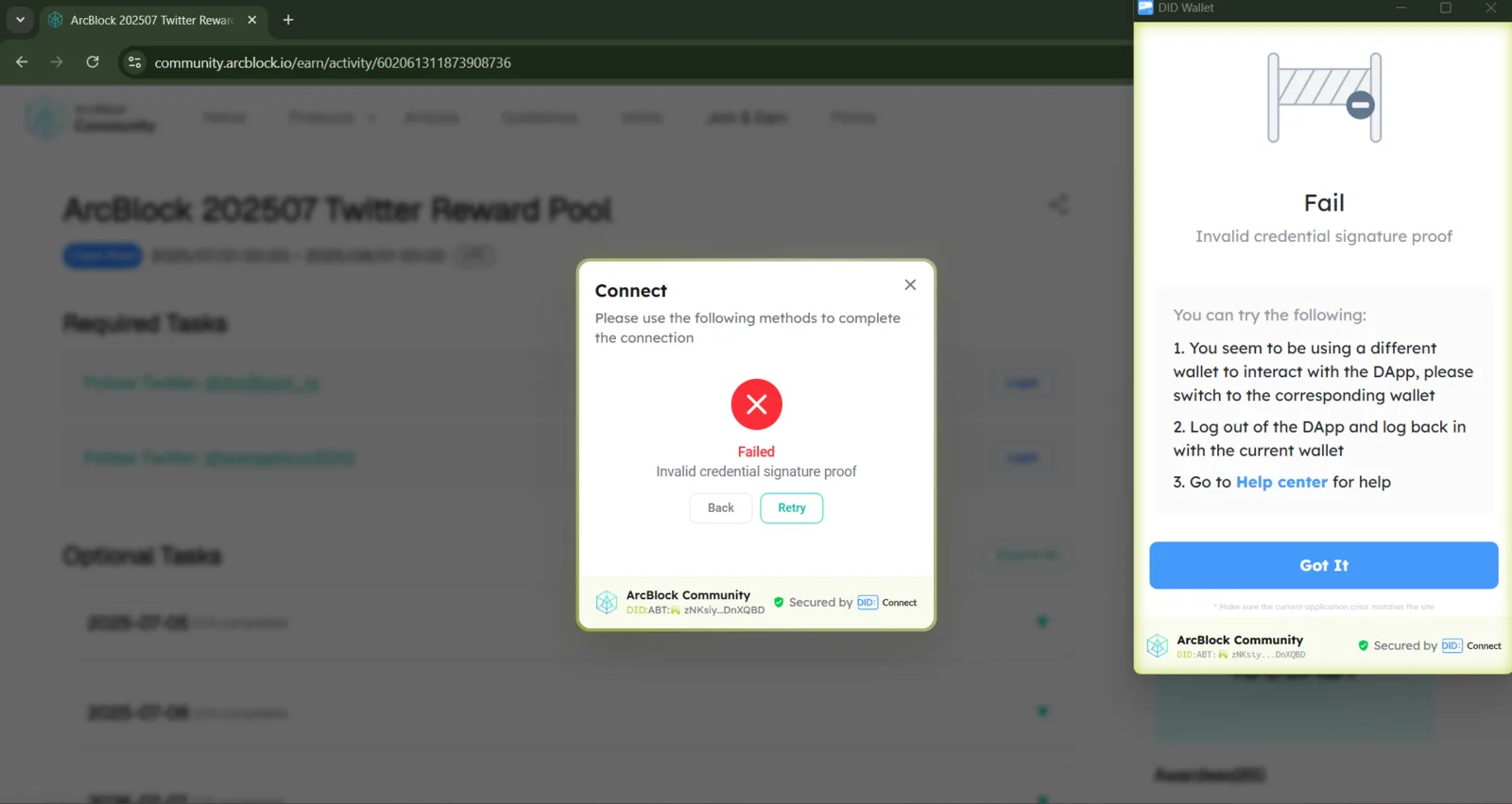
I’m currently experiencing an issue when trying to log in to the ArcBlock platform using my DID Wallet. After completing the authentication and signing process in the wallet, I receive an “Invalid credential signature proof” error message in the browser, and I’m unable to access my account. I’m using the same wallet I usually use, without changing devices or identity. I would really appreciate your help in checking this issue and assisting me in restoring normal access. Thank you in advance for your support.
1 条回复
It seems that you are using the plugin version of DID Wallet. Please help check if the version is the latest.
If the issue can be consistently reproduced, could you record a video of the operation for me? It would help me confirm at which step the problem occurs.