
How to fix the non-publicly accessible NFT??

I’m having trouble here. my original DID space expired that had my NFT factories on it. now when people try to mint NFTs it displays this non-public accessible error. I don’t know how to fix this. I tried creating a new DID space because I can’t renew my old one. 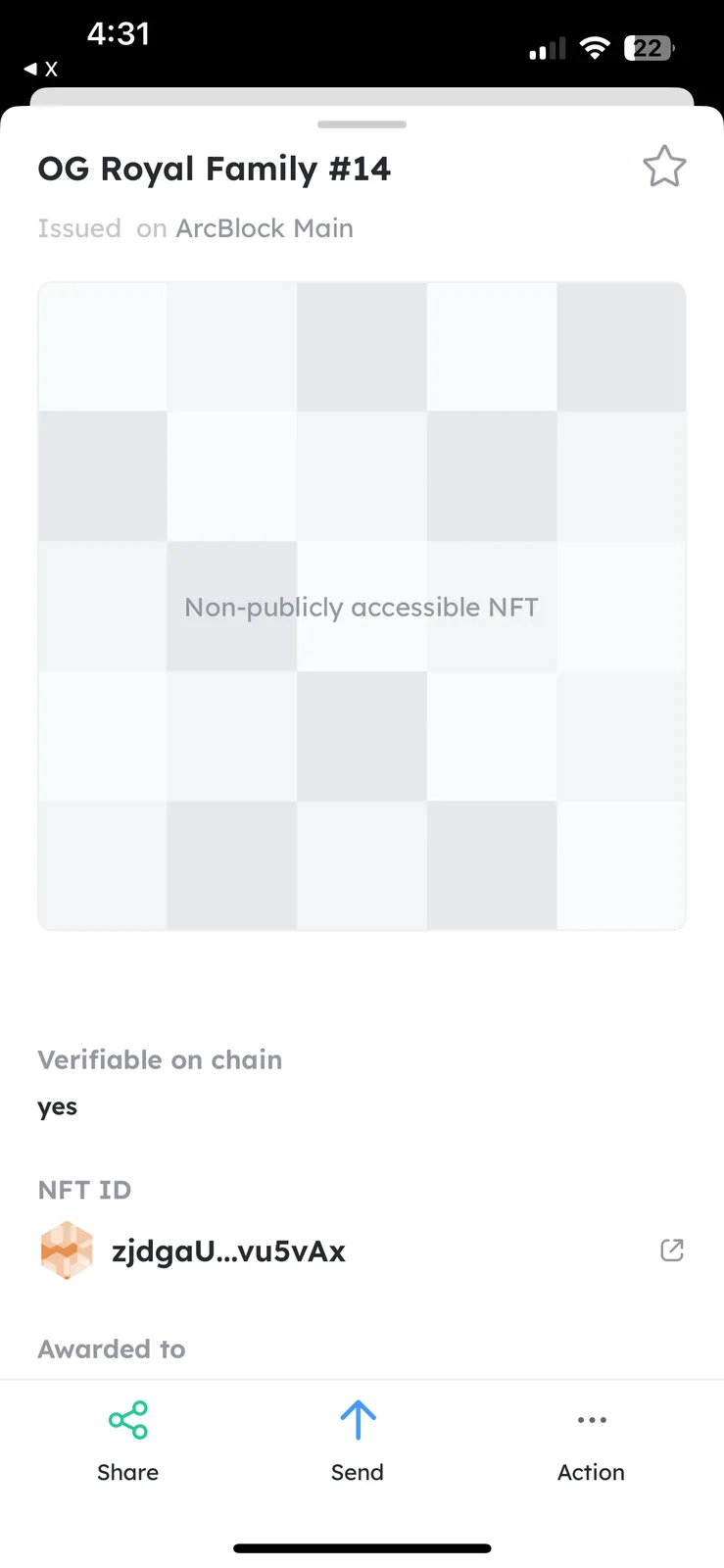
11 条回复
Related: Where do I renew my subscription for did space??
Can I add the factories to this new space to fix this?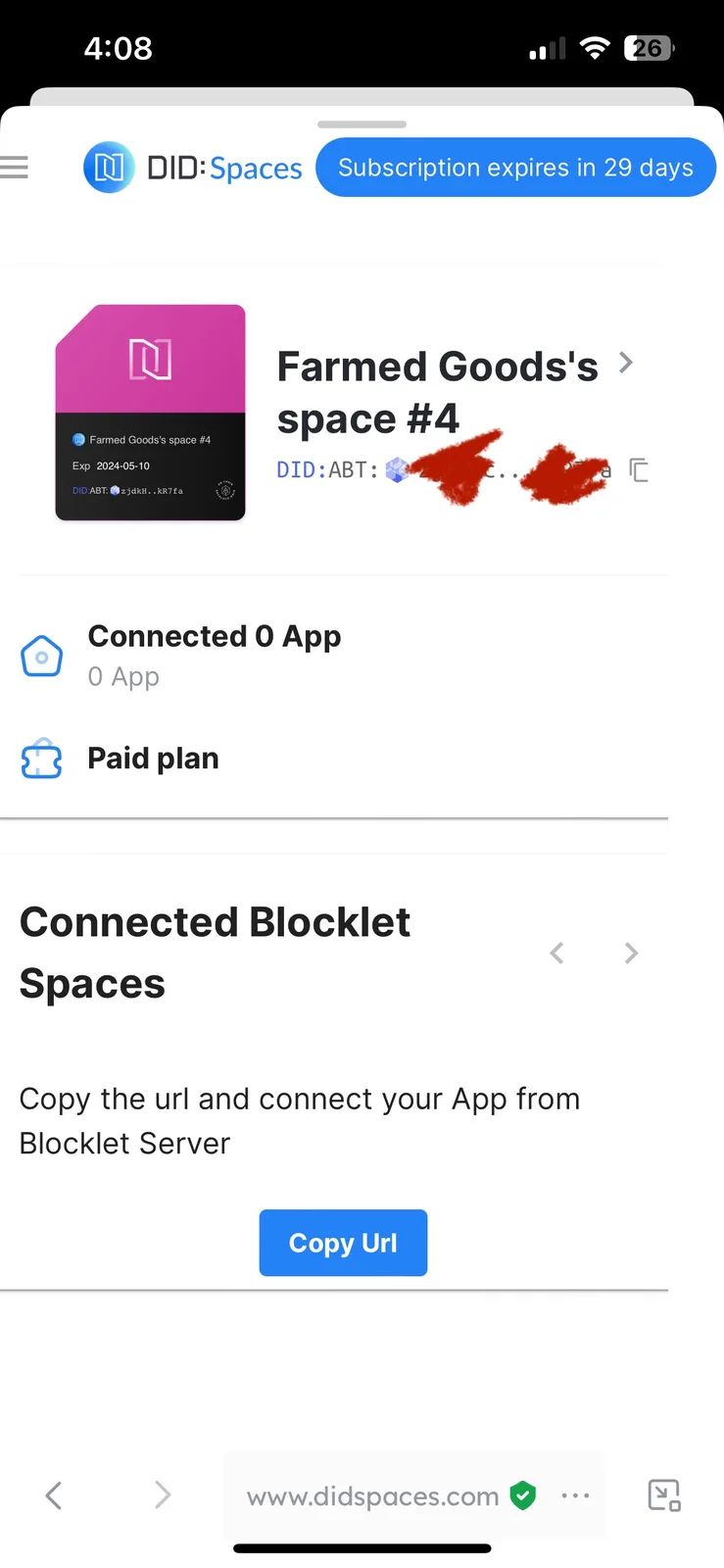
Hello, in order to help us troubleshoot the problem, please provide your nft did.
oh it’s this one for that particlar NFT did:abt
did:abt
I think this is the right one
Thank you for your support. I will inform you as soon as there is any new development.
sounds amazing thank you so much for the help you are wonderful
In order to help restore the NFT display problem, we need your cooperation to do the following operations:
You need to get your NFT Maker site tied to your new DID Space(zjdkHcjSLniWiFamznam4fyTgpMBkm4kR7fa), which you can do by referring to this document.
When done, let us know and we will continue to handle NFT display issues for you.
sweet there is this one that is not showing up for a friend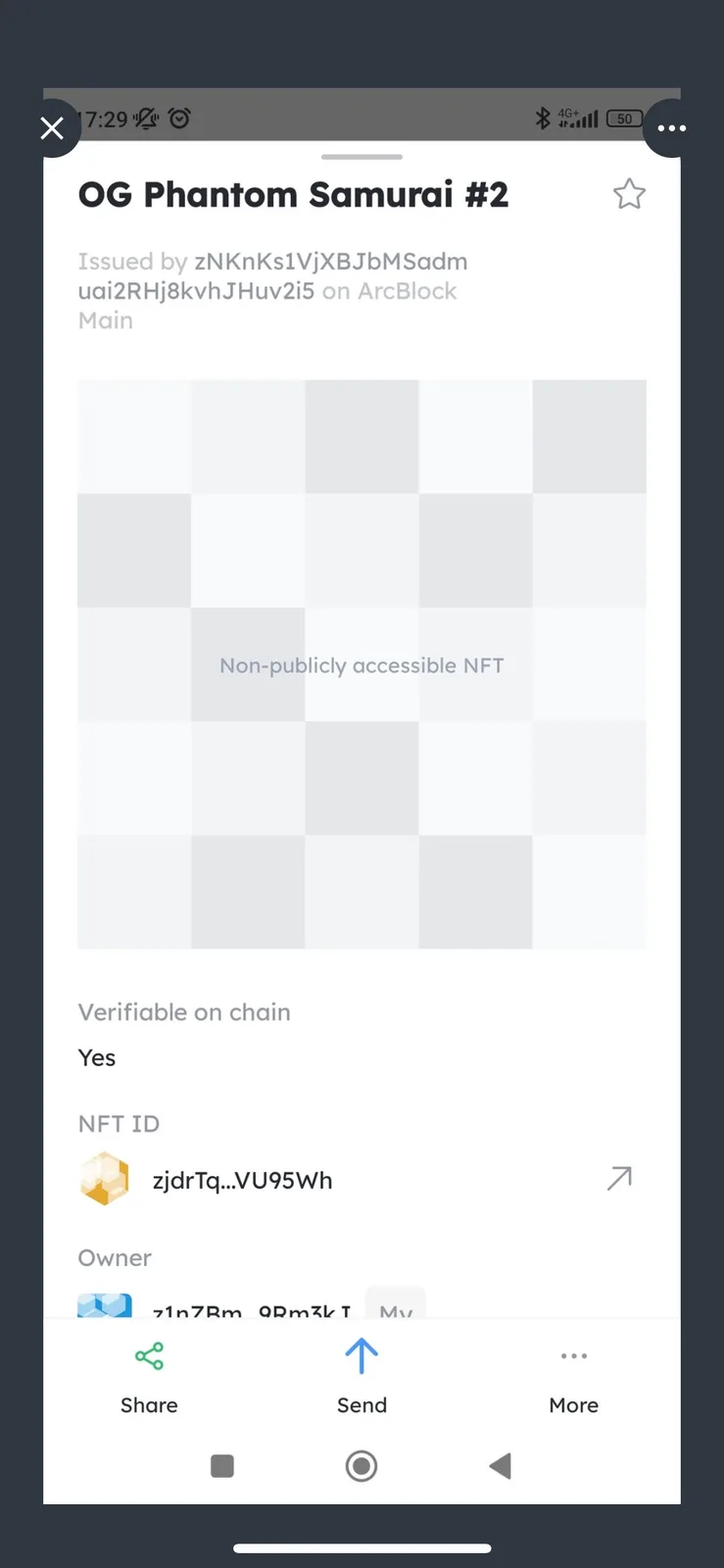
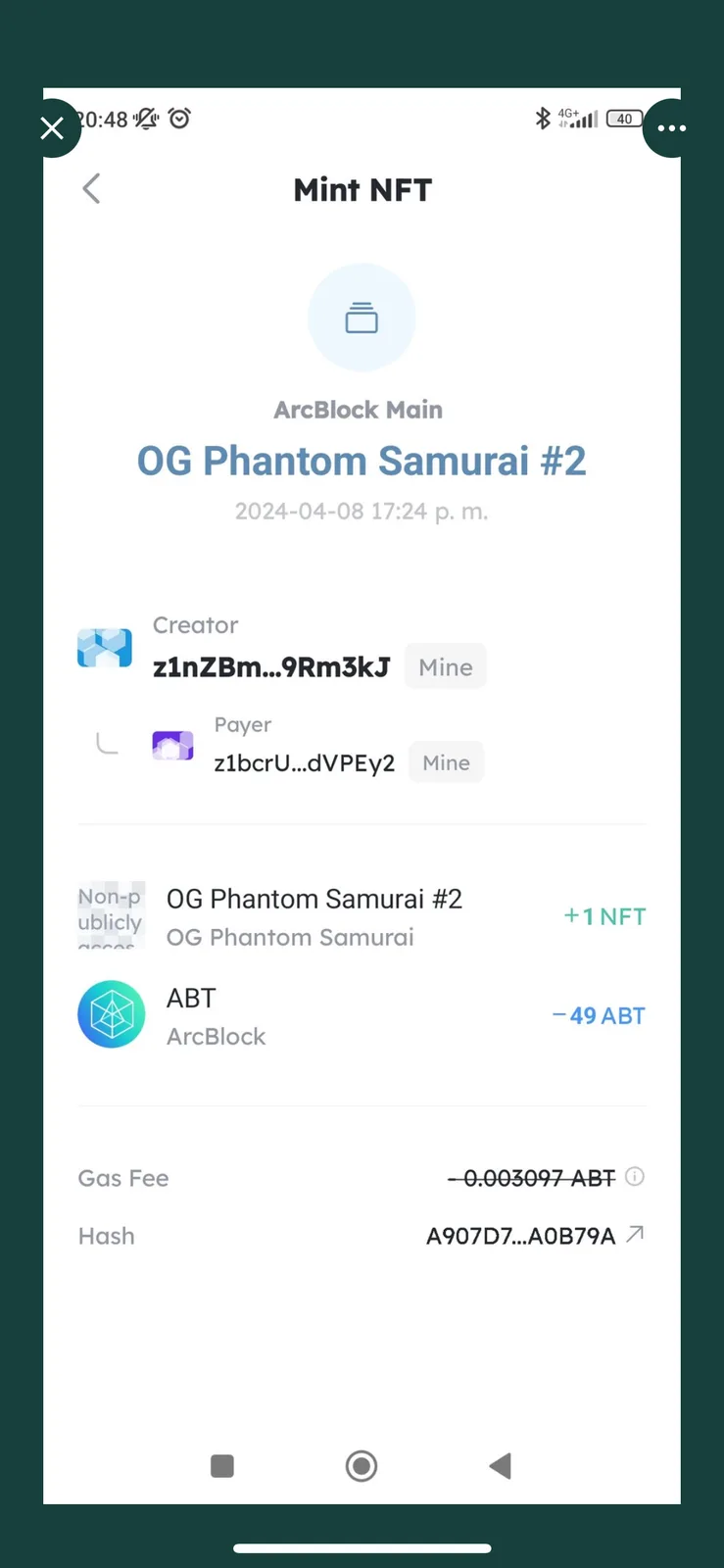
Don't worry, I think it's fixed. You can check it again.
https://main.abtnetwork.io/explorer/assets/zjdrTqe4z2WteEujfvxQ1sbjJZnomwVU95Wh