
Google Lens icon in search bar is non-functional

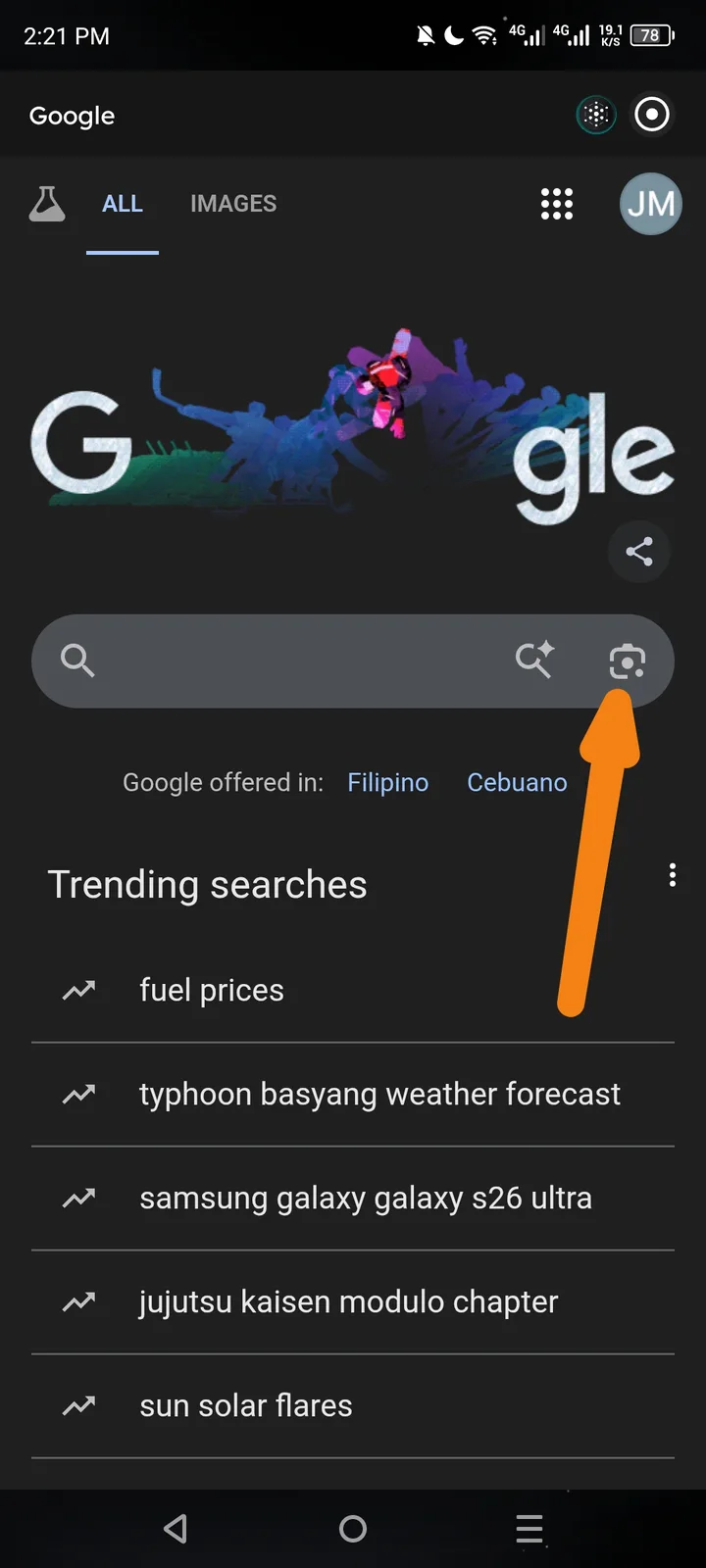
Description: Clicking the Google Lens (camera) icon within the Google search bar in Arcsphere does not trigger the camera or image upload interface. Steps to Reproduce:
- Open Arcsphere and navigate to Google.com.
- Locate the camera icon (Lens) on the right side of the search bar (indicated by the orange arrow in the screenshot).
- Click the icon. Expected Behavior: The Google Lens interface should open to allow for image-based searching. Actual Behavior: No action occurs when the icon is clicked; it appears to be a dead element. Severity: Low/Medium (Feature limitation within the browser view).