
Persistent “Open App” Prompt with No Dismiss Option

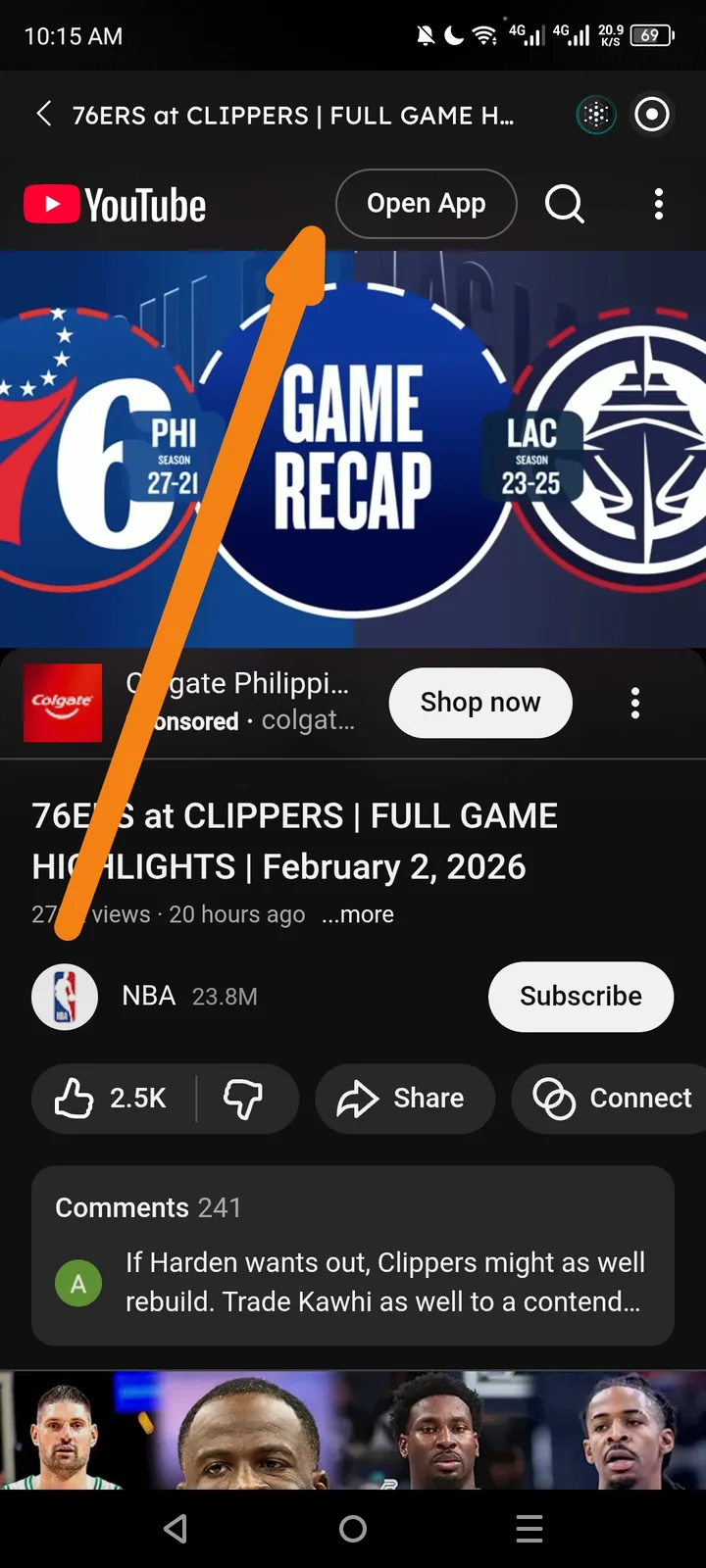
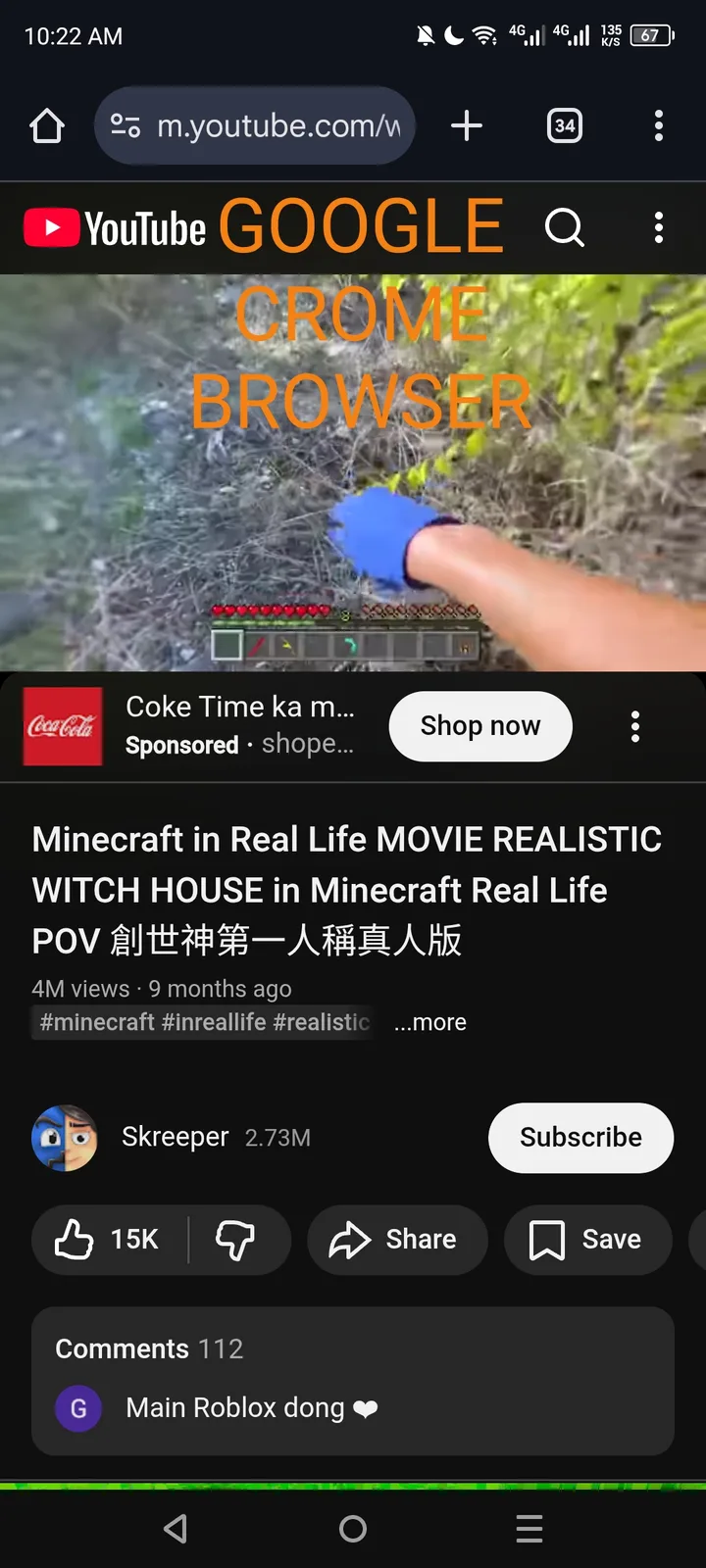
Summary When browsing certain sites (e.g. YouTube) in the Arcsphere mobile browser, the “Open App” banner appears at the top but offers no close or hide control, making it permanently visible—unlike in other browsers which include an “×” or “Hide” option.
Steps to Reproduce:
- Open the Arcsphere browser on your mobile device.
- Navigate to a site that prompts to open its native app (e.g. https://www.youtube.com).
- Start watching a video or scroll the page.
- Observe the “Open App” banner pinned at the top of the viewport.
- Look for a close/hide (“×”) icon or any way to dismiss the banner.
Expected Behavior: – A close (“×”) button, “Hide,” or similar control should appear on the banner so the user can dismiss it. – Banner may auto-hide after a short timeout if not acted upon. – Behavior should match other mobile browsers (Chrome, etc.).
Actual Behavior: – No close or hide control is visible on the “Open App” banner. – The banner remains fixed to the top of the page, obstructing content and user interaction.
Reproducible: Always on pages that trigger an “Open App” prompt (e.g. YouTube).
Impact: Medium – Degrades UX by blocking part of the page, forcing a switch to another browser or forcing users to open the native app.