
Revoke Stake on ArcBridge Node: Bug

I'm currently in the process of Revoking my Stake and recording it for a tutorial.
I could suspend and leave the Bridge, but when I got to the screen below, I encountered an issue.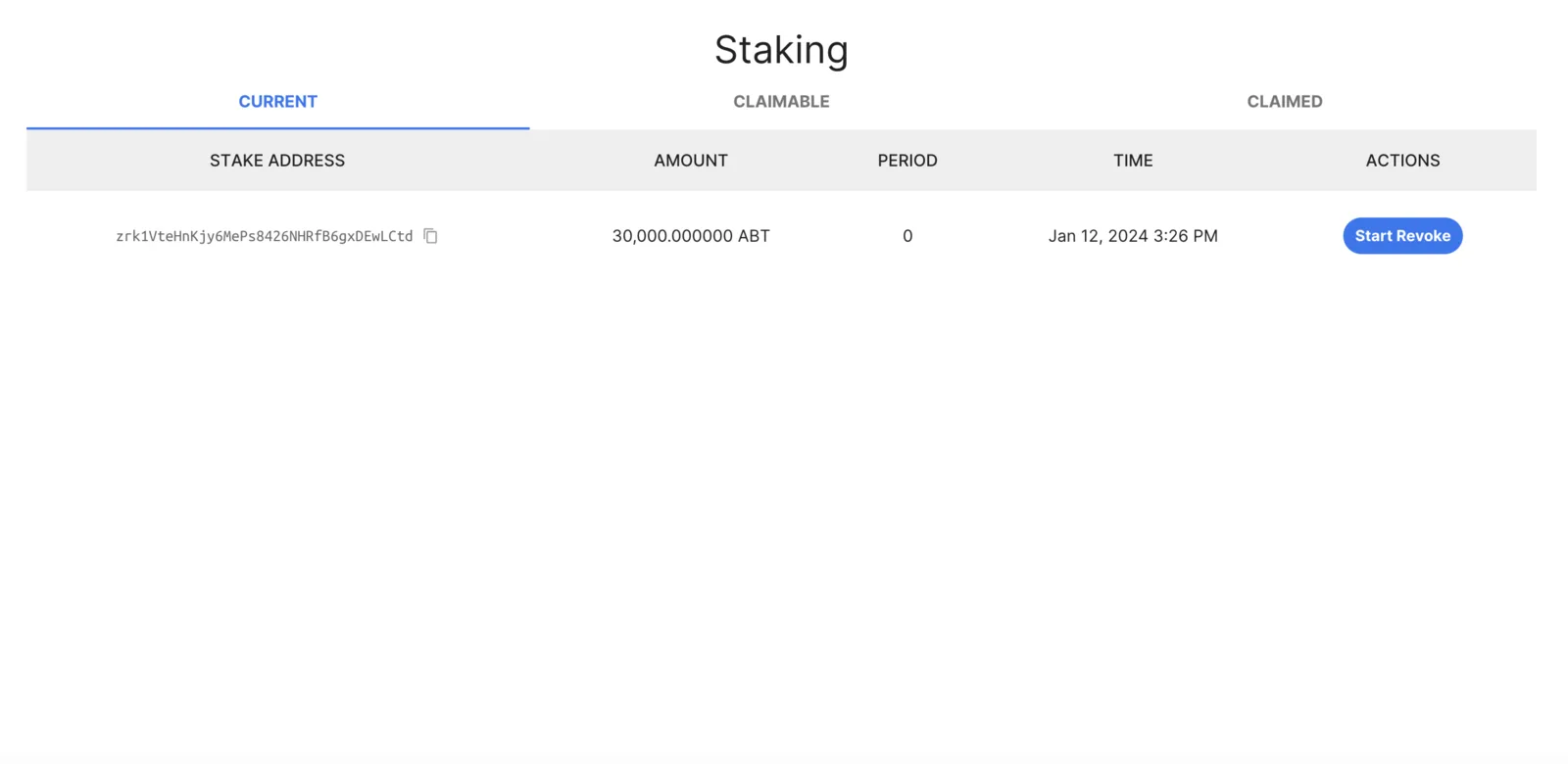
Once I put in the Revoke amount and signed the message with my wallet to begin the process, this popped up in response.
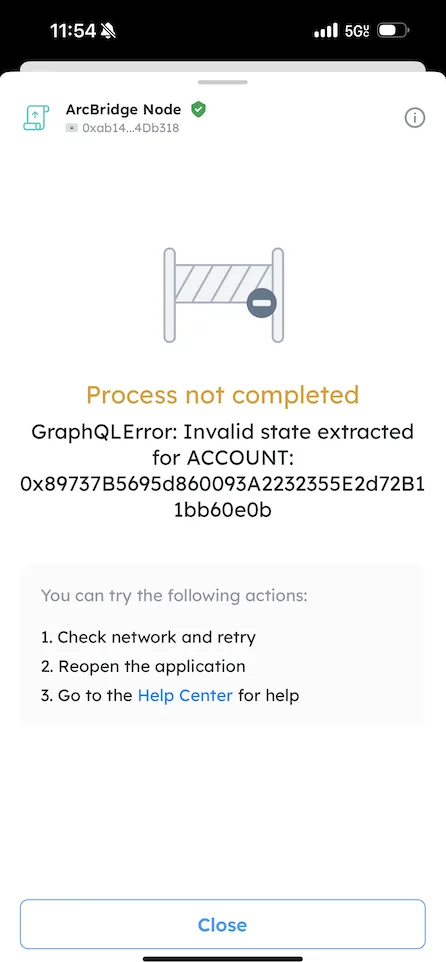
The account Address it shows is mine as indicated in the image below.
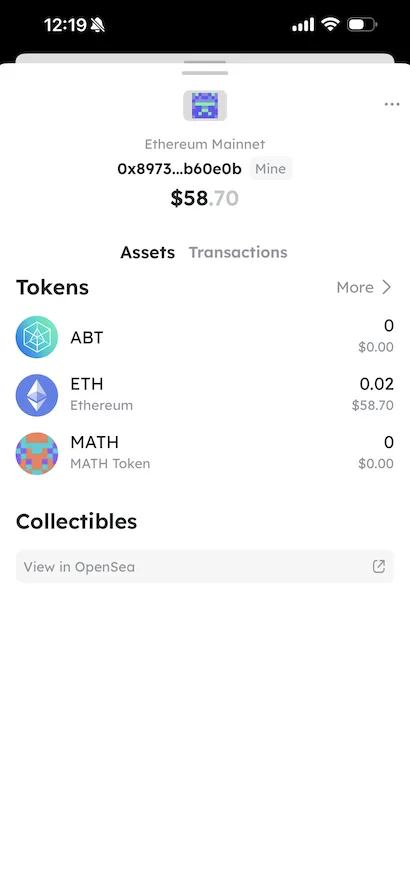
Not sure where to go from here, so I thought to reach out! Thanks for your help in advance!!
7 条回复
And I might as well mention it since we're already here.
In the mobile view, the screen to Revoke the Stake is a little off.
I took a screenshot of it, just so you guys know!!
Not a big deal or anything, but I figured to point it out lol
This seems to be caused by the connected account (the address in your screenshot) never receiving any token on the ArcBlock main chain before (an error is thrown here for safety reasons since the chain can not determine if the address is incorrect)
2 workaround when encountering this situation:
Okay bet, I’ll try that!! Thanks for your help and advice🔥⭐️
I noticed this issue when I looked into the transaction history from this node: https://main.abtnetwork.io/explorer/accounts/0x5050DC2990c696fB2B2032F91035D1410ab283eC
Will work on a fix so that things work intuitively.
Okay cool🔥
This issue is fixed in arc-bridge-node v1.4.88, please upgrade your node to latest version.
bet!!🔥