
Logo Error in Studio

Perhaps consider adding that .png is the desired format for logo uploads, or do not allow anything other than .png be uploaded.
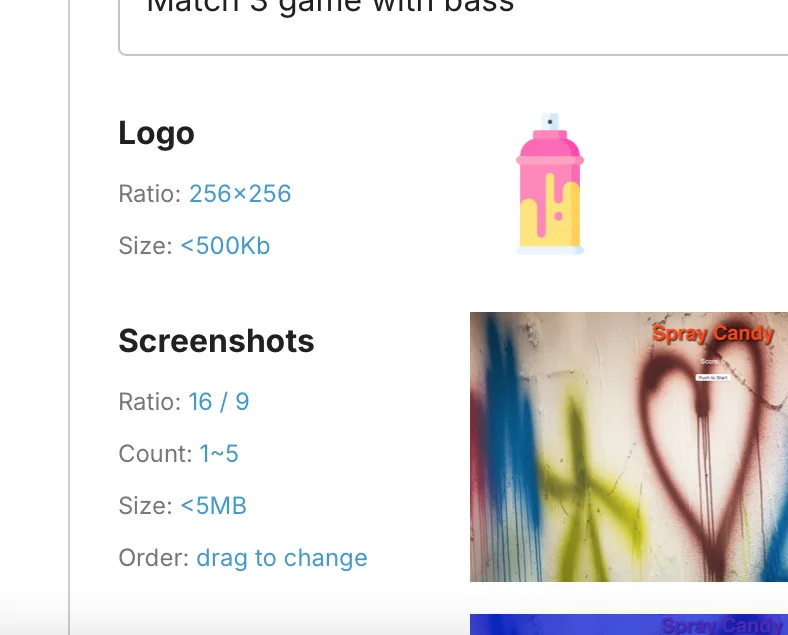
As it is right now it seems like you you can add other types and create a successful release, however once you try to upload the release to the test store you receive this error.
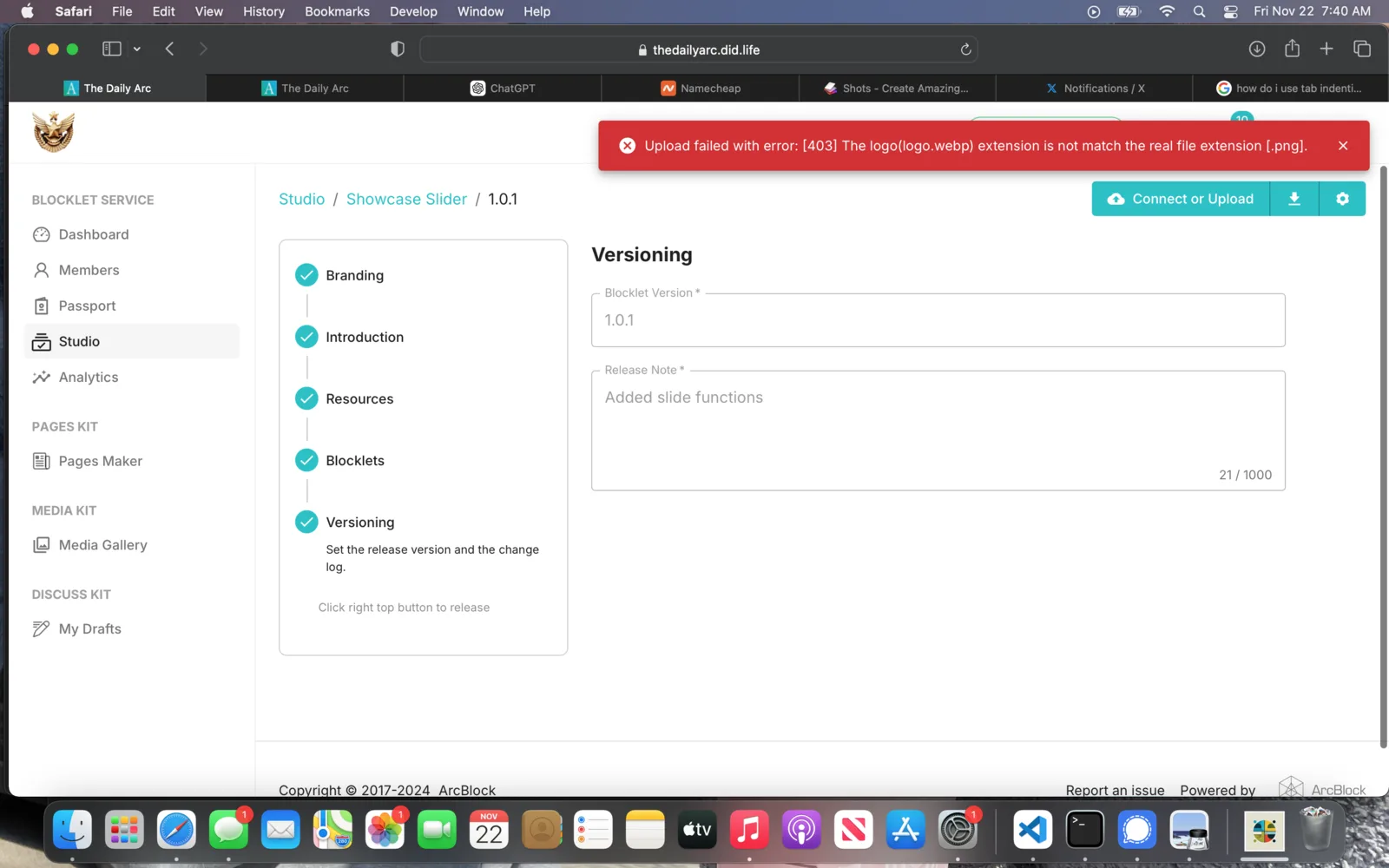
This requires the user to create a second release to change the logo, slowing workflow.
Thank you for your consideration.
6 条回复
Hey Twelve, I experienced this error before
Reference thread:
What seems to work is if you make the logo a JPG or JPEG file (i.e. logo.jpg)
I now use logo.jpg for all my blocklet and it works to upload to stores. The PNG logos gave me issues too
So basically, if you change your current .png logo with a .jpg logo, and create a new release, it should let you upload to test stor
I was able to change and upload. My suggestion is that there be a notice in the studio area that says specifically to upload a .png. This will help newcomers not make the mistake of uploading something other than a .png, and then having to re-upload their work. Clear instructions can streamline the process and reduce frustration, ensuring a smoother experience for everyone involved.
Either that, or just not allow anything other than a .png file to be uploaded.
Hi z1QsuPsVgzPk2Nij87QFjyVh4v7Hvz5fsZj ! I tried to reproduce the issue, but I couldn't. Can you still encounter this issue locally? Are you using Test Store?
z1dTAX6BubAxmhXGP8zMVAZAFwizvbv8gnB JPG and JPEG are now supported.
Hi z1notyEjWxWTWj1pUANTyPXV4hd2sZX1hzZ! Do you have any further questions? If not, I'll close this issue.
no questions