
Guide - Bridge ETH ABT to Native ABT (UPDATED)

In this quick guide we we will look at the process of moving over ABT from ETH to Native. I'll try to cover as much as possible with updated information whilst still keeping the process as simple and easy to understand for new users (please feel free to skip past any steps that may not be relevant to you)
Step 1 - Set up DID Wallet via app store
DID Wallet can be Downloaded via App store or Play store, search “DID Wallet”. Once downloaded follow the steps in app to set up your wallet.
Step 2 - Locate your ETH address within DID Wallet
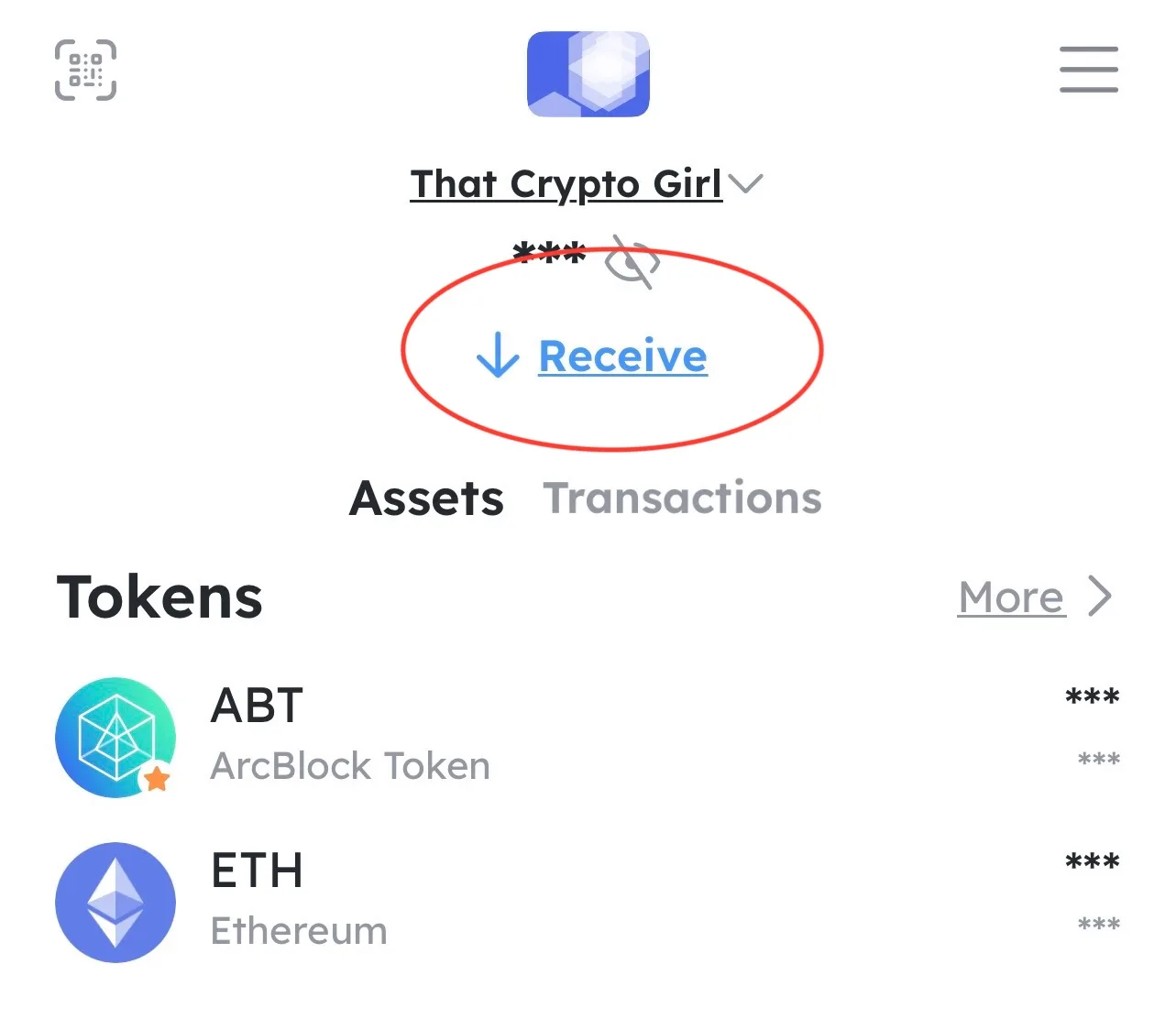
You can find this by Clicking the receive button on the wallet home page, doing this will open the wallet default address popup and you will see a number of addresses linked to your DID Wallet.
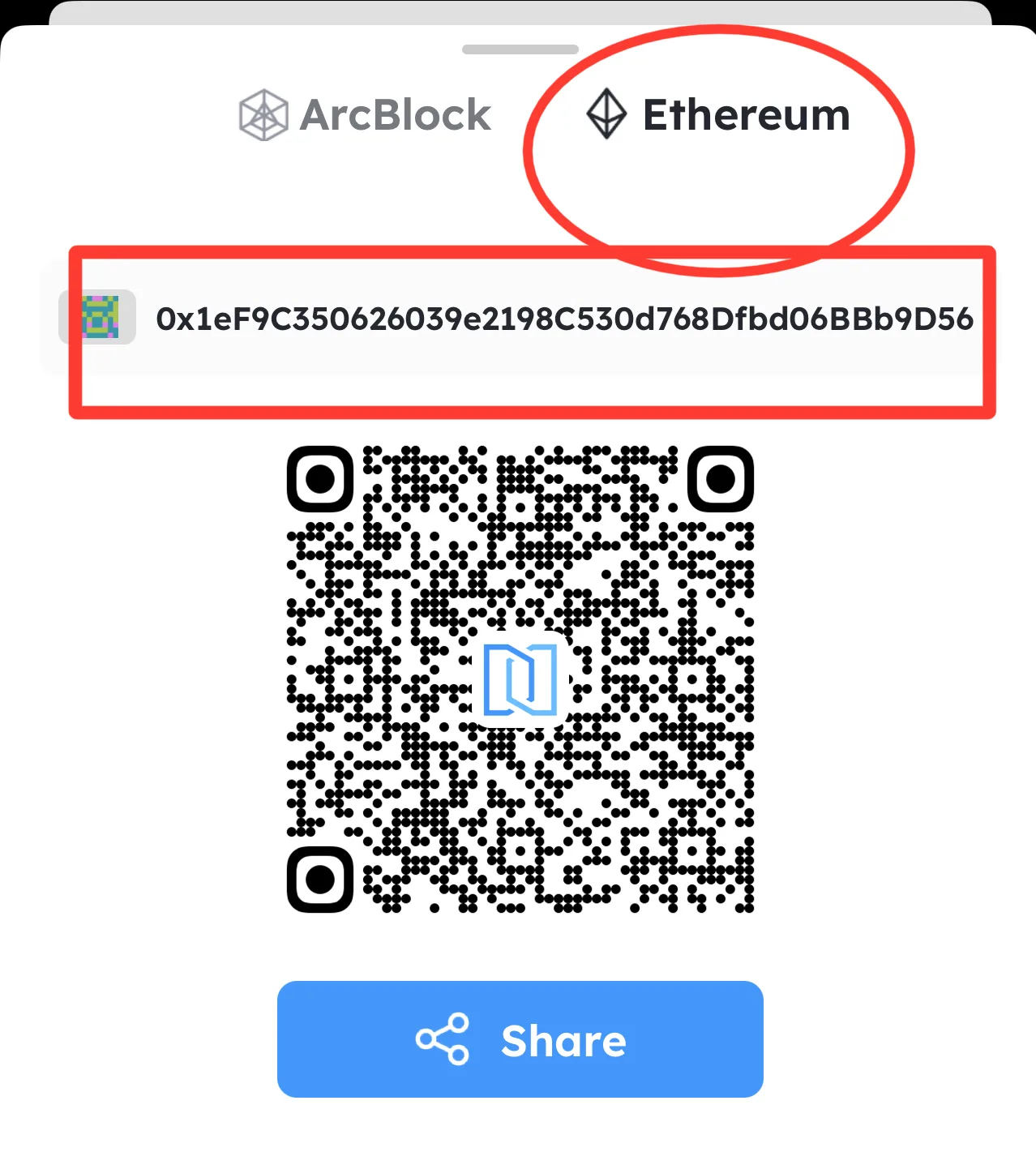
You will see two options - Arcblock and Ethereum. The tab you need to click on is the Ethereum one. This will then display a page showing your Ethereum DID Wallet Address.
Click on this ETH address to copy it to your device ready to paste when required later in the process (to note this address will start 0x)
Step 3 - Send ETH and ETH ABT to your DID Wallet
Once you have your ETH DID Address you can send your ETH ABT across to your DID wallet along with some Ethereum to cover the gas required to complete the bridge.
- Go to your other wallet (where your ETH ABT/ETH is currently stored) this also includes your Coinbase if that is where you store your assets currently.
- Select your asset (ETH) or (ABT) and press 'Send'
- In the address bar paste the ETH Address from your DID Wallet (the one we copied earlier starting with 0x)
- Select the amount you wish to send and proceed to preview the transaction, if you're happy with what you see go ahead and press 'send now'
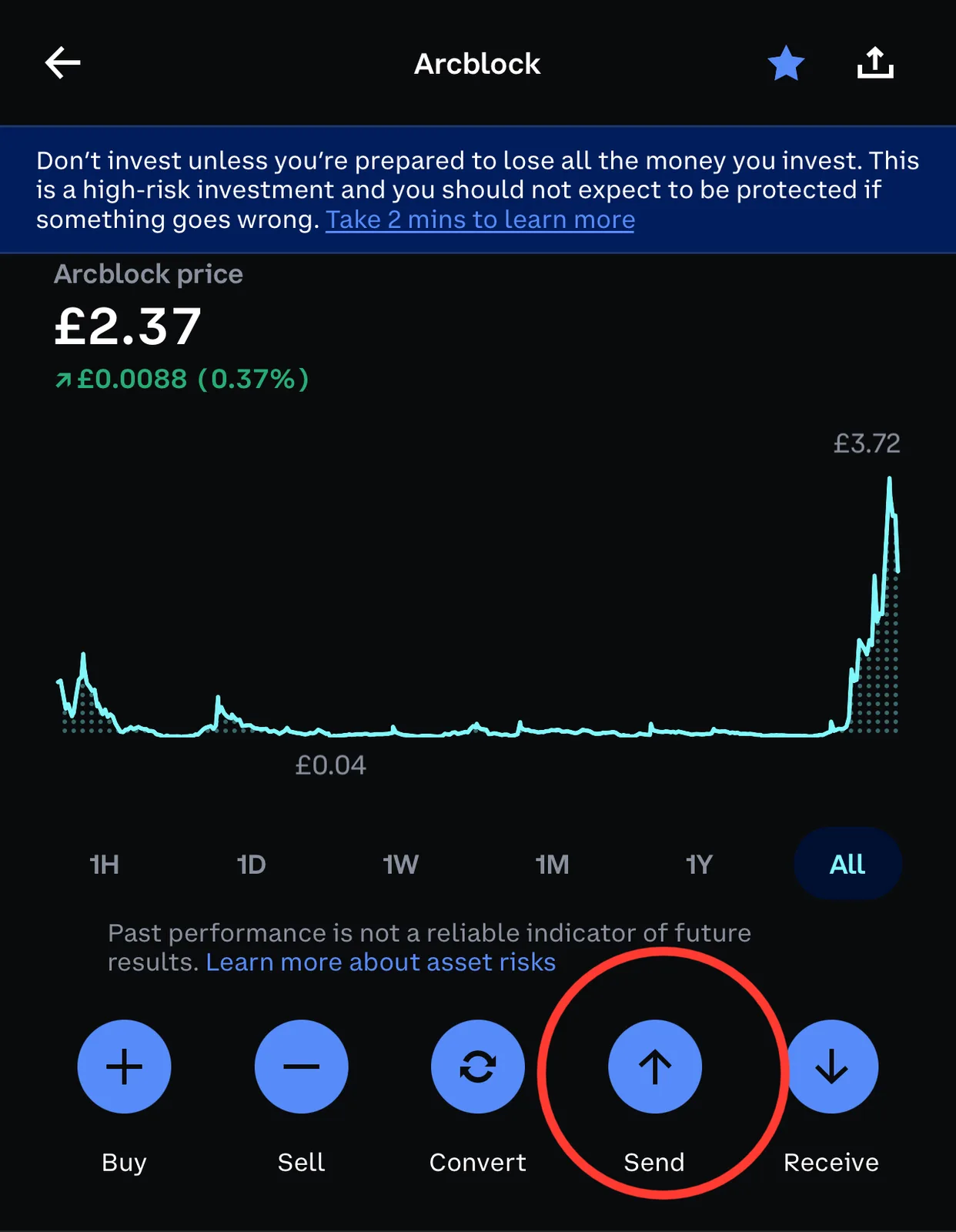
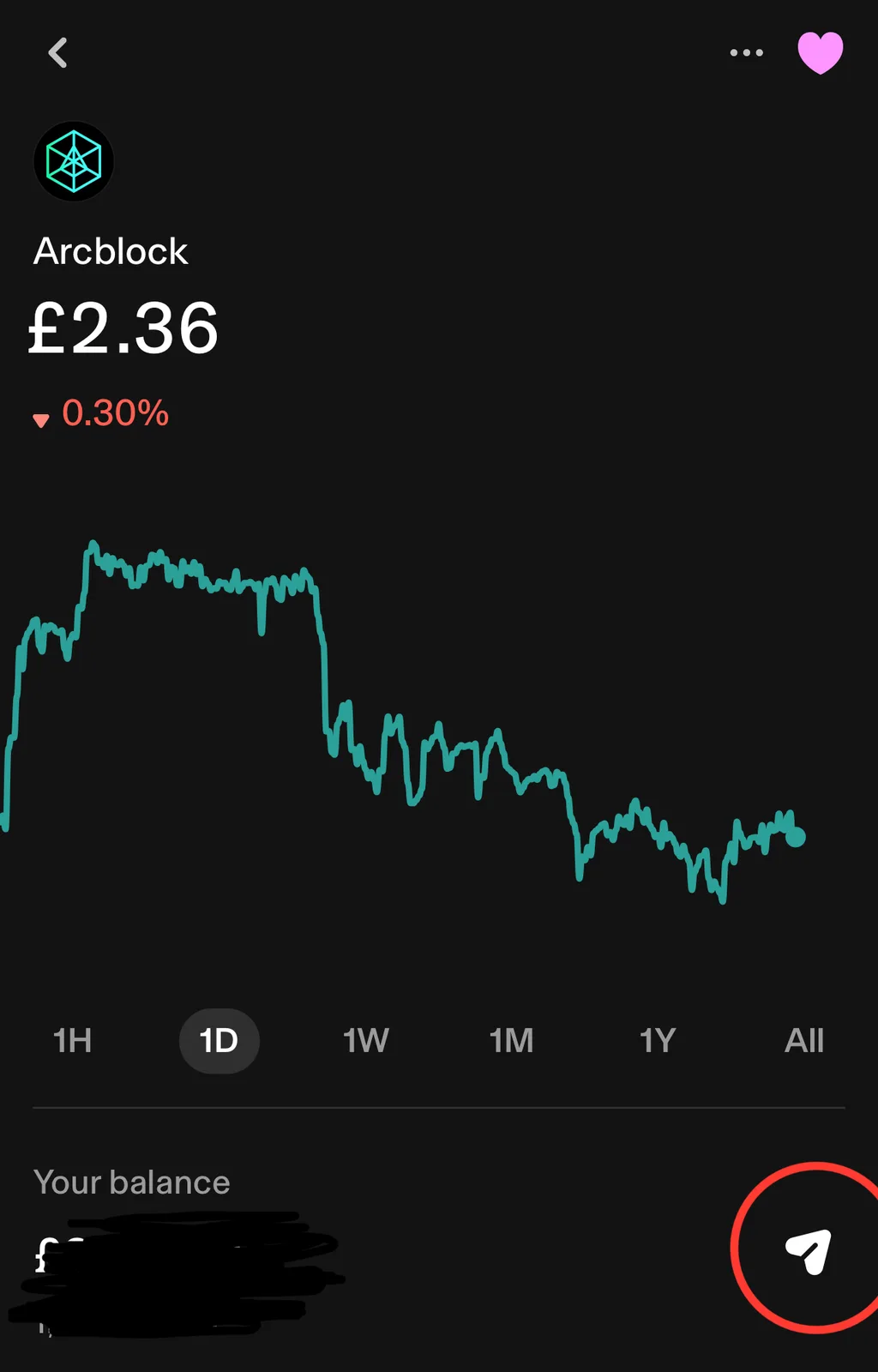
Please keep in mind you will have to pay either Gas or Coinbase network fees to complete this step, you should also ensure that you're address is matching as sending to an incorrect address can be irreversible and you may lose your assets.
This process will then be repeated for sending each asset, each transaction will require some time to process so be patient and keep refreshing your DID Wallet to ensure it is completed.
Step 4 - Initiate Bridge from ETH ABT to Native ABT
Now you have both ETH and ETH ABT in your DID Wallet you can begin the process of Bridging your assets, Please note the minimum amount for bridging has been lowered from 1000 ABT to 100ABT so you need a minimum of 100ABT on ETH in your wallet in order to bridge, It is also recommended that you add a few extra to ensure the process proceeds smoothly and any service fees are covered as you are yet to stake any native ABT there will be gas fees involved in the initial transaction to bridge, both with ETH and ABT.
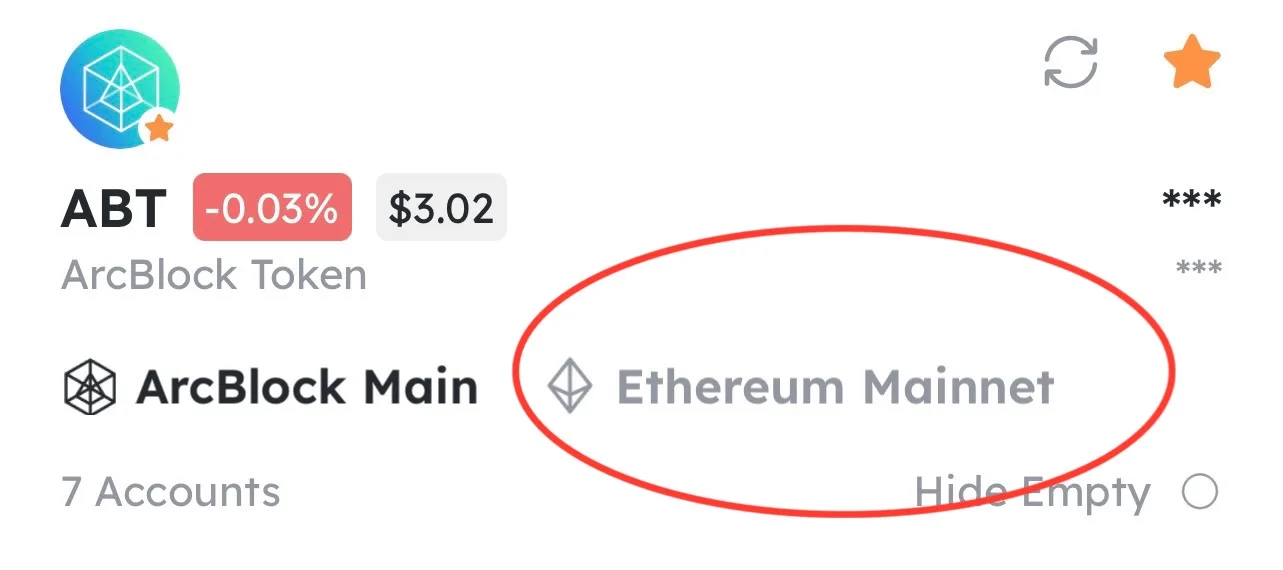
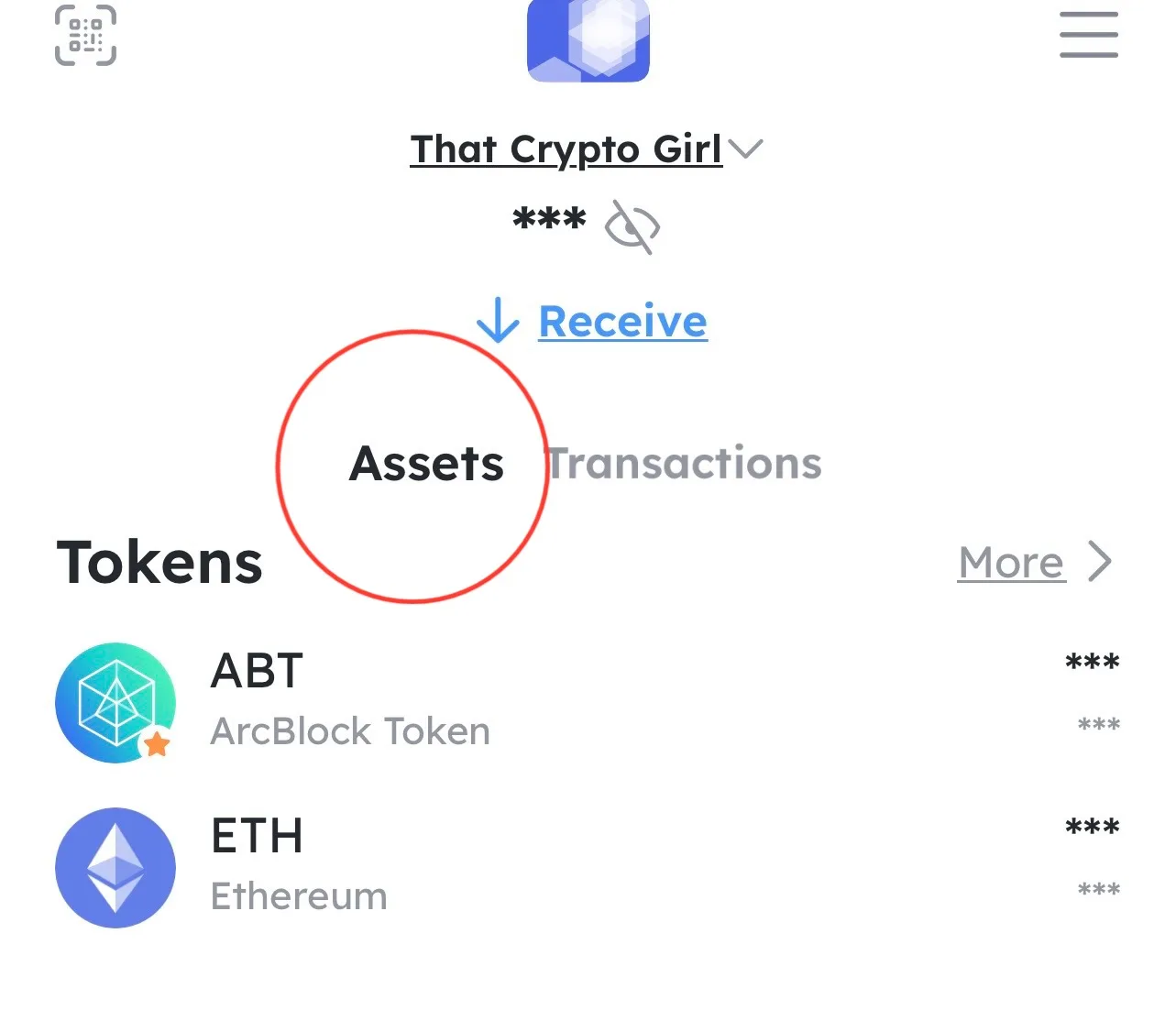
- Go to your Wallet homepage again and select 'assets', this will display your tokens, Click ABT and you will be met with two tabs - Arcblock Main and Ethereum Mainnet.
- Your current tokens will be in the Ethereum Mainnet tab, select the address with the tokens and once highlighted click 'Bridge' at the bottom of the page, this will initiate a loading screen before opening up the Bridge page showing your balances and information about the bridge. If you're happy with what you see here click the 'Deposit' button - this will move the ABT through the bridge and In to your Native asset wallet.
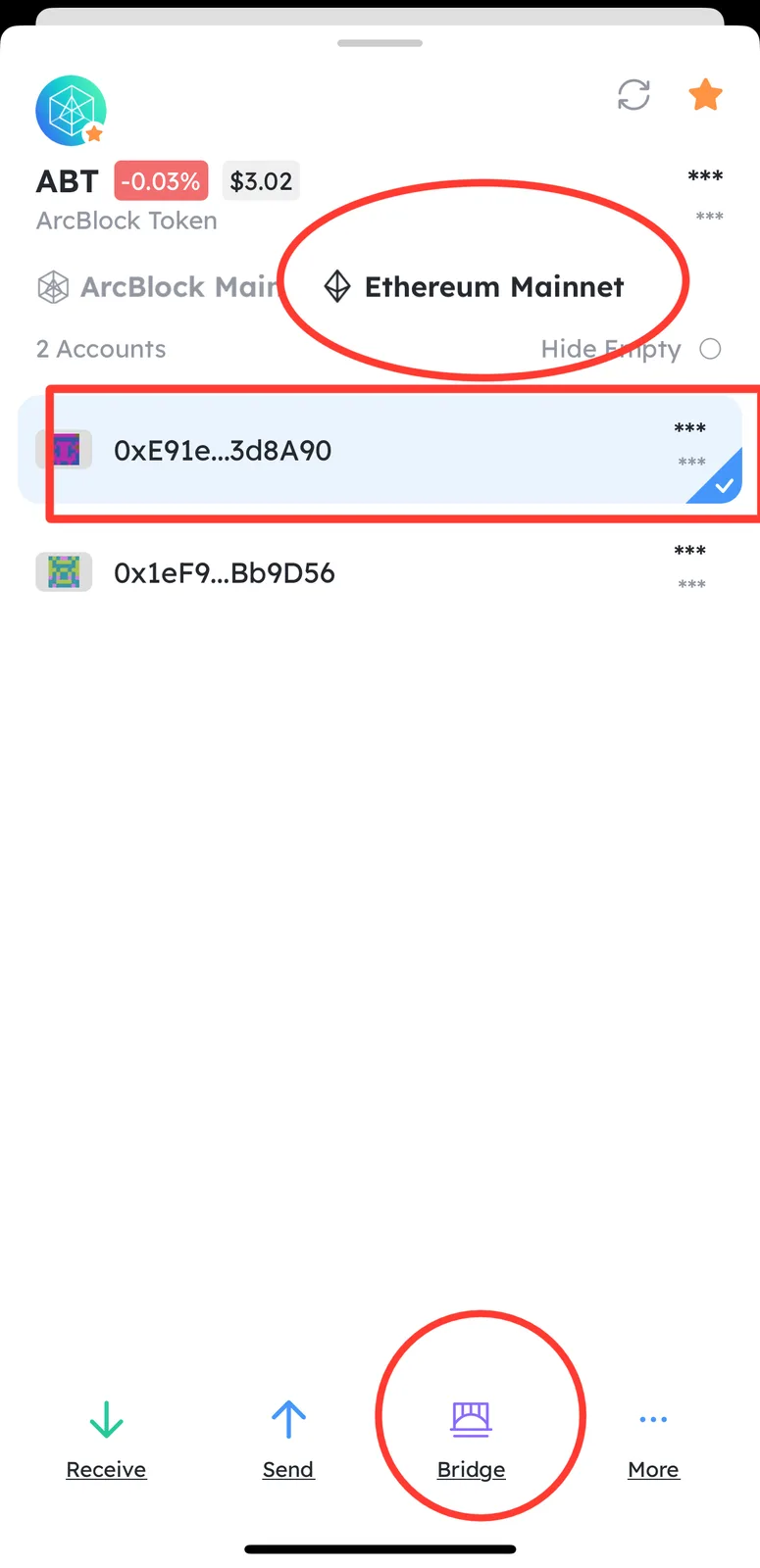
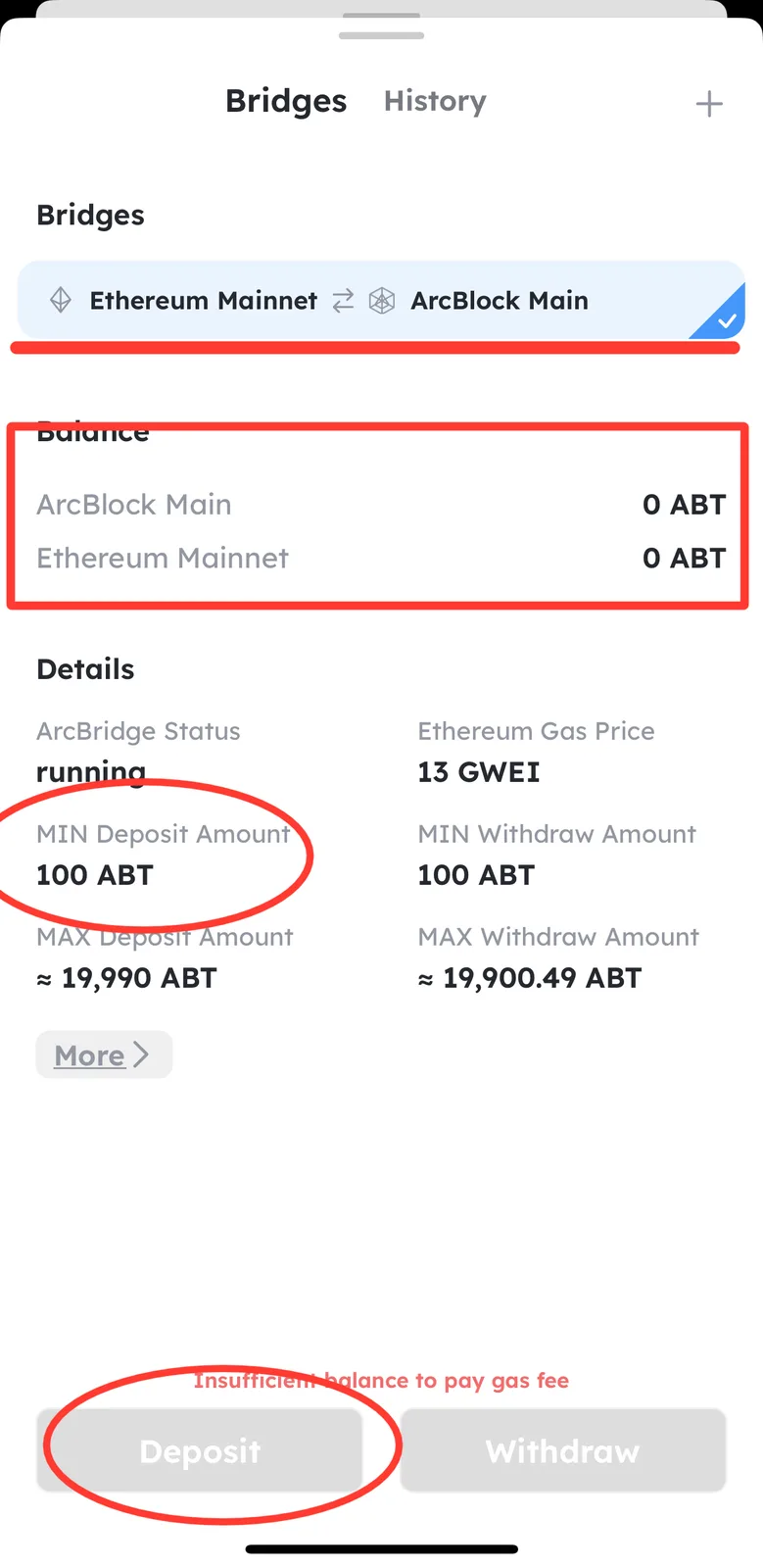
You may also be given the option to alter the amount of ABT you wish to bridge (minimum 100 Required) and the gas fee (Depending on speed of transaction) on the consequent pages.
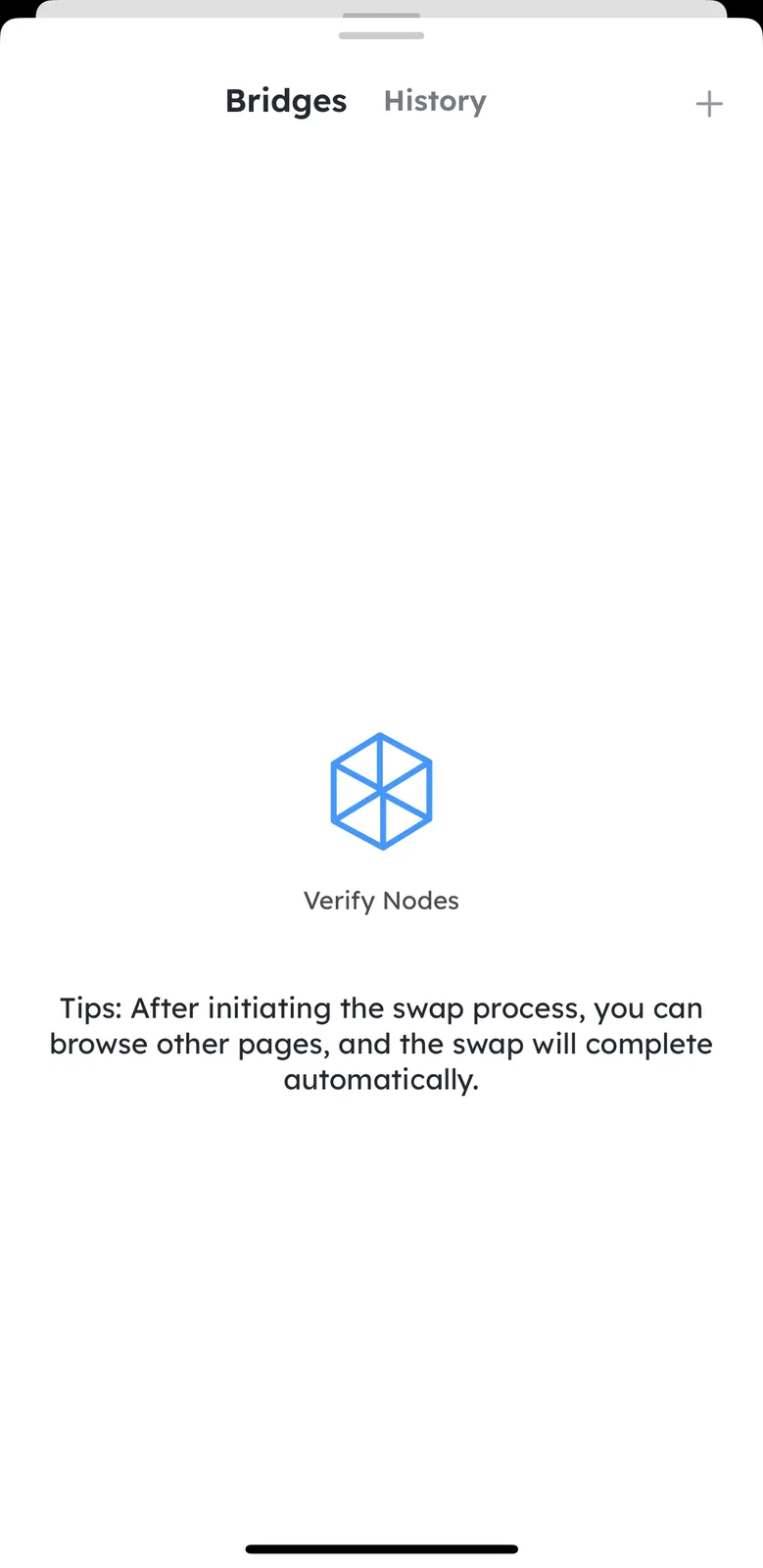
Proceed through these steps and you will see a loading page as the transaction initiates, you will need to wait while it is processed and completed before pressing 'done' to exit the page.
Step 5 - Check Balance and Stake 1 ABT to benefit from Zero gas in the future
Once your bridge is completed you can go back to your wallet homepage to view your transactions, refresh the page and on the assets tab again, your ABT should now show in the Arcblock Main section indicating that the bridge has been successful.
In addition to this i would highly recommend Staking 1 ABT now you have native assets, this will cancel out all future gas fees and ensure you benefit from the zero gas when buying NFTs or completing transactions within the arcblock ecosystem. A full guide on how to complete the staking process can be found here: Guide - How to stake ABT for gas free transactions (arcblock.io)
3 条回复
z1TmZ9tXxdzee1atnUhjKPEiUNbf37ZCSw6 hopefully this helps 👍
Thank you a lot for your quick support. Just did bridging.
Happy to be of assistance! 🥳😘