
Profile picture visible area showing up different outside of profile?

When I'm on the profile page looking at my passport, my profile picture appears to be framed as the centre of the chosen image, see screenshot.
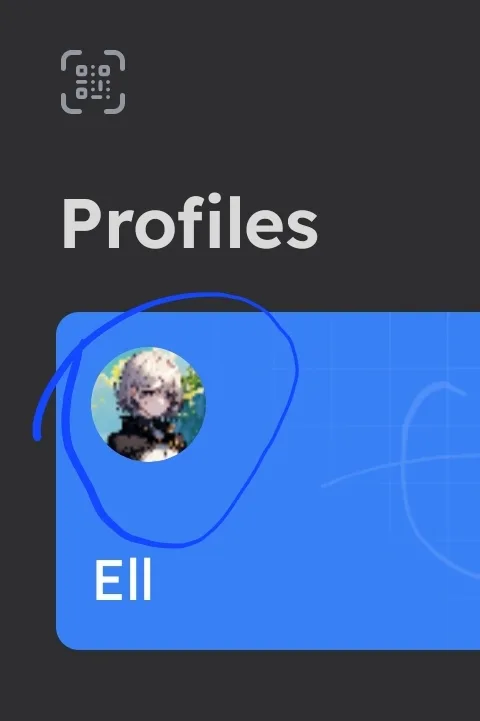
However, when I browse other pages, the preview in the window is cropped differently.


Is this a bug or is it possible to add a took when we change our profile picture so we can choose which part of the image is selected?
3 条回复
Just bumping this...
Another bump.
Thanks for your feedback.
You can click on the upper right corner, then click on profile, then click on the refresh profile button, which will automatically refresh the profile.
You can also click on the avatar to manually switch profiles.