
Extra "padding" showing in custom component.

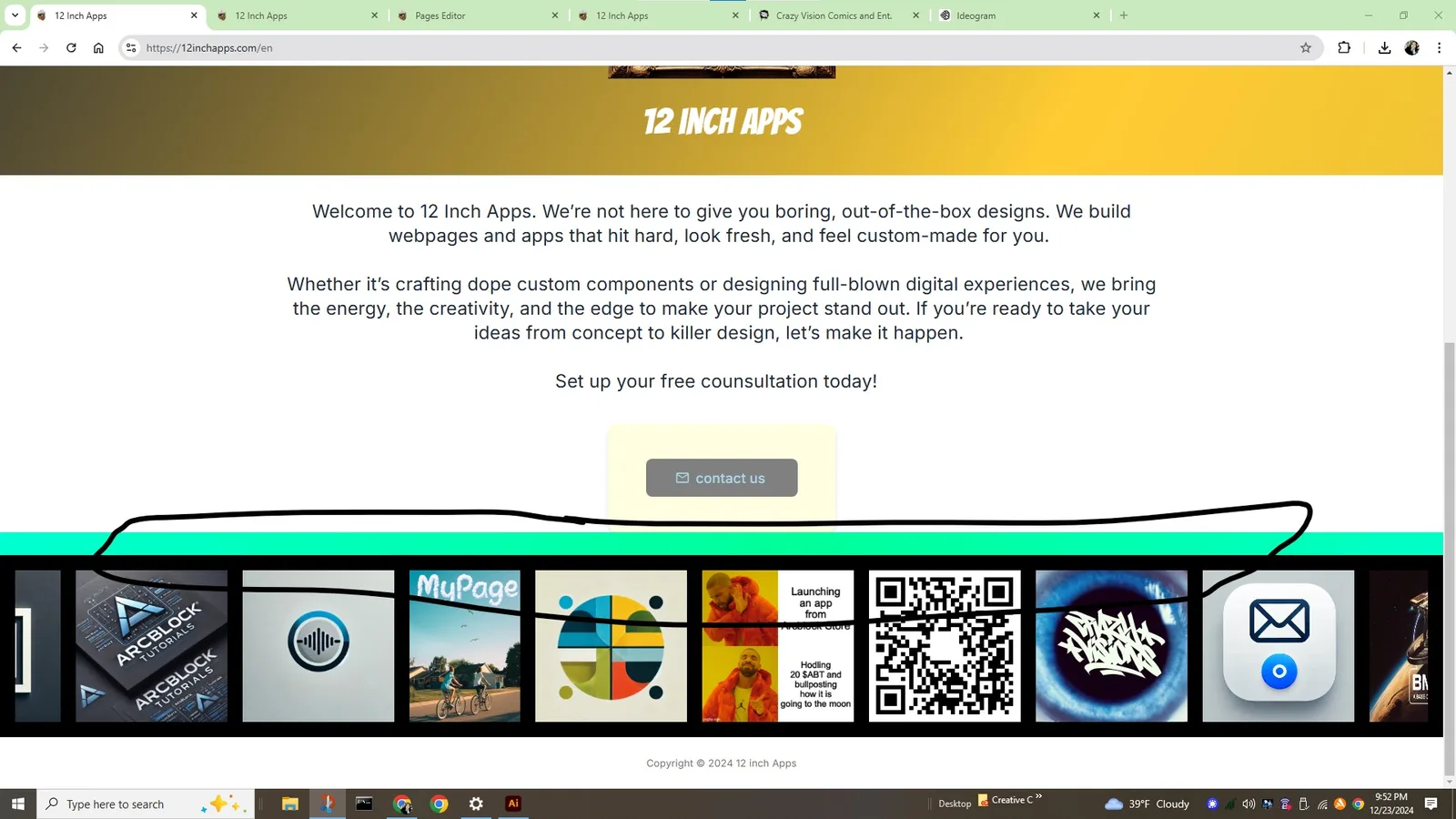
I have a "divder" custom component. It is just a bar that goes across the screen. On my page it looks like this, which is correct.
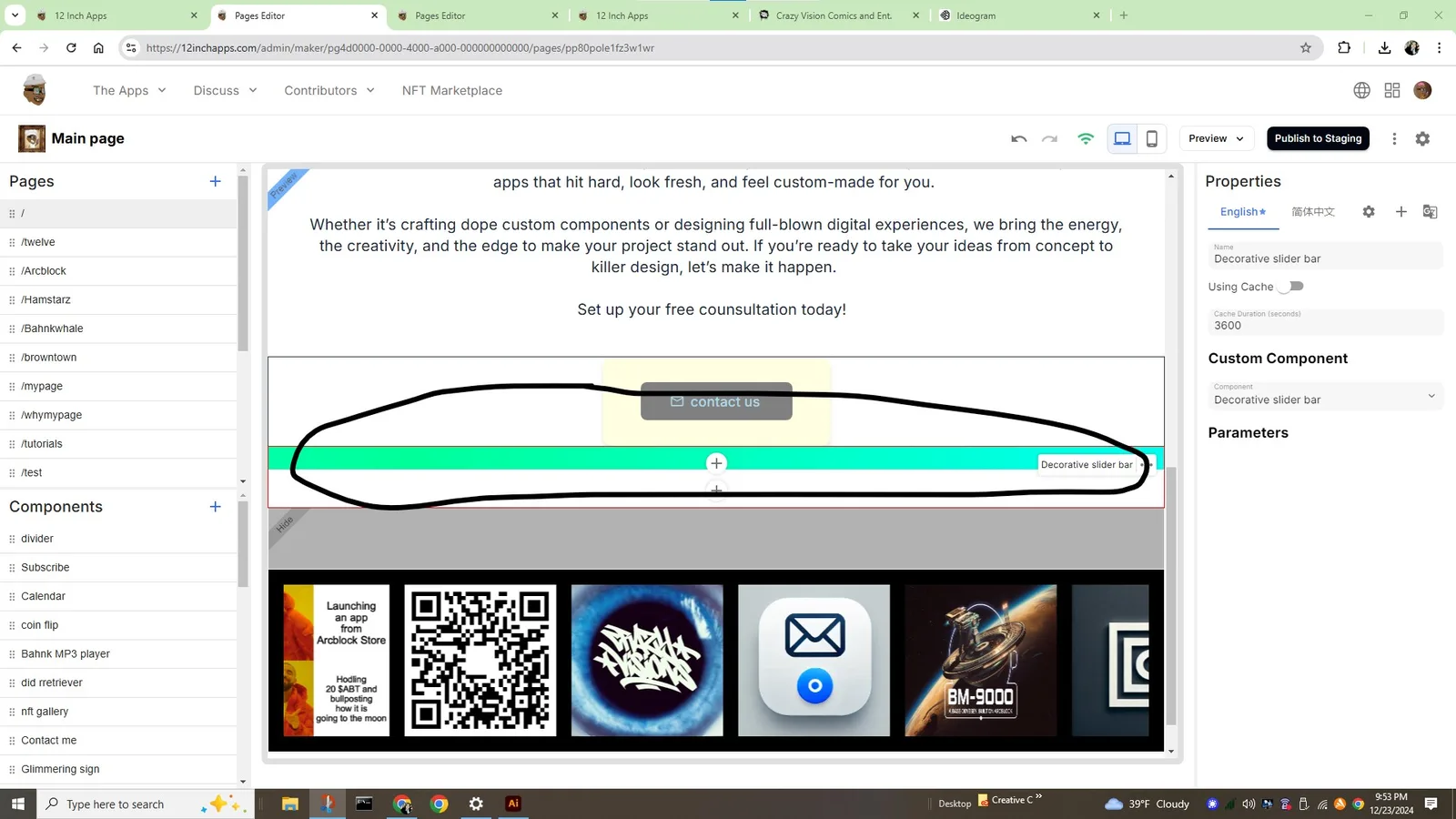
However when I bring it up in the pages editor it shows the bar with an additional white strip underneath it, which is not correct. Prior to the update it did not show up with the white bar underneath it.
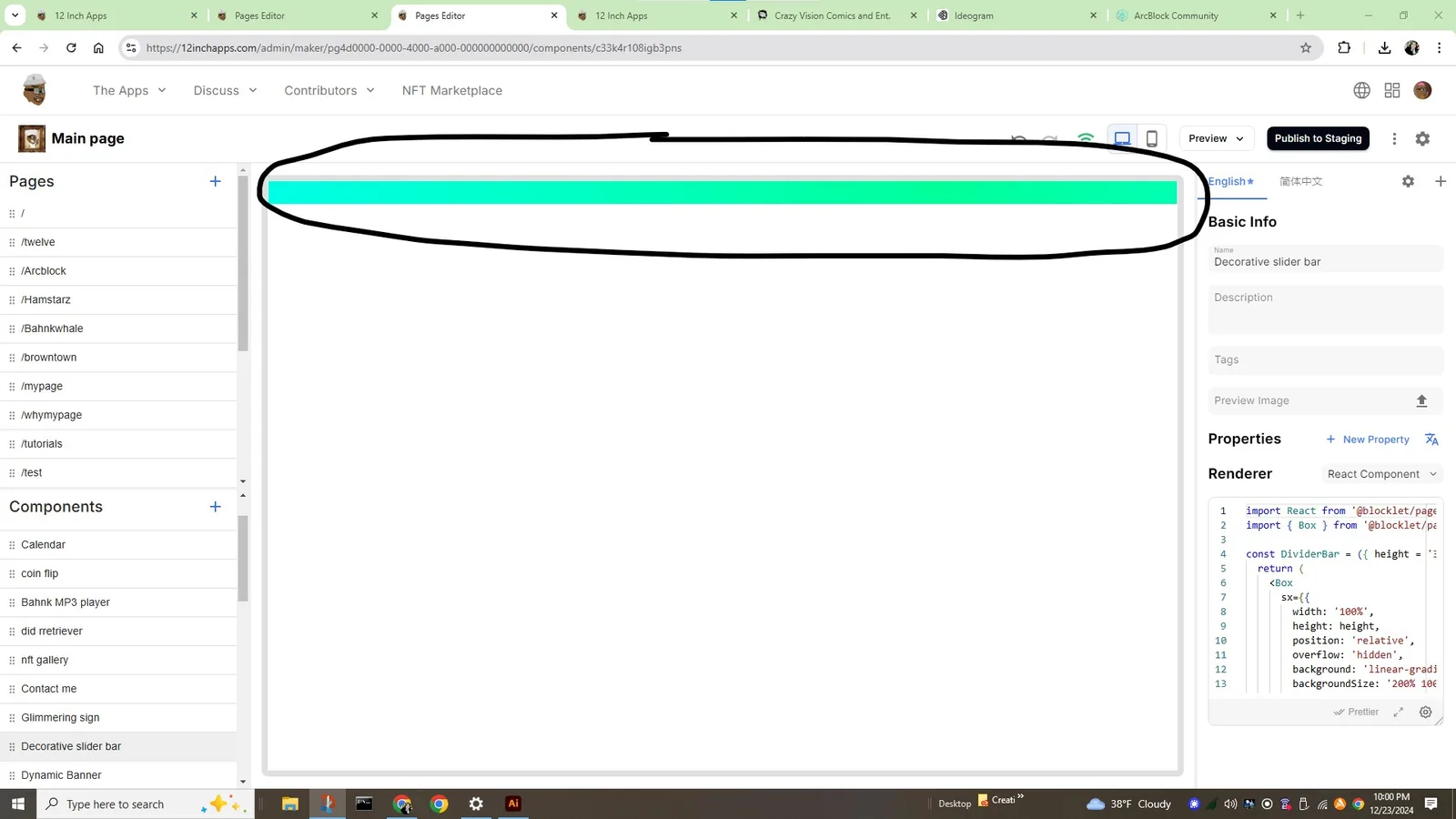
Here is the image from component preview. It does not have a white bar underneath it.
4 条回复
I think this is to be able to see top and bottom '+' buttons. I think maybe applying some hover effect to show them when hover would be cool cuz I agree that it doesn't let you visualize the page as it is while you are building.
Thanks that makes sense. It is a bit confusing especially for a new person.
The minimum height has been added to make it easier to maintain the Section. Some components may have too small a height or no height at all (such as displaying a fixed element on the page), which would make the Section uneditable.
We recommend the
Preview Draftfeature, which allows you to preview the edited page and is updated in real time.Thank you!