
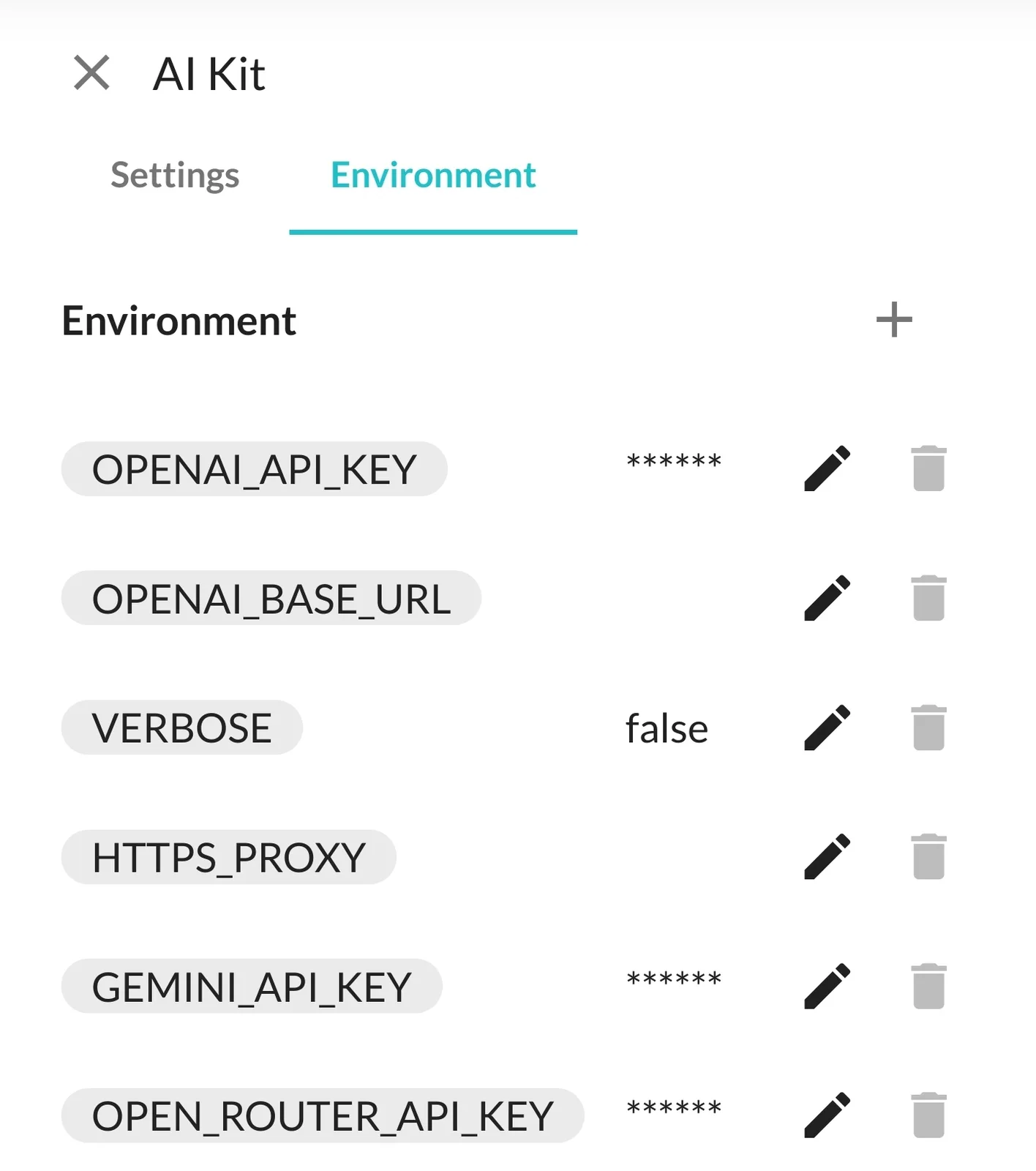
AI Kit: Environment Variables, can't remove keys/edit blank

The only way I'd be able to remove the keys, or edit them back to blank, would be uninstalling the blocklet.
Was using the preset template "hello", within ai studio, and the debug console for gemini pro stayed stuck on a blinking cursor. I added openrouter api key, tried again and the debug showed the "hello" for the basic template. When going to remove the openrouter api key and retest, i found i couldnt remove or adjust the values. Trying to edit with the pencil button just shows a blank box which i presume is to re-enter entirely the keys, as if it doesnt save whats there for additional ones later.
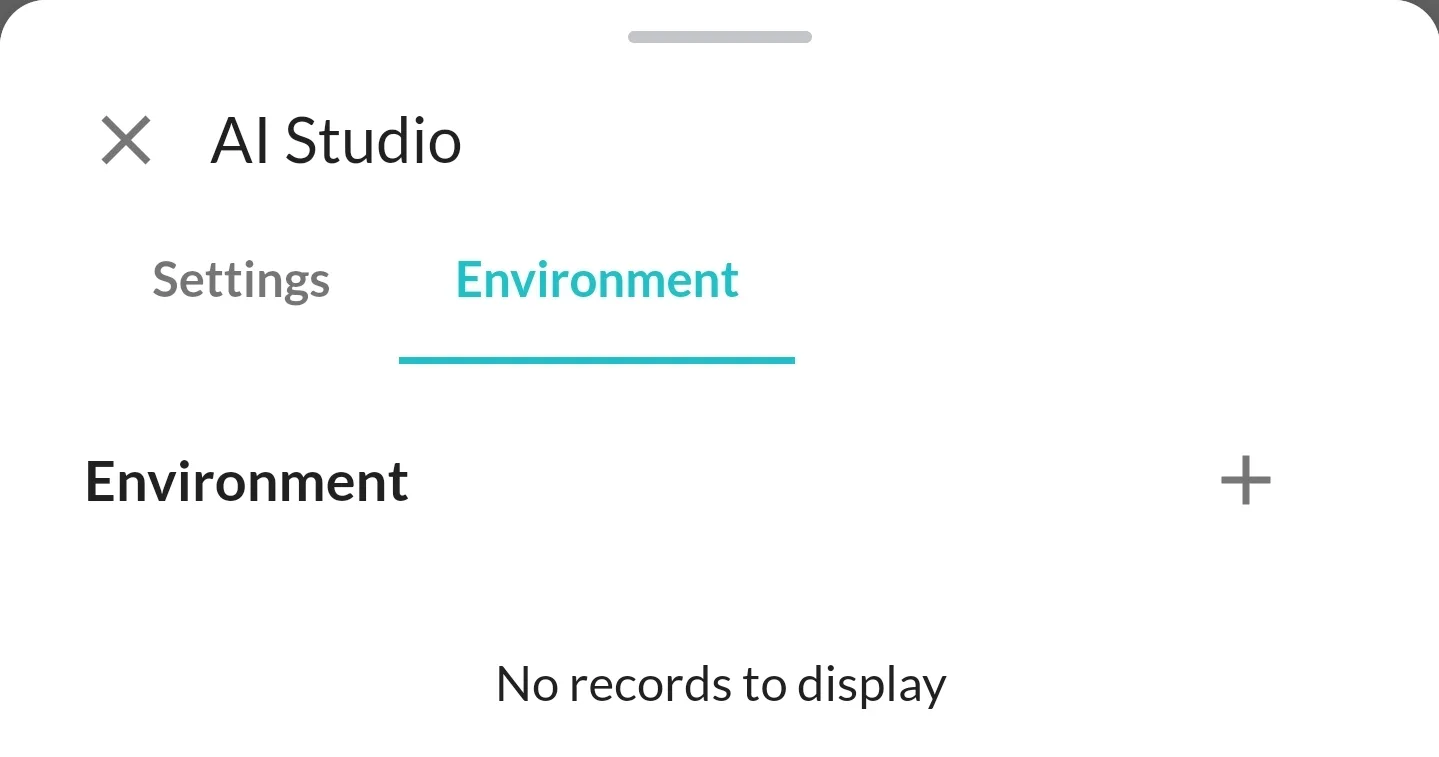
the ai studio environment tab also shows absolutely nothing but the add button.
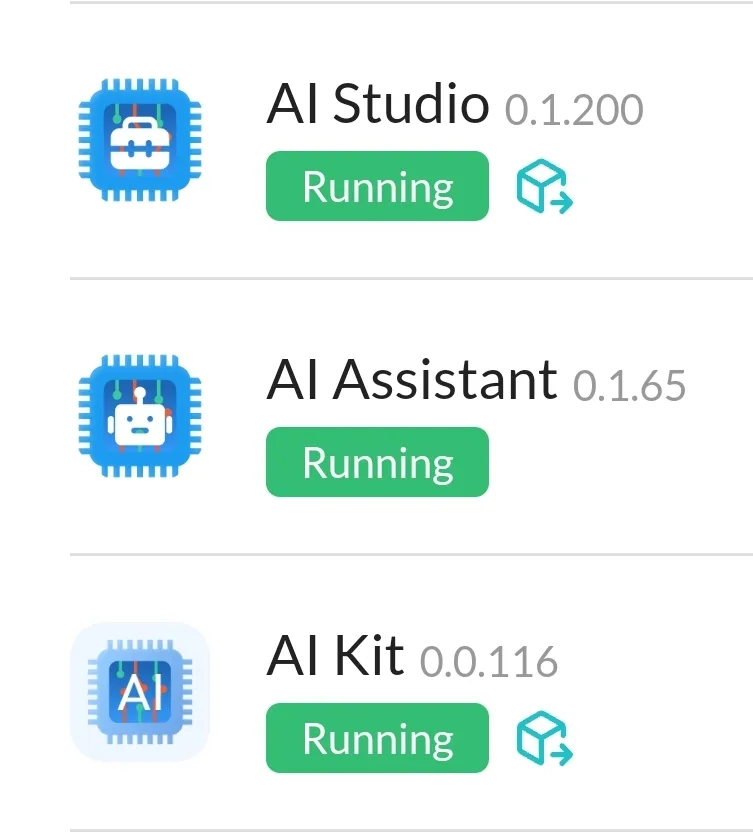
here are the versions installed of Studio, Assistant, and Kit:
18 条回复
Apologies for the delayed response. Unfortunately, it is currently a bug that you cannot remove or edit the values of key types for environment variables. We are working on fixing this issue as soon as possible.
In AI Studio, there is no need to configure environment variables as AI Studio utilizes AI capabilities provided by AI kit.
Additionally, we will soon be launching an AI subscription service where you can directly subscribe to the AI services we provide within AI Kit, eliminating the need to configure your own API keys. Stay tuned for updates on this exciting development!
That makes it so much easier to do than going around to their sites getting all thats required. 💯
z1croUysBVjGHD7KtHqZyhxKrCrSB2Z1Daa Thanks for the feedback, we are working on fixing this bug.
You can temporarily solve the problem this way: enter any character first, then delete the character (let the input box empty), and then save. 😂
yep it sure worked 🤣
Retesting showed it not stuck anymore as well, but there were updates for the two others aside from AI Studio inbetween. 🤷♂️😅
Hello,
Thank you for reaching out. I understand that you are facing difficulties removing or editing the keys in the blocklet. I apologize for the inconvenience caused.
I would like to inform you that the issue you mentioned has been resolved in the latest version. You should now be able to easily remove or edit the keys as needed. Please make sure you have updated to the latest version of the blocklet to access this fix.
Additionally, I'm pleased to inform you that we now officially support AI Service. Feel free to explore and utilize this feature for your projects in AI Studio.
If you have any further questions or concerns, please don't hesitate to ask. I'm here to help.
I will check this out asap
attempted to subscribe, signed, there was no success output.
went to billing page and get "not found"
The delete (trash can) option is also still grayed out and doesnt have interaction:
You cannot delete an internal environment variable, but you can edit it to leave it blank and save it to effectively remove it from your system.
You cannot delete an internal environment variable, but you can edit it to leave it blank and save it to effectively remove it from your system.
ok so i had originally tried it through the subscribe button at the top.
tried again with the EXACT method 😅 and it worked.
The not found image was ai studio billing page that was my bad
Yes, there used to be a Billing Page in AI Studio, but it has been removed now. The current Billing Page is located in the AI Kit.
I went back to this again and made a second request in the AI Payground. Does it only use gpt-3.5?
As a comparison, the local:
In AI Studio, billing shows "Not found". Attempting to open an existing template or new one results in this:
AI Kit Playground currently supports only gpt-3.5. However, we understand the importance of providing options for model selection and we are working on supporting different models in the near future. In the meantime, you can explore and use different models in AI Studio, our comprehensive platform for AI development and experimentation.
Sorry, I will check and fix this issue as soon as possible.
This issue has been fixed, and you can update AI Studio to version v0.1.211 to resolve it.
yep all is good now 😁
After attempting ai generated image for something on my website, the graph does show dall-e-2 now under subscribe to ai service. Must just be the playground that only uses gpt-3.5-turbo?
Yes, AI Kit Playground currently supports only gpt-3.5.