
Icon Rendering Issue

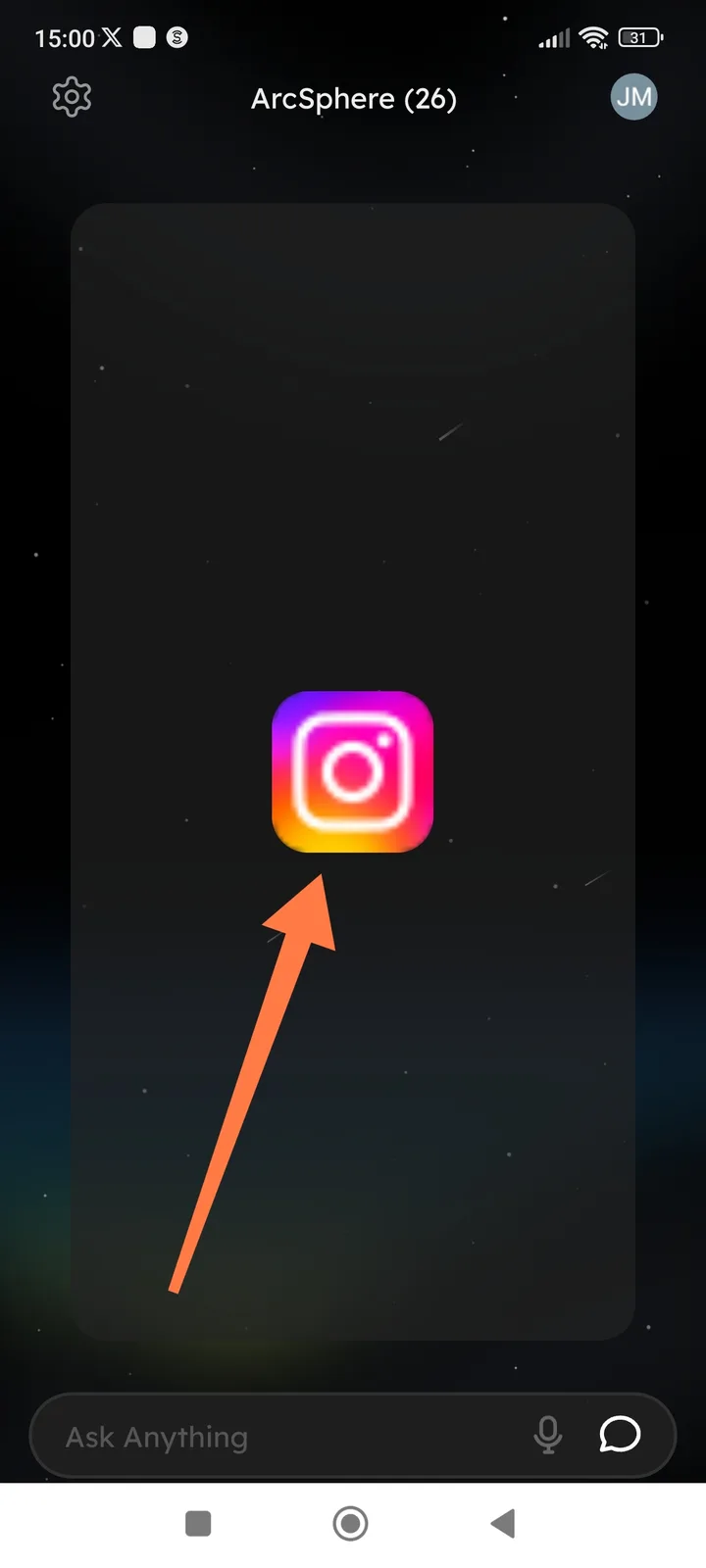
- Summary: Low resolution/blurry application icon in ArcSphere view.
- Description: When viewing an application (specifically the Instagram icon) within the ArcSphere interface, the image appears blurry and lacks sharpness, suggesting a scaling or resolution mismatch issue.
- Component: ArcSphere UI
- Device Info (from screenshot): Android device (navigation bar visible), 15.
- Steps to Reproduce:
- Navigate to the ArcSphere section.
- Observe the rendered icon in the center of the card.
- Expected Result: The icon should be crisp, high-resolution, and clear.
- Actual Result: The icon (Instagram) is noticeably pixelated/blurry.