
🐞 Bug Report: ArcBlock Community — No Prompt Message When Linking Wallet Address

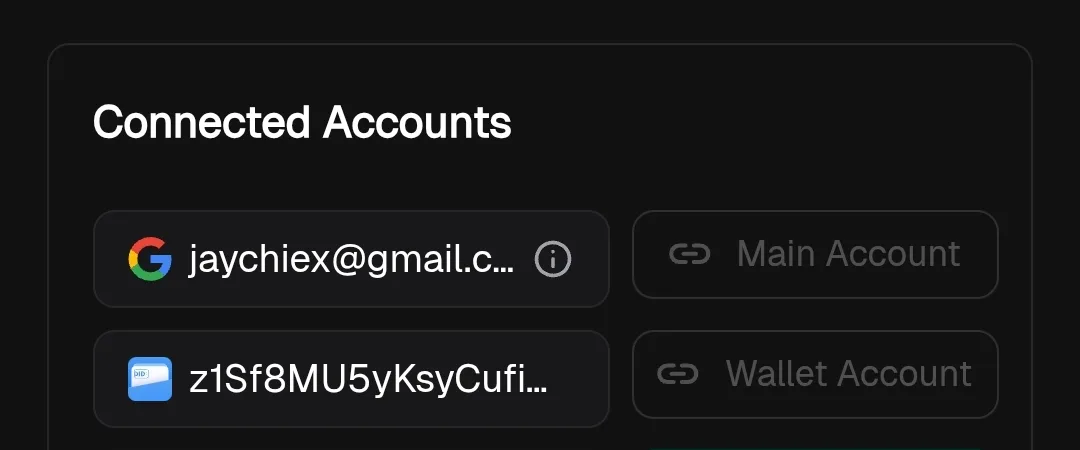
Summary: In ArcBlock Community, when users link their DID Wallet address, there is no prompt message or confirmation warning informing them that once linked, the wallet address cannot be changed.
Steps to Reproduce:
Open ArcBlock Community site.
Go to User Settings → Wallet Linking.
Link a DID Wallet address.
Observe that the process completes successfully without any warning or confirmation prompt.
Expected Result:
When linking a DID Wallet, the system should:
Display a prompt/confirmation message clearly stating that once linked, the wallet cannot be changed.
Require user acknowledgment before proceeding.
Actual Result:
Wallet is linked directly without any warning or confirmation.
Users are unaware that this action is permanent and irreversible.