
Failed to Connect Wallet to Application via DID Connect Due to Email Mismatch

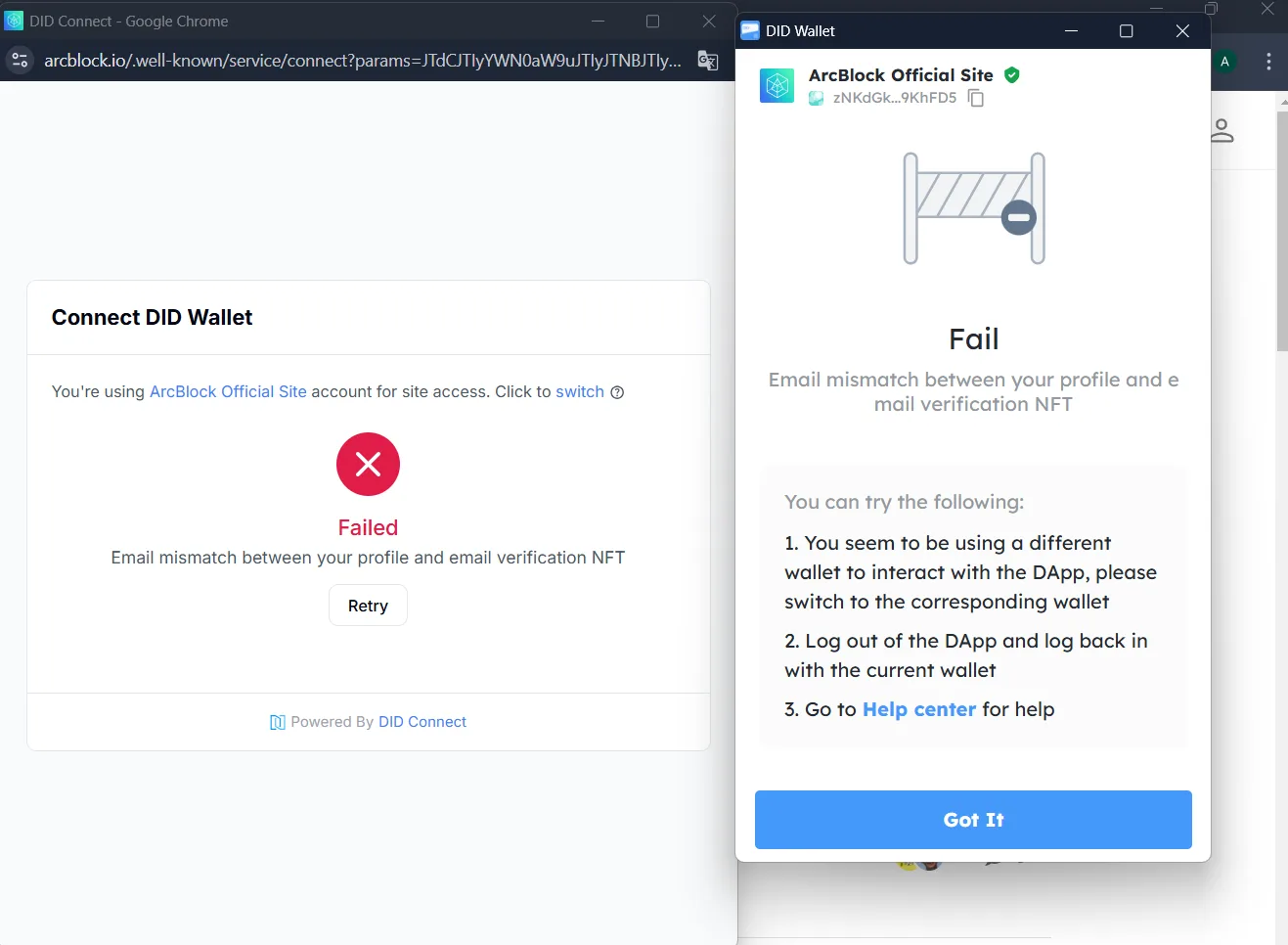
Issue Description
Users are unable to connect their wallets to the application via DID Connect due to an email mismatch between the email in their profile and the email linked to their verification NFT. This issue prevents successful wallet authentication, and the error message displayed does not provide a straightforward or actionable solution for the user.
This issue may confuse users, especially those who are unfamiliar with how to resolve discrepancies between their profile email and the email linked to the verification NFT. As a result, users are blocked from accessing the application or services that require wallet authentication, negatively impacting the overall user experience.
Steps to Reproduce the Issue
- Access an application or website that supports authentication through DID Connect (e.g., ArcBlock Official Site).
- Click on the option to connect the wallet to the application.
- Authenticate using the user's wallet.
- The system attempts to verify the email associated with the user's profile and the email linked to the verification NFT.
- The process fails, and an error message regarding the email mismatch is displayed.
1 条回复
Duplicate with Issue with Email Mismatch During Account Creation