
Guide - using formatting functions on Community posts

A quick reference guide to the use of some common functions to make use of when creating a post on community:
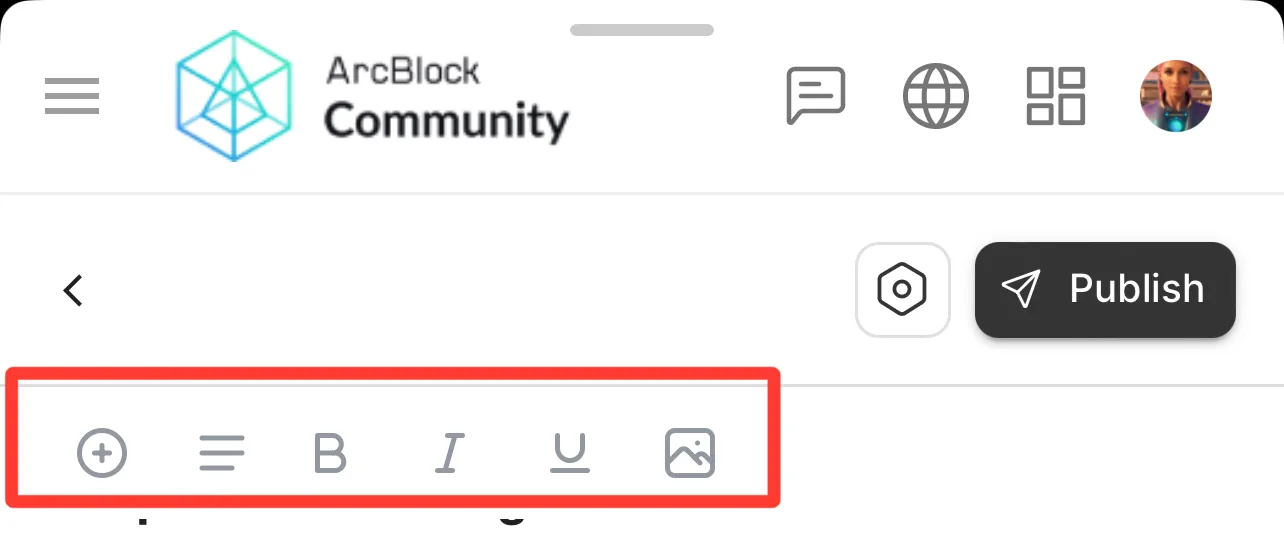 Along the top display bar of your post you will notice some icons, each of these serve a purpose from the basic text format options (bold, italic, underlined etc) to the image insert icon.
There are also several demands that can be accessed when posting a link or using the / symbol in your post, let’s check out a few of them to see how you can take your posts to the next level.
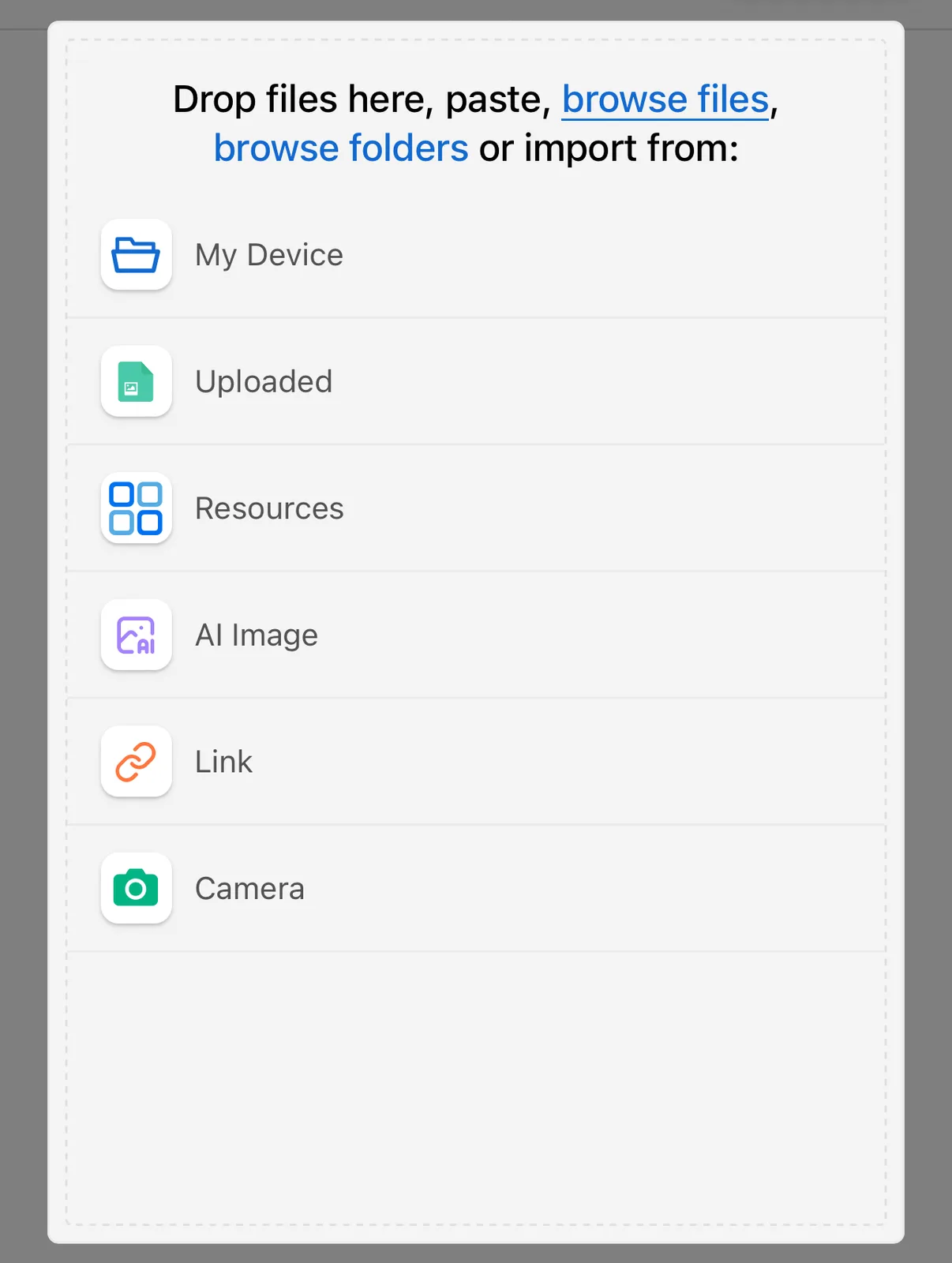
- Image/Video - you can add in images and video files to your post by clicking the photo logo, this will give you a list of options to choose from including locations where your chosen file is stored. It’s important to note that the location of the text scroller in your post will be the location where the image is inserted.
- Image sizing - you can click on the image once it’s uploaded onto your post and you can amend the sizing, you will be given various options that will change the display of the image in your post.

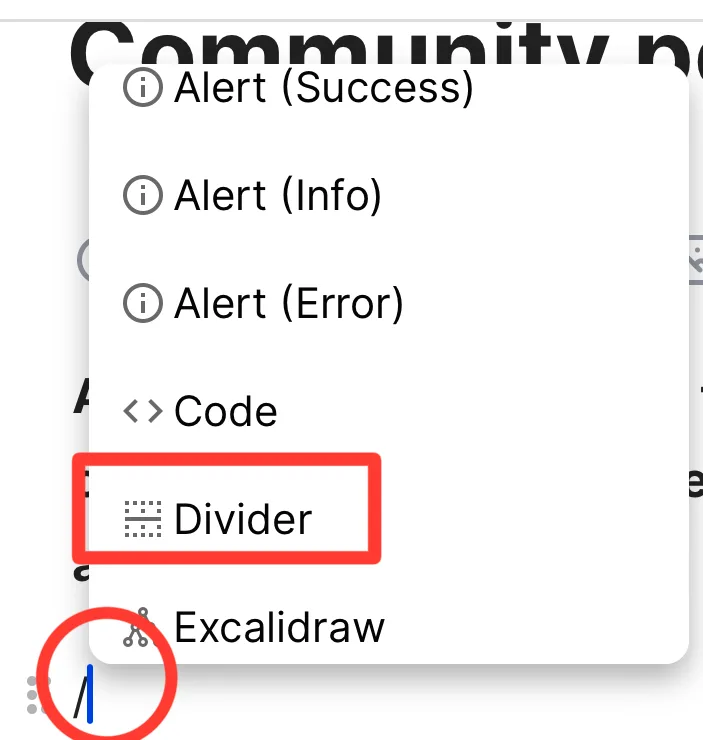
- Divide - this is really useful when creating a post with various sections, by inserting a divide you can make your post look cleaner and easier to read.
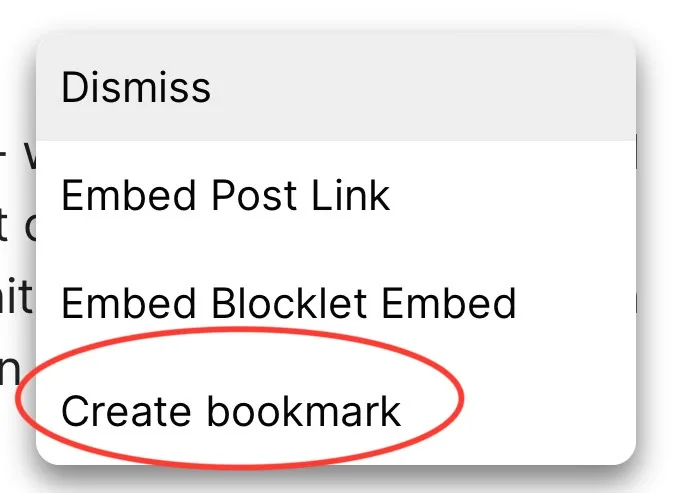
- Embedded Link - when pasting a link you will be met with a list of options, if the link is to another community post you will be met with the embed option which will display much nicer
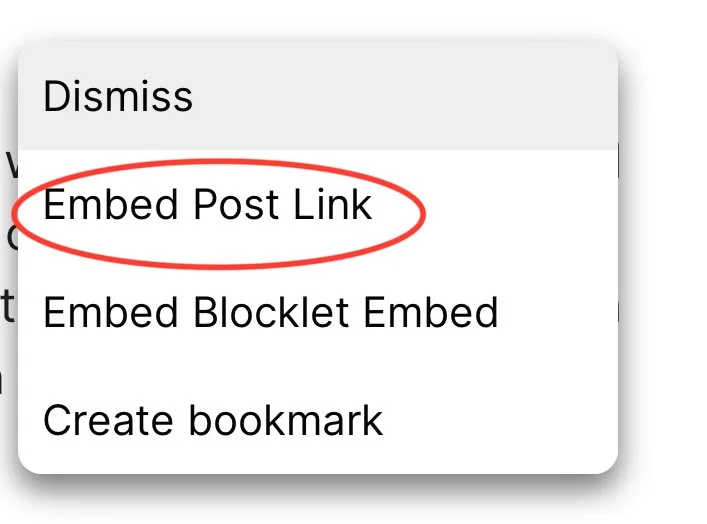
- Bookmark link - when you post a link you have the option to Bookmark the link which will also display with a brief description and looks much more aesthetically pleasing
There are lots of format options that can be accessed via typing the / character or by the (+) logo on the display bar at the top of your post.


hopefully this guide has helped by introducing you to some cool features that can be commonly used to make your posts stand out! 📖😁
1 reply