
“upload failed on validateBody step” error

I get this error when trying to upload my blocklet to my blocklet store. Worked fine to publish on official store but on my personal store it comes with this
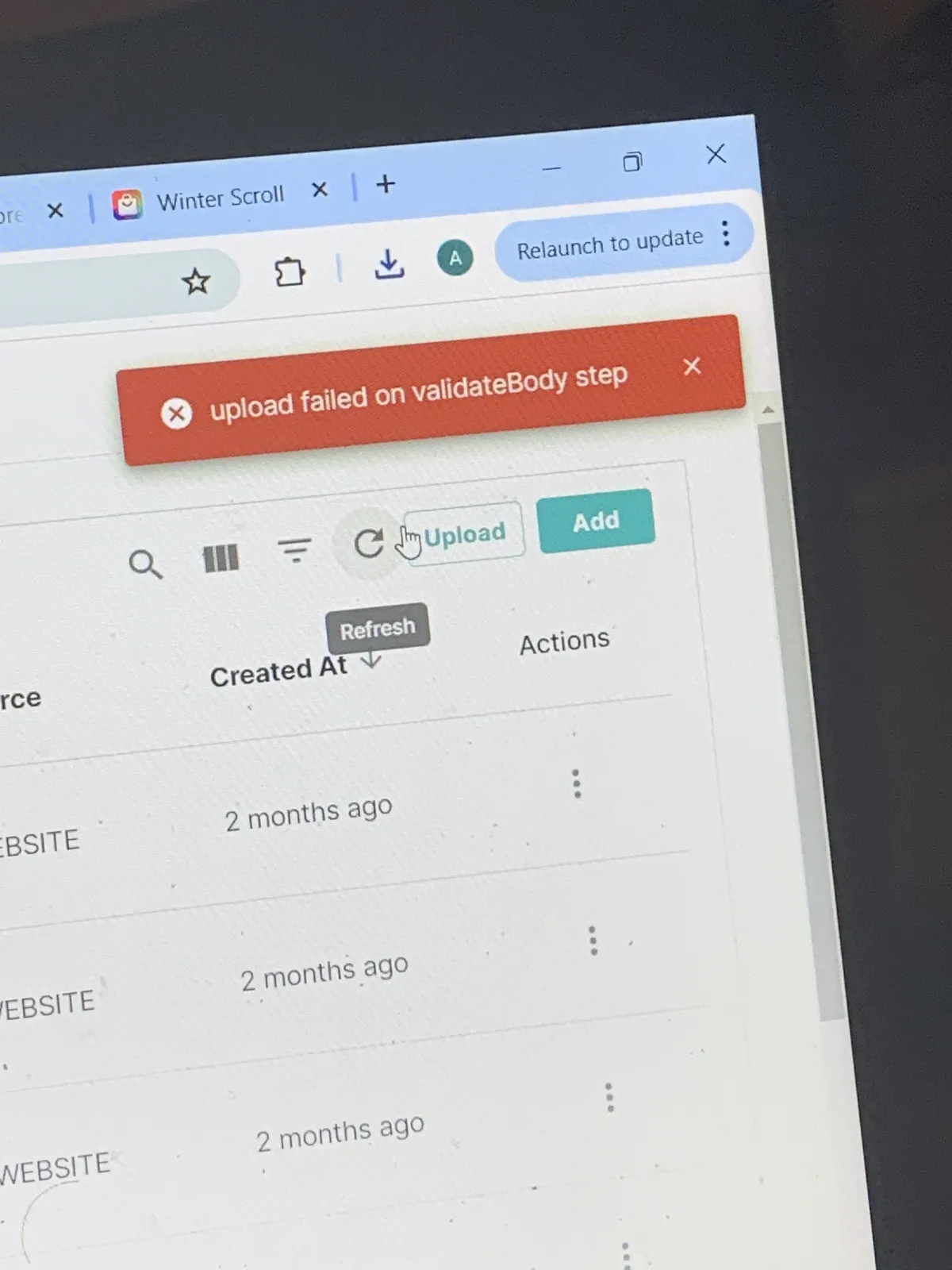
I get this error when trying to upload my blocklet to my blocklet store. Worked fine to publish on official store but on my personal store it comes with this
11 replies
Hi, please try upgrading your Blocklet Store to latest version first.
updated to latest version and now i get a “Network error” although my wifi is great.
can this bug be fixed please? thanks💯
Just a moment ago, I returned to the latest beta version, created a store locally, and published an app to the store without encountering this issue:
it still doesn’t work for me, I get the same error (pic attached) when I try to upload the blocklets to my personal store. I updated to latest version of blocklet store blocklet…How can this be fixed?
@shijun I can’t upload blocklet to my personal store. i tried to upload them as files and got the error as shown in the previous images in this thread. Now I tried to release them on my store using the “Connect” to store in blocklet studio, and I get this error
Hi, the error message says that your blocklet bundle is too large, can you check what's the actual size of the bundle?
I remember checking, it is definitely not large,10-20MB
Worked fine before haha
I remember the largest dApp was brain titan with 100MB and that also worked fine
seems like a bug
Hello, this error is caused by the bundle size being too large. I suggest following these three steps to troubleshoot:
maxBundleSizein the store preferences. Check if it has been adjusted, then restart the store after making changes.yep it’s not the size, tried this with multiple blocklets with a size of like 2MB lol
i changed my max bundle size and still doesn’t work to upload them to personal blocklet store.
i tried 2 methods, upload the file to. personal blocklet store by pressing upload. and i also tried in blocklet studio by trying to connect to personal store to post the blocklet. when trying to connect to personal store (Brain Titan store, https://braintitan.did.life/blocklet-store ), I get this bug:
tried the test store since my own blocklet store has the bug, but the test store similarly gives me a bug and i cant use it (see pics). My blocklet was only 1MB this time😂 still said too large.
z1k7Ks2F6eWNeRWZxwnByDasrHCyLaQQfBG how can i proceed? Considering I have a lot of blocklets ready to launch, this now puts me at a disadvantage. can i continute to post my blocklets (which i test thouroughly) directly to the official store (which still works for me) and then the team can download it from there to test It themselves?
i saw the team can remove blocklets from there if needed anyways, so i dont see how there’d be any harm done