
Podcast Audio Not Loading in "Pages Kit V0.4.0" Blog

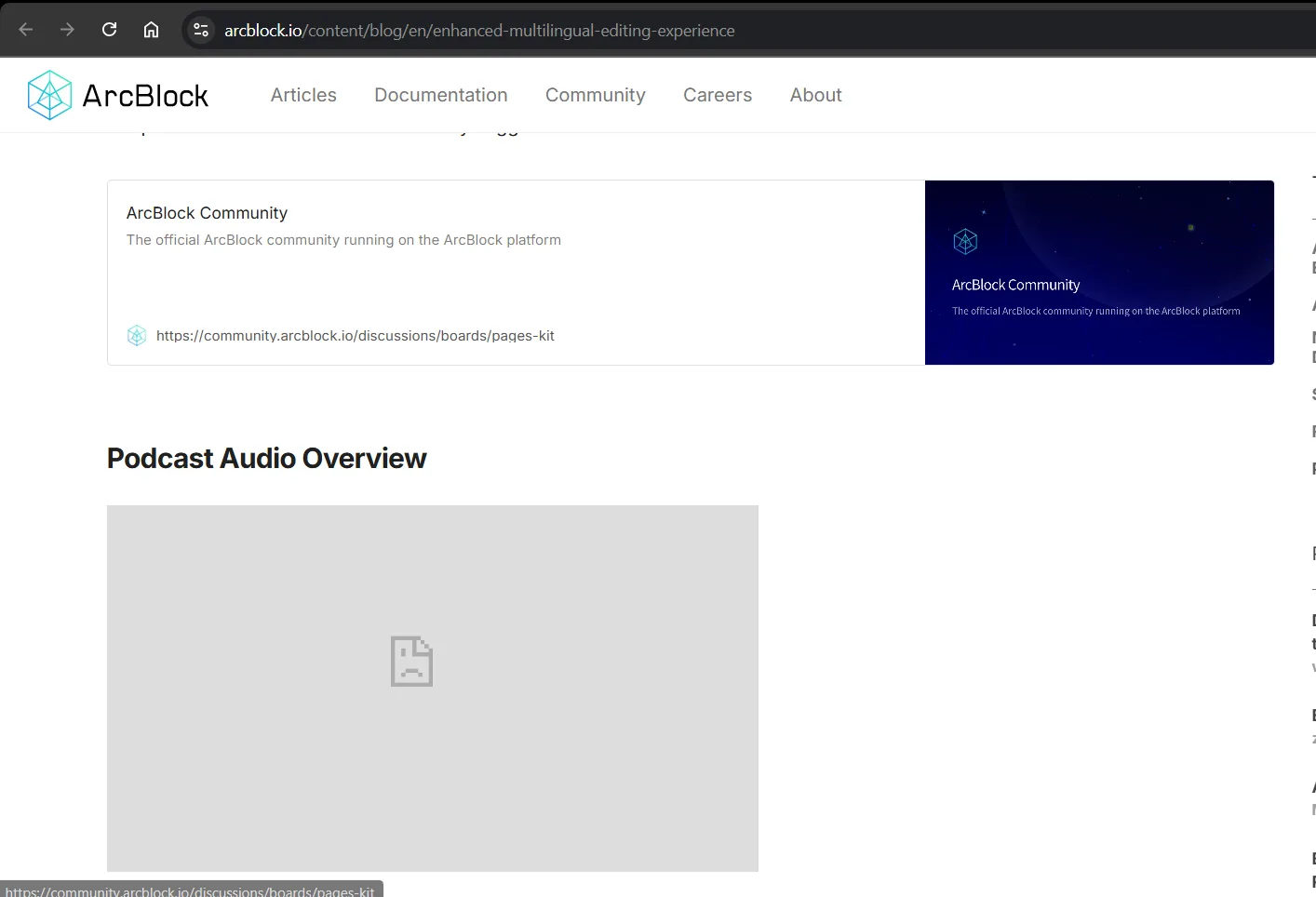
On the ArcBlock blog titled "Pages Kit V0.4.0: Enhanced Multilingual Editing Experience", the "Podcast Audio Overview" section displays a broken image placeholder (a document icon with a sad face), indicating that the audio or media element is not loading properly. The media element (such as audio or video) should load correctly so users can access the intended podcast content. Possible causes of this issue include an incorrect media link, missing or deleted media file, or an error in the media loading code. It is recommended to check if the audio file is still available on the server, verify that the media link is correct, and ensure that no access restrictions are preventing the media from loading.
Related URL: https://arcblock.io/content/blog/en/enhanced-multilingual-editing-experience
Steps to Reproduce:
- Open the ArcBlock blog page at the URL above.
- Scroll down to the "Podcast Audio Overview" section.
- Notice that the media element does not load, and a broken image placeholder appears instead.
5 replies
z1gVUdRAxFRycqnjUjAfuz1xs4Kx88B9dVc I just took at the page and confirmed that it is visible and able to be listened to. Can you review/confirm again and also what browser you are using?
I am using Chrome version 133.0.6943.99, I don't know why last night when I checked it didn't work and now it works
Okay, either way thanks for keeping an eye out on potential issues. Definitely prefer they get posted. Thank you.
Yes, you're welcome. I think that no matter how small the problem is, it must be reported so that the team can fix it and the system can run properly so that users or the community can use it without any problems.
Yes indeed. ;) Thanks again and also feel free to message me with questions.