
No Option to Add Image in ArcPrompt

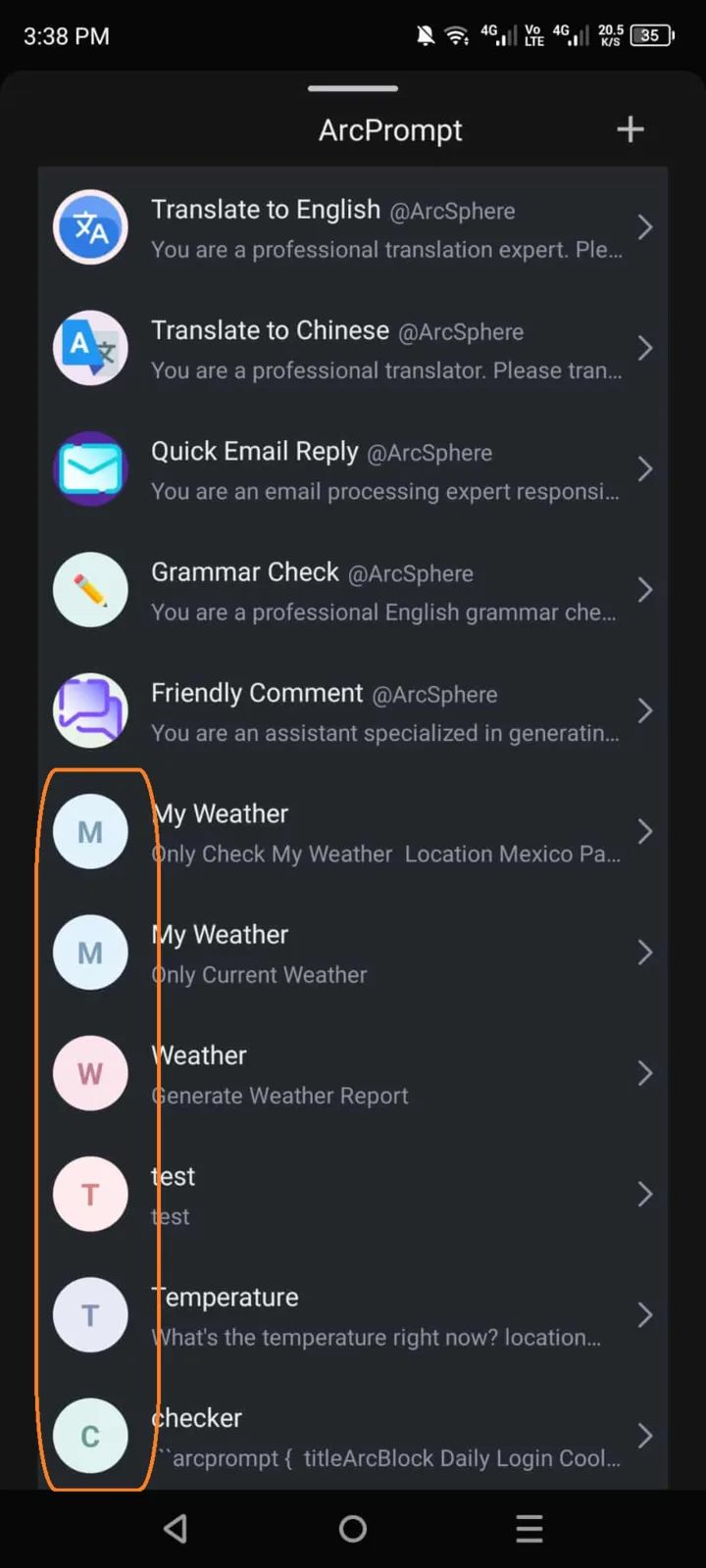
🧾 Summary: In the ArcPrompt feature or application, users cannot find any option to upload or attach images when creating or editing prompts.
📱 Platform: ArcPrompt (ArcBlock Ecosystem Tool)
🧪 Steps to Reproduce:
- Open the ArcPrompt app or feature within ArcBlock.
- Create a new prompt or edit an existing one.
- Look for an option to add or upload an image.
- Observe that no image upload option is available.
💥 Actual Result:
- The interface does not provide an image upload or attachment feature.
- Users cannot add visual references to their prompts.
✅ Expected Result:
- There should be an “Add Image” or “Upload Media” button available.
- Users should be able to attach images (e.g.,
.png,.jpg,.gif) to prompts for visual context.