
"This site can’t be reached" Error on DID Explorer External Link

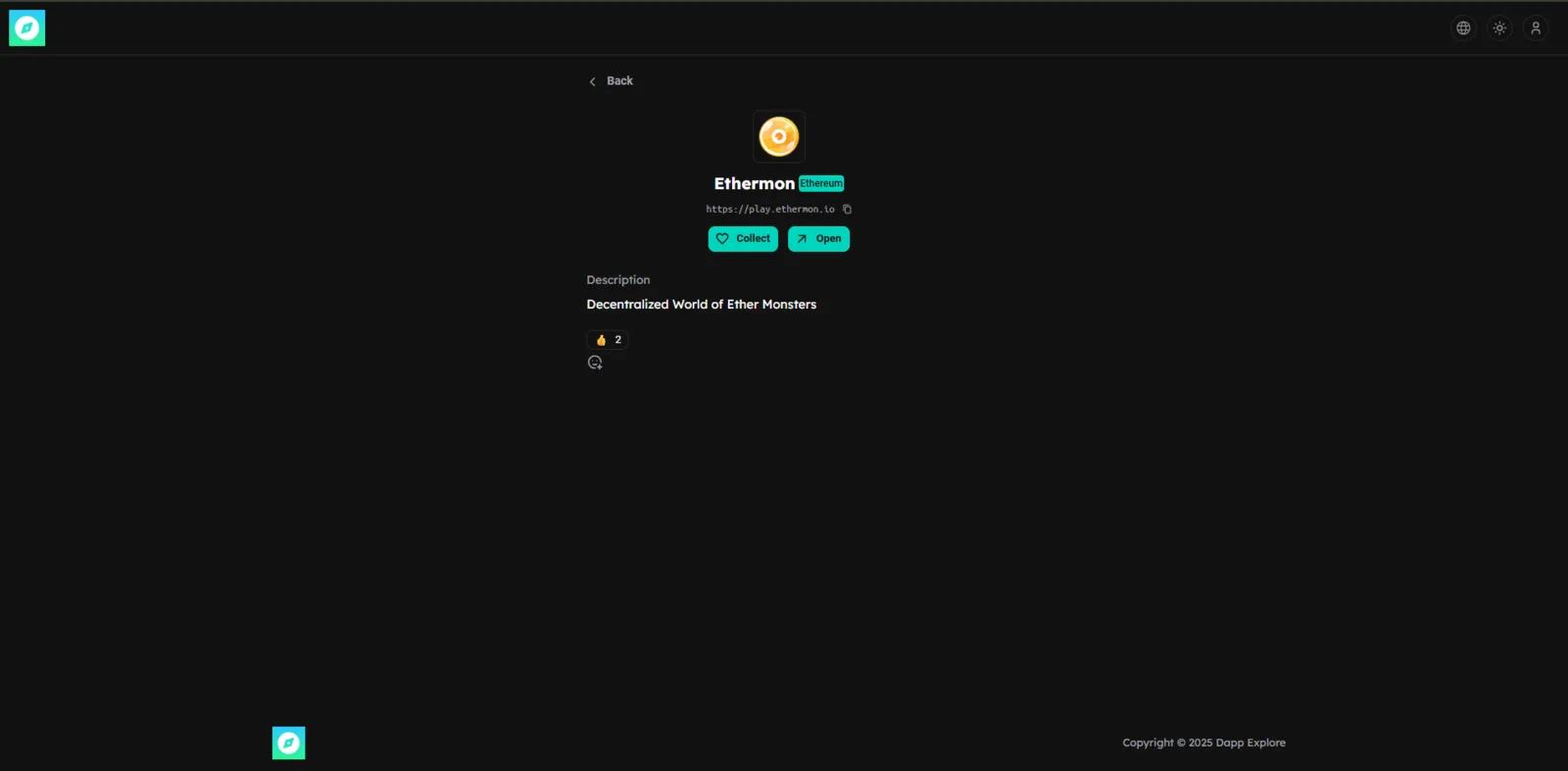
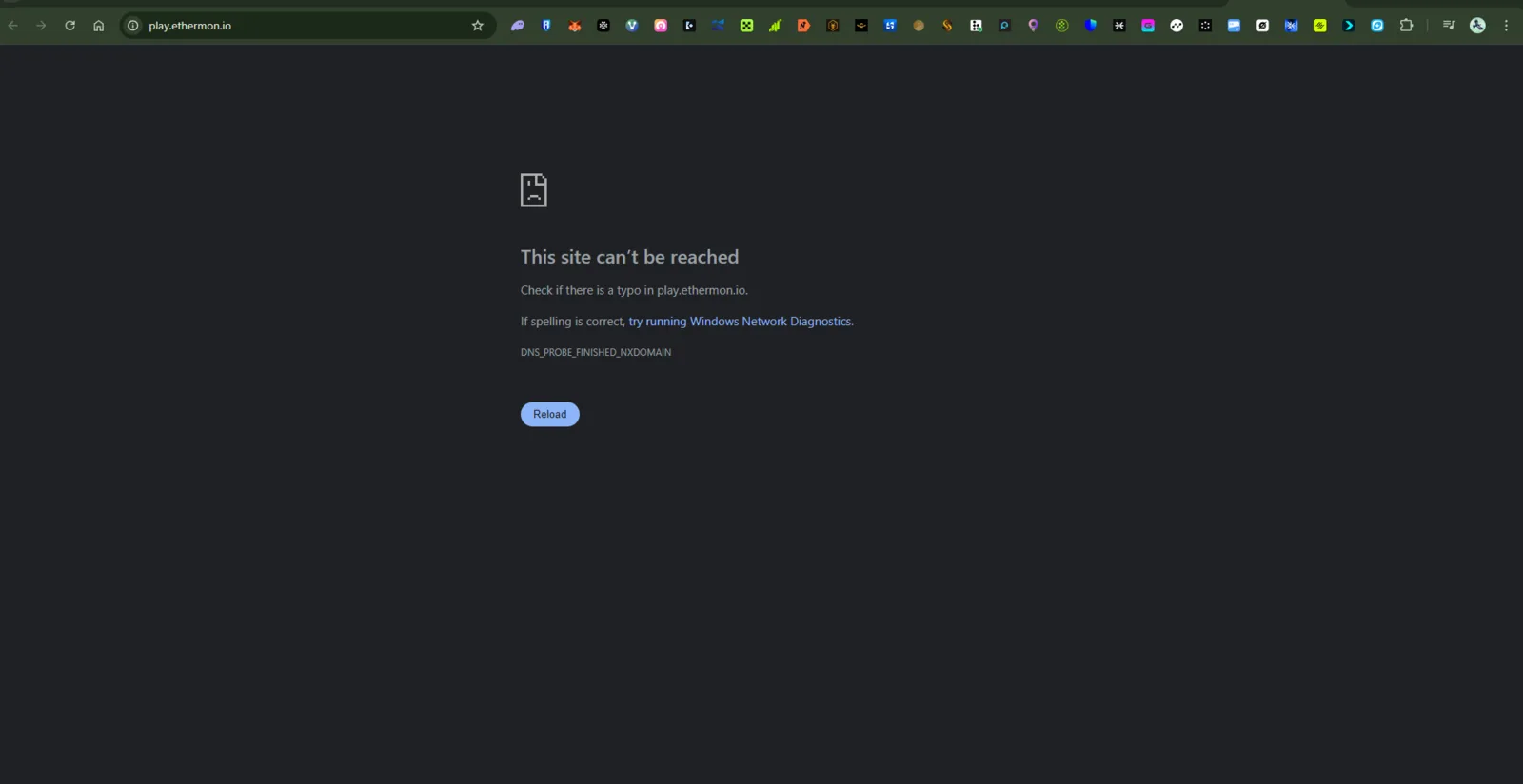
Product: DID Explorer Issue Type: Broken External Link (DNS error) Environment:
- Device: Desktop (Windows 11)
- Browser: Chrome
- Network: Stable Wi-Fi connection
- Error:
DNS_PROBE_FINISHED_NXDOMAIN
🧾 Description
When clicking an external link inside DID Explorer, it redirects to play.ethermon.io, but the link fails to load and shows a DNS error message:
“This site can’t be reached. Check if there is a typo in play.ethermon.io.”
This means that the domain either no longer exists or the DNS records are misconfigured.
🔁 Steps to Reproduce
- Open https://explore.didwallet.io/.
- Click on the Ethermon or related DApp/game link.
- Wait for the site to load.
- Observe the browser error message: > “This site can’t be reached – DNS_PROBE_FINISHED_NXDOMAIN.” >
✅ Expected Behavior
The external link should correctly open the target DApp (e.g., play.ethermon.io) without DNS errors.
❌ Actual Behavior
The browser shows an unreachable site error due to missing or incorrect DNS records for play.ethermon.io.
📊 Impact
- Users cannot access linked DApp content.
- Degrades trust in DID Explorer’s external connections.
- Could indicate outdated or inactive project integration.
🧰 Suggested Fix
- Verify if play.ethermon.io is still a valid project.
- If yes, fix or update its DNS configuration (e.g., Cloudflare, Namecheap, or registrar side).
- If the project is discontinued, remove or replace the broken link in DID Explorer.