
AIGNE - display button text bug

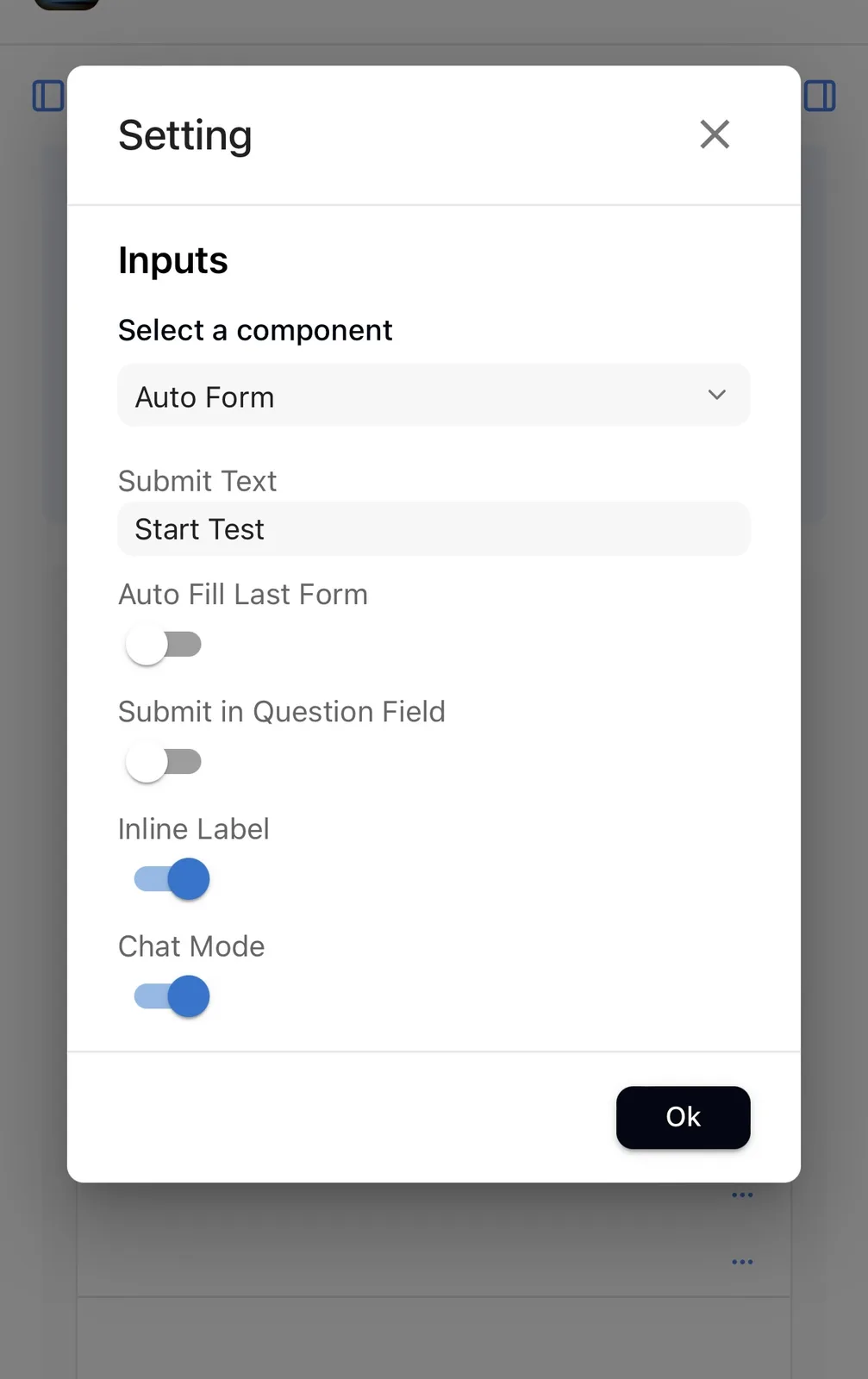
When going to ouputs and selecting input, I want to change text displayed on the input button, thus I typed “Start Test” As the text I would like on the button. This used to work before, but now no matter what text I choose for the button, it only displays as “Send” on the button once the dApp is in preview mode. Could this please be fixed?

2 replies
^😅
I noticed that there are multi-agents here, please check the input appearance configuration of the currently selected agent. If the input appearance of multi-agents needs to be consistent, you can remove the input appearance in the children agents and set the input appearance in the entrance agent.