
Notifications Open App in Guest Mode, Ignoring Logged-In User State

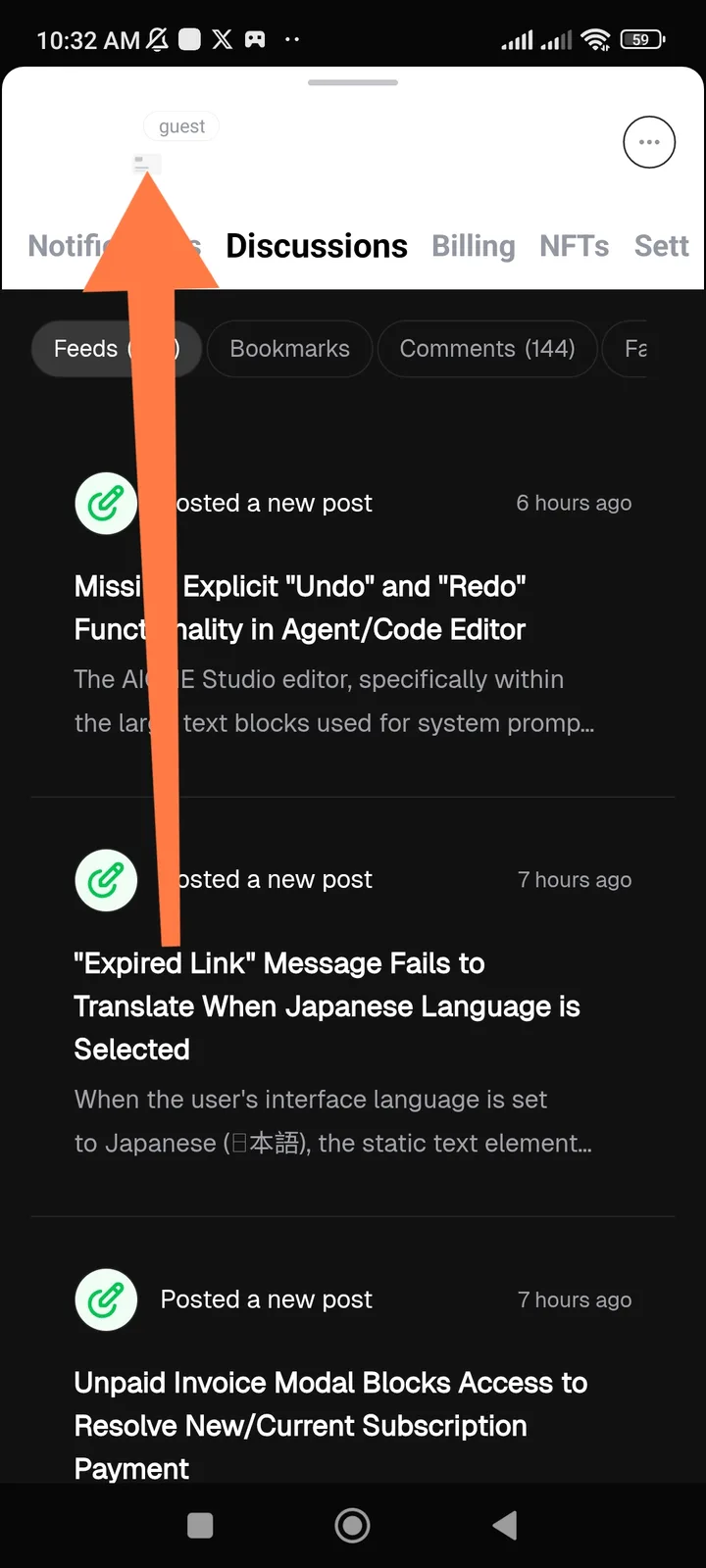
When the ArcSphere application is launched by tapping a notification (e.g., a notification about a new discussion post or a message), the app session initializes incorrectly. Instead of resuming the authenticated, logged-in user's session, the interface briefly or persistently displays the "guest" mode indicator at the top of the screen. This suggests the notification deep-link is failing to correctly carry the user's session token or context, effectively treating the logged-in user as an unauthenticated guest for that specific load action.
2 replies
Thank you for the feedback. It is correct to display "guest" for logged-in users, which indicates that the passport you are using is a guest role.
The issue in your screenshot appears to be that the username and avatar are not displayed, and we will try to resolve this problem.