
Missing Hyperlinks in Kit Sections (Vote, Promo, Search, Launch, Forms)

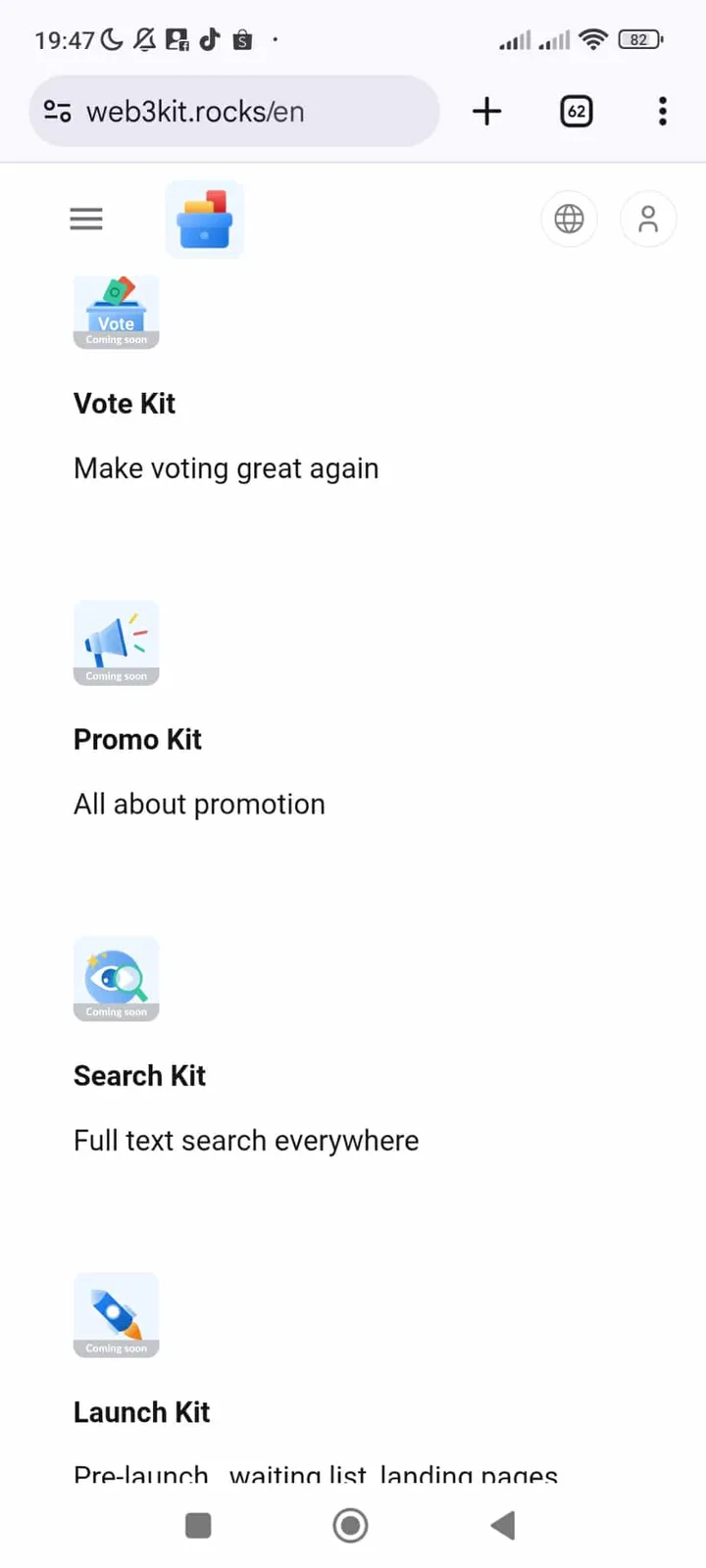
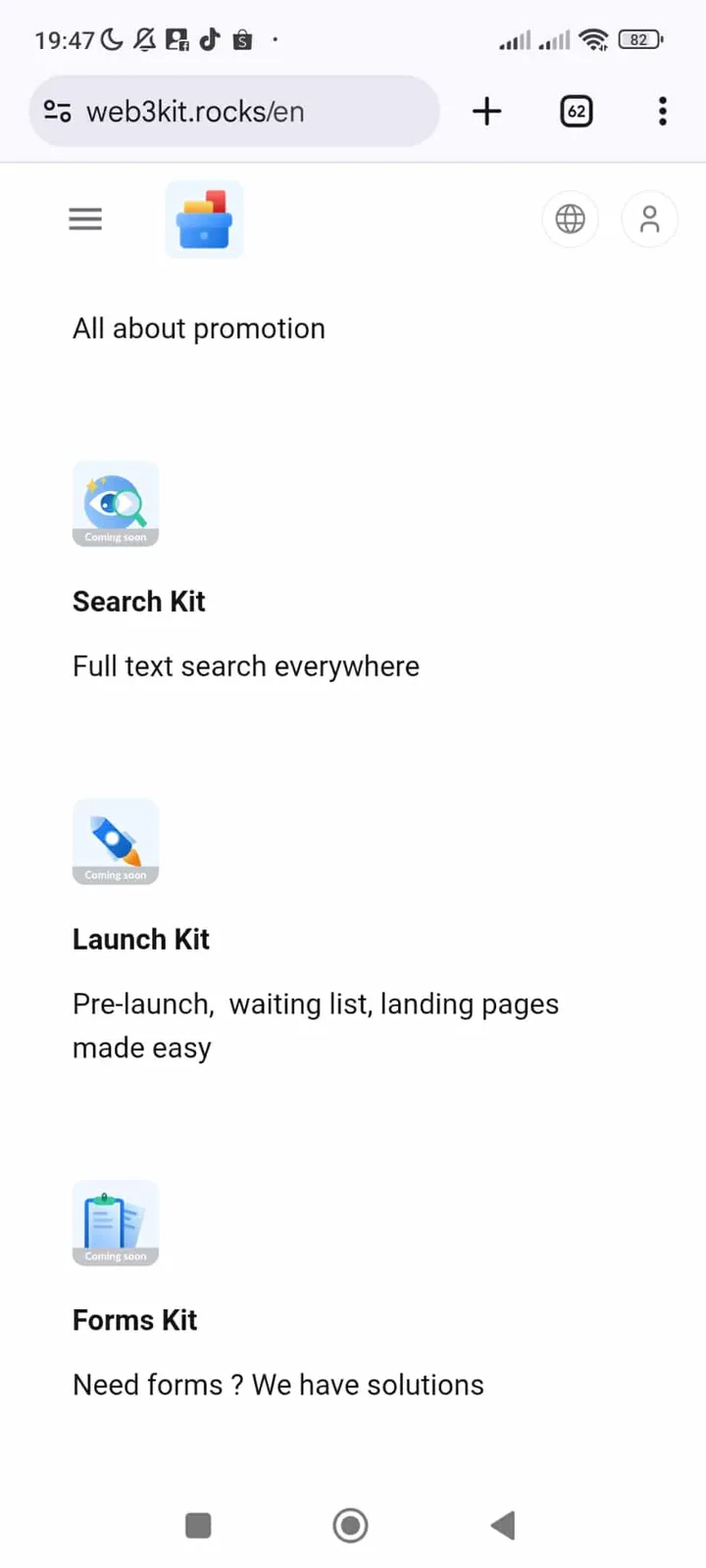
The Vote Kit, Promo Kit, Search Kit, Launch Kit, and Forms Kit sections on https://www.web3kit.rocks/en?locale=en lack hyperlinks, preventing users from accessing these resources. This breaks navigation and usability.
Steps to Reproduce
- Navigate to https://www.web3kit.rocks/en?locale=en
- Scroll to the Kits section (e.g., "Vote Kit", "Promo Kit").
- Observe that no hyperlinks are attached to the kit titles.
- Attempt to click on a kit (e.g., "Vote Kit").
- Observe that no action occurs (no redirect or modal).
Expected Behavior
- Each kit (e.g., "Vote Kit", "Promo Kit") should have a functional hyperlink to its respective resource.
Actual Behavior
- No hyperlinks are attached to the kit sections.
Severity Classification
Severity: Medium
- Breaks user navigation and access to critical tools.
- May indicate a frontend rendering or content management issue.
Suggested Fix
Frontend Fix
Add hyperlinks to the kit sections:
html
<!-- Example: Add hyperlink to "Vote Kit" -->
<a href="/kits/vote">Vote Kit</a>
CMS Fix
Ensure the content management system (e.g., Markdown, CMS) includes valid links for all kits
1 reply
你好,感谢你的反馈,web3 站点我们已经不再维护。