
Incorrect Sharing Behavior for “My Points” & “My Badges”

Summary
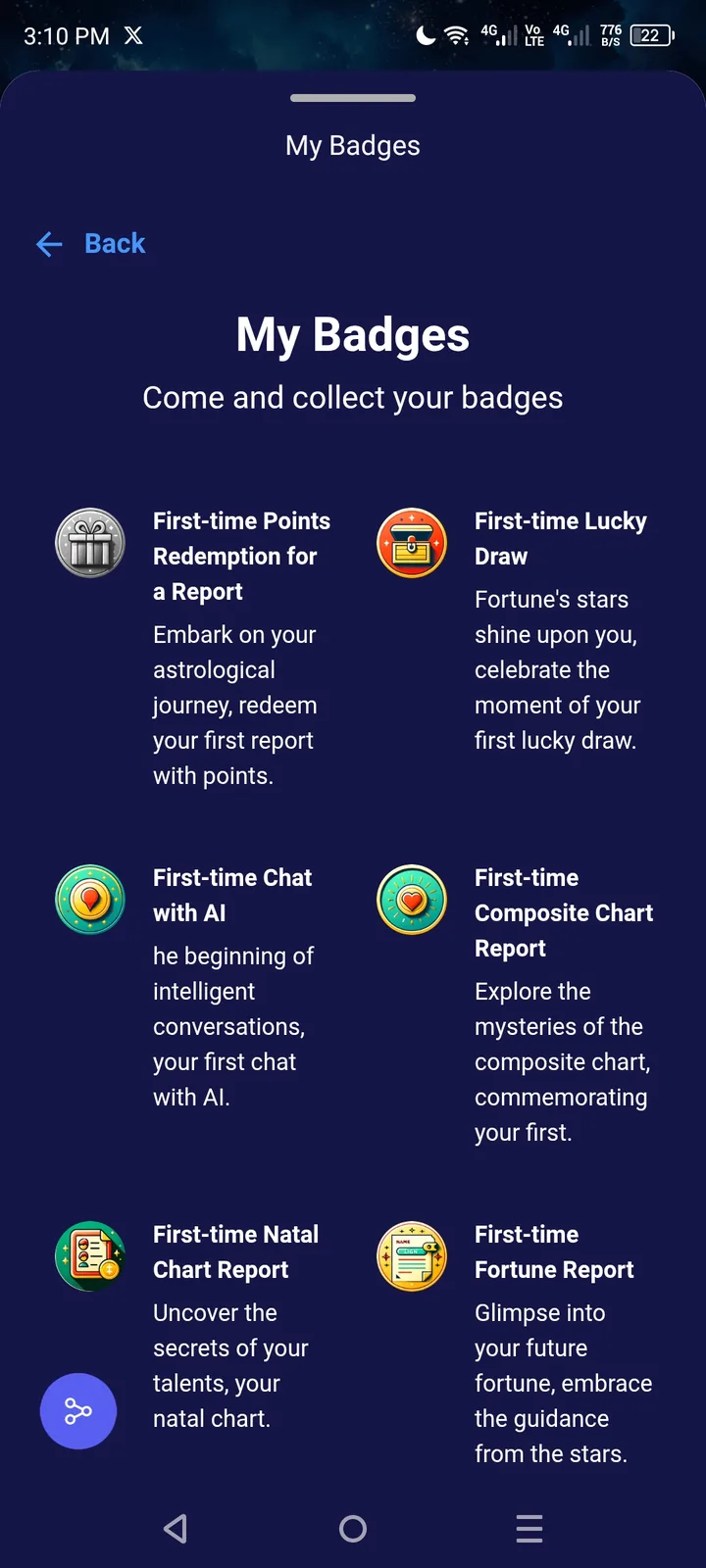
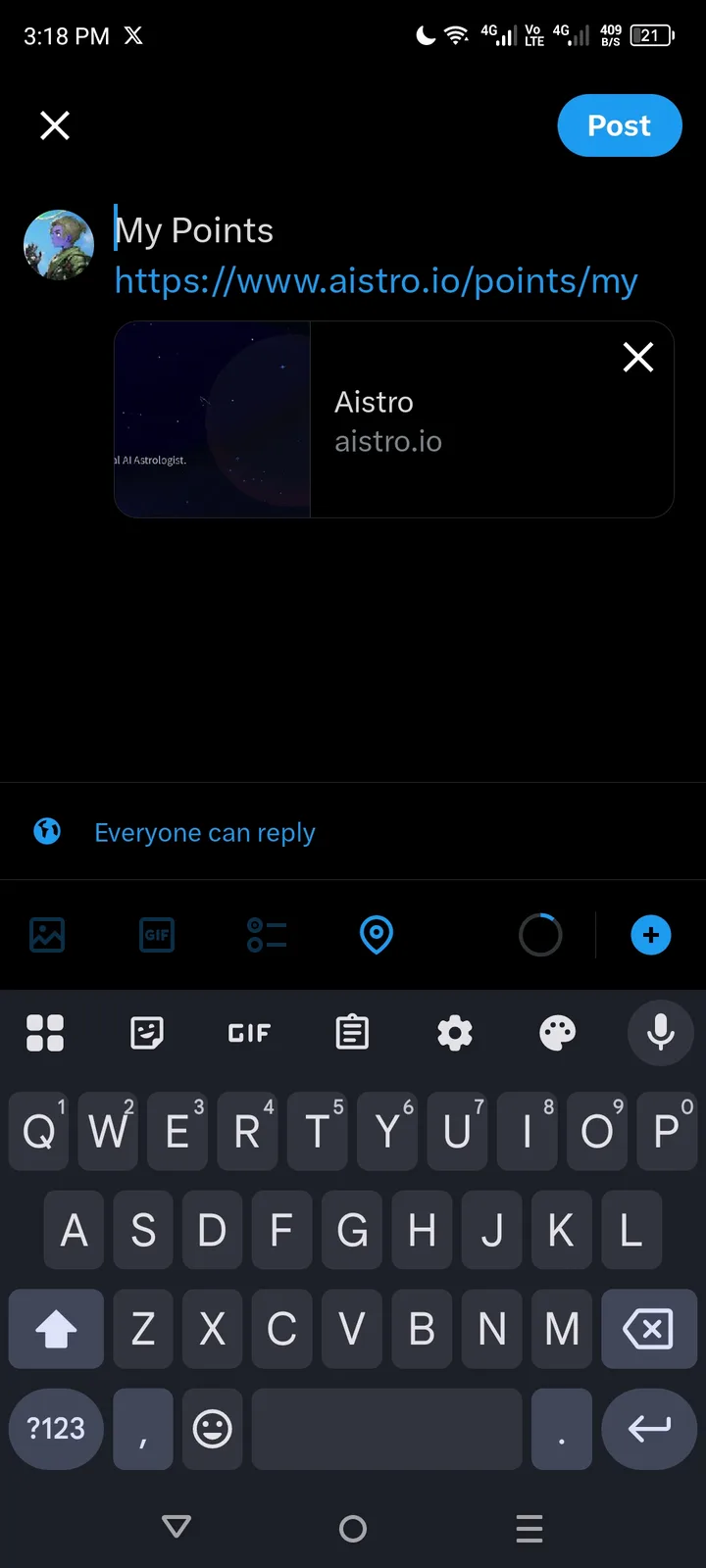
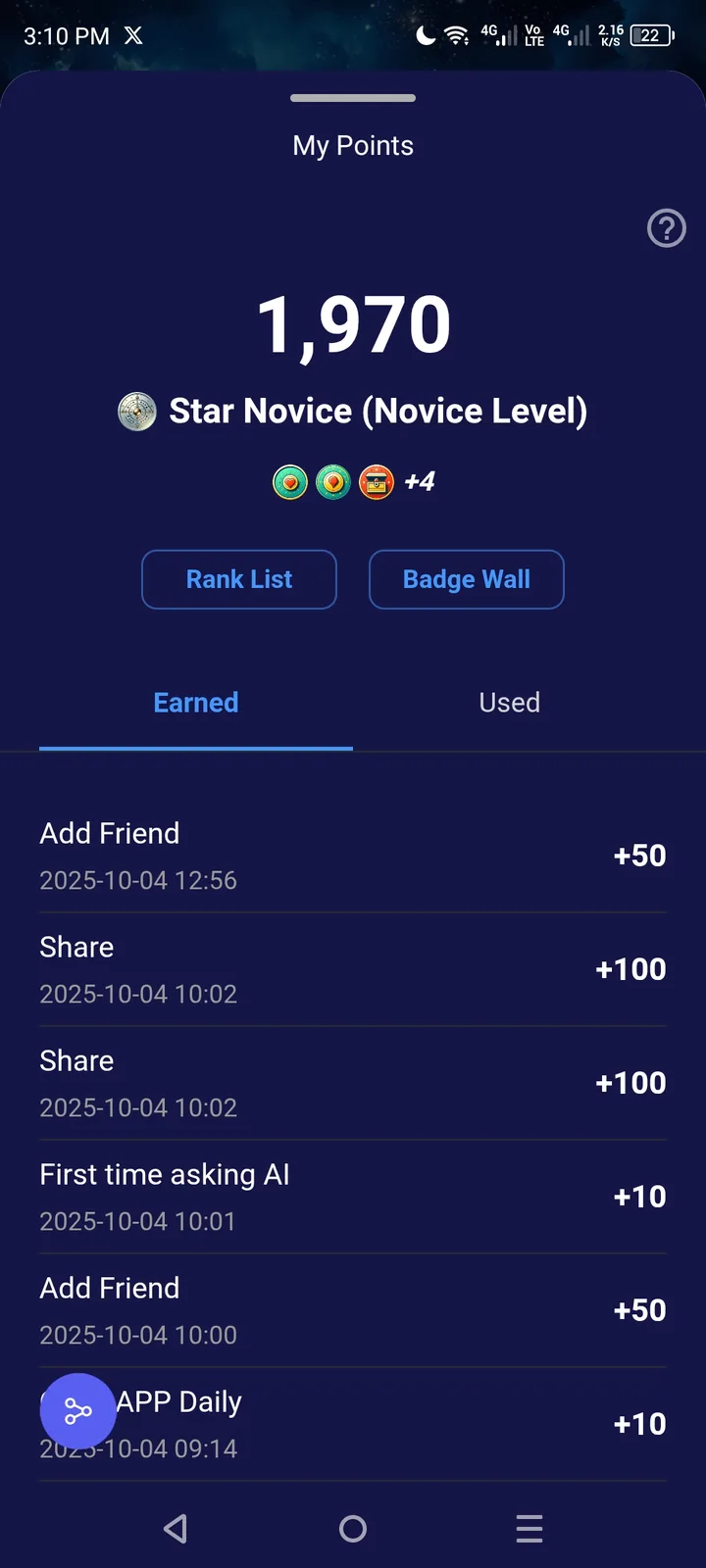
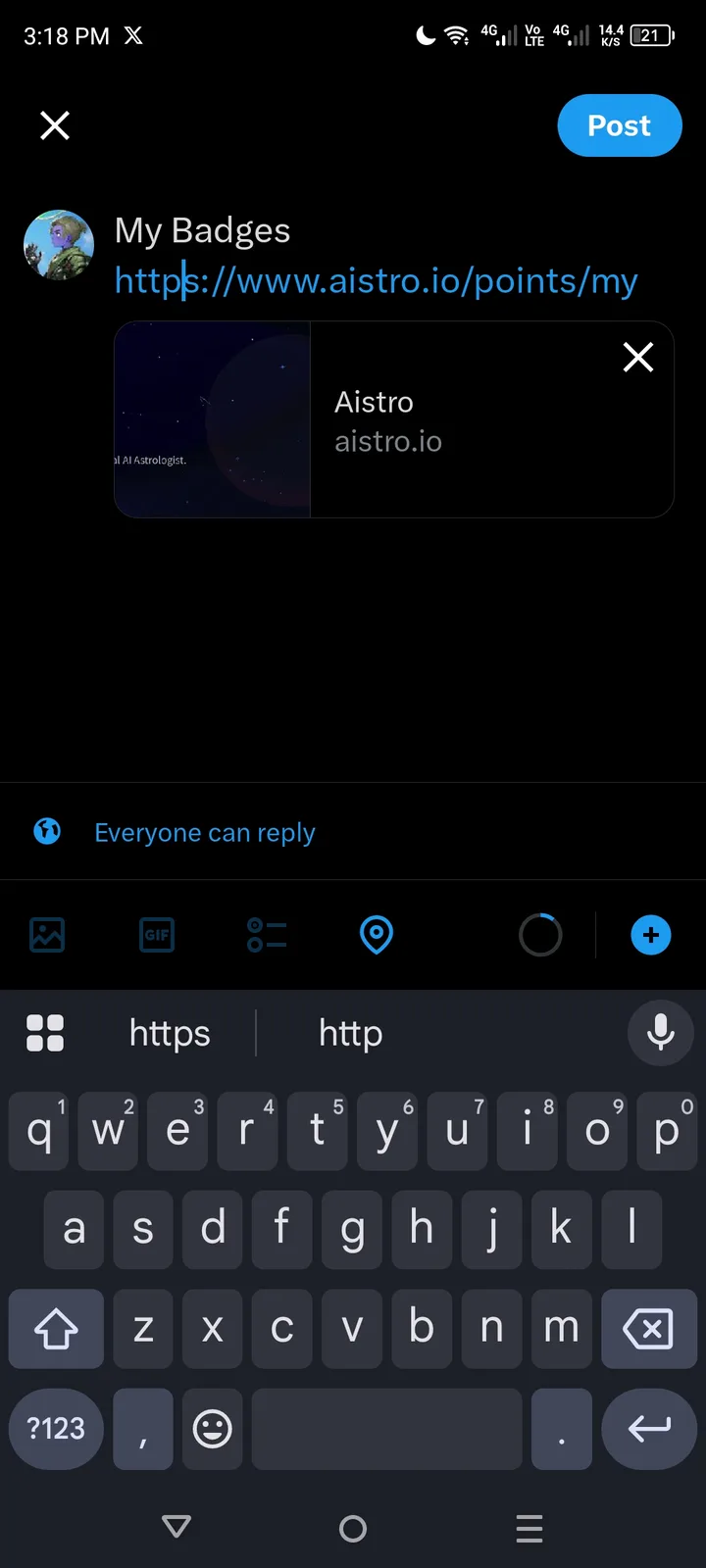
When sharing “My Points” or “My Badges” on social media, the shared content does not display correctly. The post contains no image, no text summary, and the link always points to the generic account page (https://www.aistro.io/points/my) instead of a proper, user-specific shareable link.
Steps to Reproduce
Log in to AISTRO.
Navigate to My Points or My Badges.
Click Share on any social media platform (e.g., Twitter, Facebook).
Review the generated post.
Expected Result
A proper share preview is generated:
Image → Dynamic image showing the user’s points or badges.
Text summary → Example: “I earned 500 points on AISTRO!” or “Check out my badges!”
Direct link to a public share page → e.g., https://www.aistro.io/share/points/{user_id}
The shareable link should display a read-only snapshot of achievements, without exposing private account data.
Actual Result
No image appears in the social media preview.
No descriptive text summary is generated.
Link always points to https://www.aistro.io/points/my, which requires login and does not show the user’s data publicly.
Impact
User frustration: Sharing feels broken.
No social engagement: Shared posts look empty, reducing clicks and visibility.
Privacy confusion: Links go to a private account page that others cannot access.
⚠️ Severity: Medium–High (Engagement blocker + broken core share feature).