
Explore Page Thumbnails Fail to Load

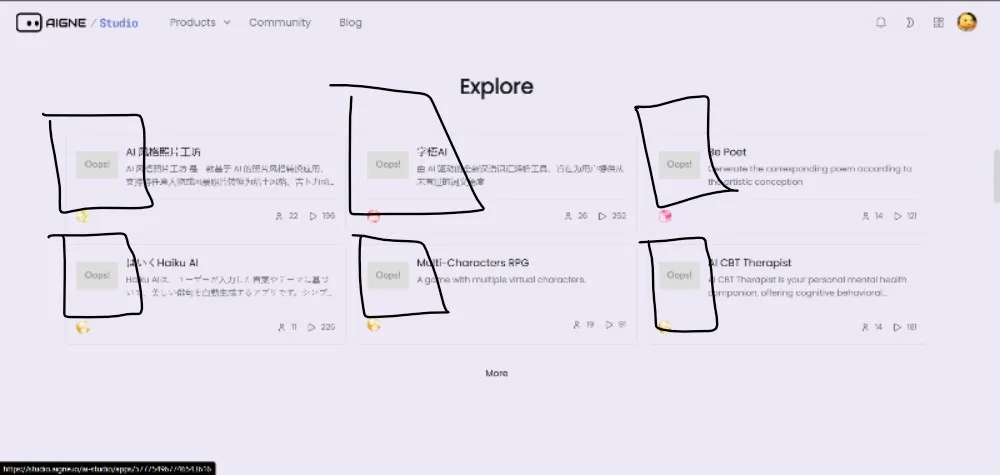
On the AIGNE Studio “Explore” page (https://www.aigne.io/en/studio), multiple agent cards display an “Oops!” placeholder instead of their expected thumbnail images. However, when clicking into the individual agent detail page, the corresponding images load correctly. This suggests the issue is limited to the Explore page’s thumbnail rendering or resource path resolution. The inconsistent behavior negatively impacts the browsing experience since users cannot visually preview agents directly from the Explore page.
1 reply
你好,我们接下来会更新该页面,目前已暂时隐藏了这个 section.