
No Option to Transfer NFT on Marketplace

🧾 Summary
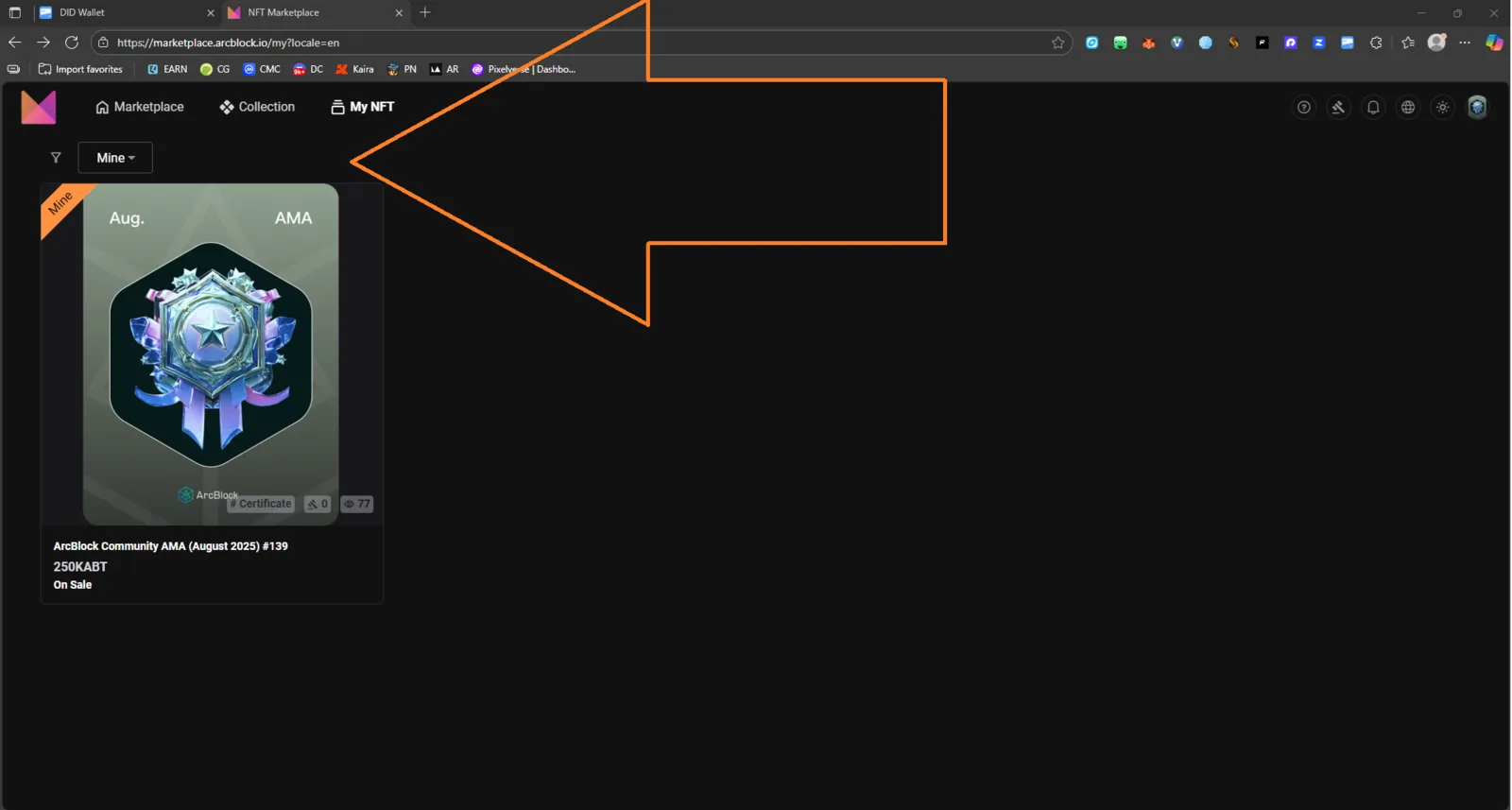
Users cannot find or access an option to transfer NFTs they own from the “My NFTs” section of the ArcBlock Marketplace.
🔍 Steps to Reproduce
- Log in to the ArcBlock Marketplace.
- Navigate to My NFTs → https://marketplace.arcblock.io/my?locale=en.
- Select any owned NFT.
- Look for a Transfer or Send option.
- Observe that no button or menu item for NFT transfer is visible or accessible.
✅ Expected Behavior
A “Transfer NFT” option should be available to allow users to send their NFTs to another DID address or wallet, similar to standard NFT platforms.
❌ Actual Behavior
No transfer option is visible anywhere in the NFT management interface. Users can only view or manage ownership locally but cannot initiate transfers.
🧰 Environment
- Platform: ArcBlock Marketplace
- OS: Windows 11
- Browser: Chrome 141.0.0.0
- Wallet: DID Wallet (Desktop)
- Locale: en
- Reproducibility: 100%
📊 Impact
- Severity: High
- Priority: Major
- Affected Users: All NFT owners on ArcBlock Marketplace.
- User Impact: Users cannot transfer or gift NFTs, which limits core functionality and asset mobility.
🧠 Suggested Fix
- Add a Transfer NFT button within each NFT item or under an “Actions” dropdown.
- Ensure compatibility with DID Wallet for signing and gas fee handling.
- Provide visual feedback (e.g., confirmation modal or notification) after successful transfer.