
Google Pay in ArcBlock Launcher — Subscription Payment Flow Issues

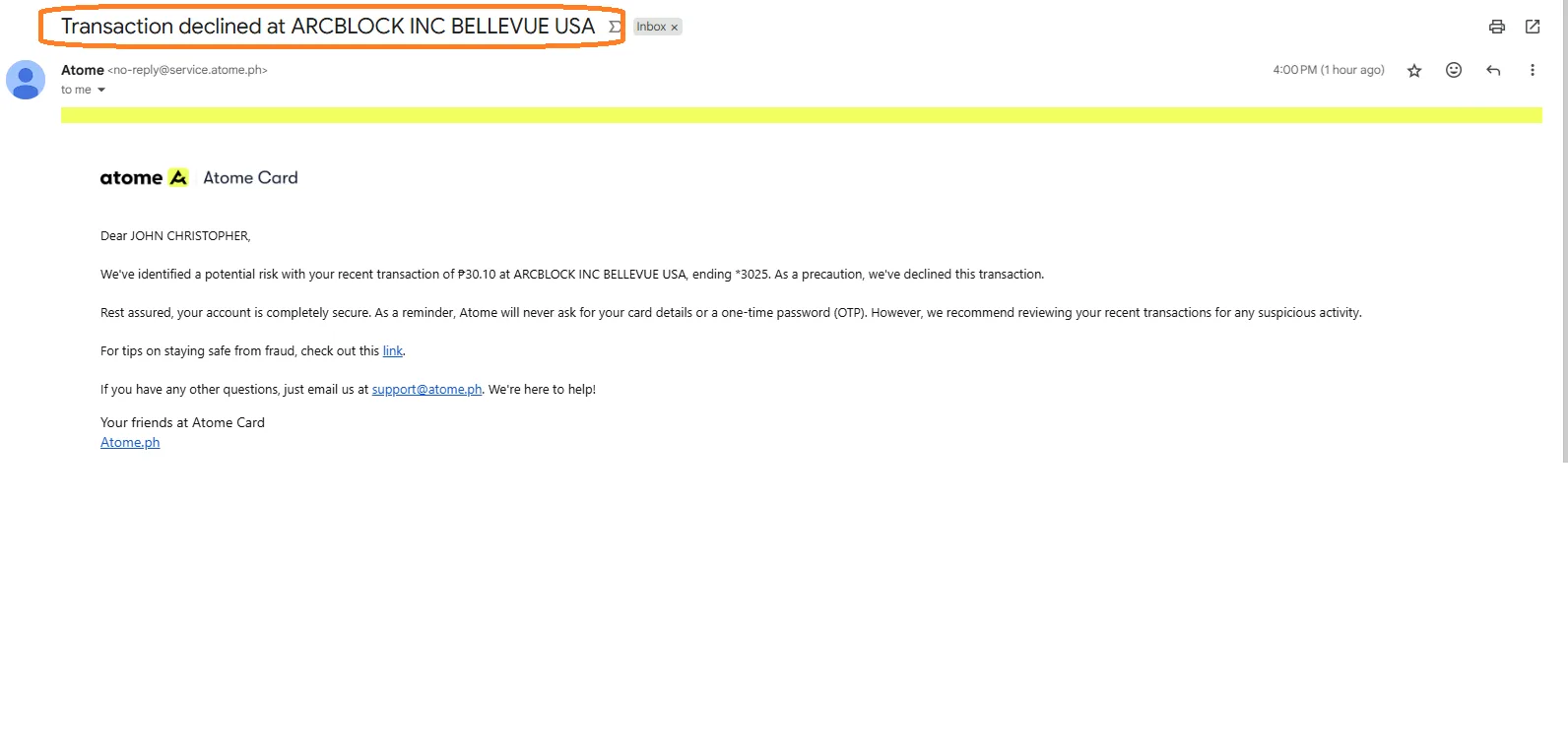

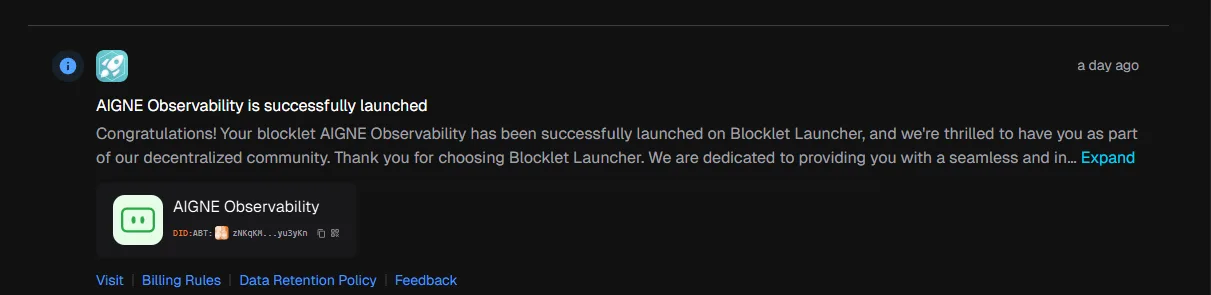
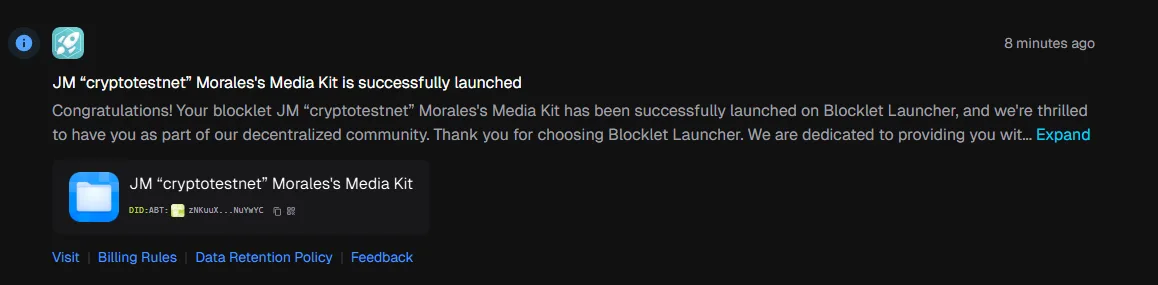
🧾 Summary: There are two major issues when using Google Pay for subscriptions in the ArcBlock Launcher app.
1️⃣ Issue 1: Multiple Subscriptions Run Smoothly Without Payment
- Users are able to activate multiple subscriptions through Google Pay.
- All subscriptions show as “Successful” or “Running Smoothly.”
- However, no actual payment is processed through Google Pay — no transaction appears in the user’s account history.
2️⃣ Issue 2: Payment Always “Declined” After Cancellation
- When the user cancels any active subscription, the system immediately marks the payment as “Declined.”
- This happens even if no payment attempt was made.
- The error creates confusion since the subscription previously appeared “Successful.”
📱 Platform: ArcBlock Launcher — Subscription System (Google Pay Integration)
💳 Payment Method: Google Pay
🧪 Steps to Reproduce:
- Open ArcBlock Launcher.
- Start a new subscription using Google Pay.
- Observe: Subscription starts successfully without any Google Pay transaction.
- Cancel the subscription.
- Observe: Payment is shown as “Declined.”
💥 Actual Results:
- Multiple subscriptions can run without payment.
- After cancellation, all payments are shown as “Declined.”
✅ Expected Results:
- Subscription should not start unless payment is successfully processed.
- After cancellation, the system should display “Cancelled — No Payment Made” instead of “Declined.”
⚙️ Suggested Fixes:
- Verify Google Pay payment confirmation before activating any subscription.
- Prevent the system from auto-marking cancelled subscriptions as “Declined.”
- Sync payment status properly with Google Pay API response.
🧱 Severity: High 🎯 Priority: Urgent 📂 Category: Payment / Subscription Logic