
Image Preview Not Displayed on Mobile

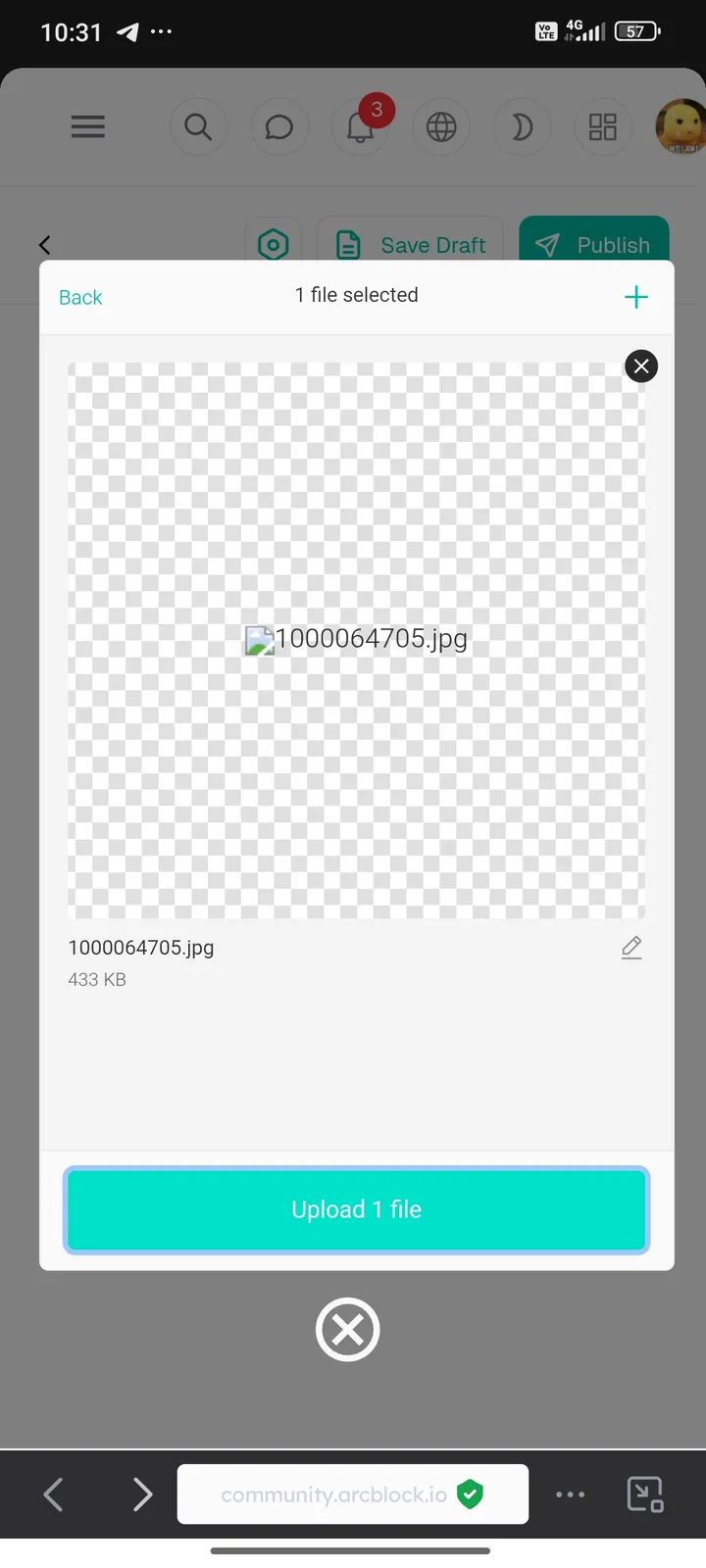
When attempting to upload an image in the community post page via mobile, the preview image does not appear and only shows a file icon with a transparent background, despite the file size and format being valid. However, when uploading the same image for the second time, the preview appears normally. This issue is likely caused by a temporary glitch in the UI rendering process, unstable internet connection during the first upload attempt, or limitations in the mobile browser’s cache/memory. This bug can be confusing for users as no error message appears when the preview fails to load.
2 replies
We will try to reproduce it. Are you performing this operation in DID Wallet?
Yes