
Dashboard Access Error

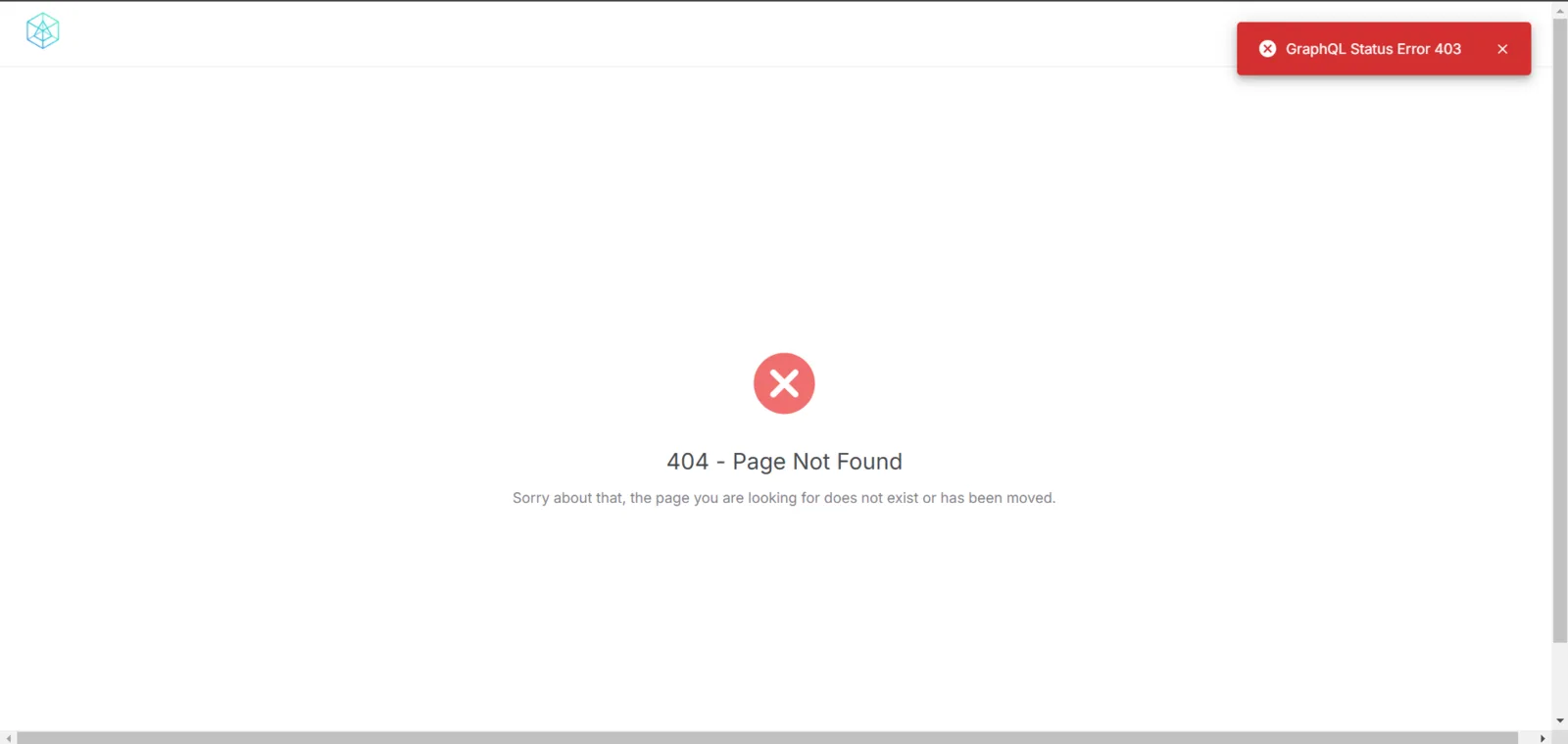
When attempting to access the dashboard, an issue was encountered where a "404 - Page Not Found" error message appeared, indicating that the page could not be found or has been moved. Additionally, a "GraphQL Status Error 403" notification was displayed in the top-right corner, suggesting an issue with authorization or the GraphQL connection. This problem prevents users from accessing the dashboard and disrupts their activities. Preliminary assumptions point to a potential issue with a malfunctioning GraphQL endpoint or incorrect URL redirection. We hope the relevant team can investigate and resolve this issue promptly to restore dashboard accessibility. A screenshot is attached to assist with further analysis.
1 reply
This is by design, this page means you do not have access to the requested URL, you need to switch passport to gain access.
However the 403 error toast should be removed to avoid confusion.