
Official Store - Aigne resource blocklet Upload issue: “Request Entity too large”

Went to Aigne studio blocklet, pressed on publish button to publish my resource blocklet release for my dApp…
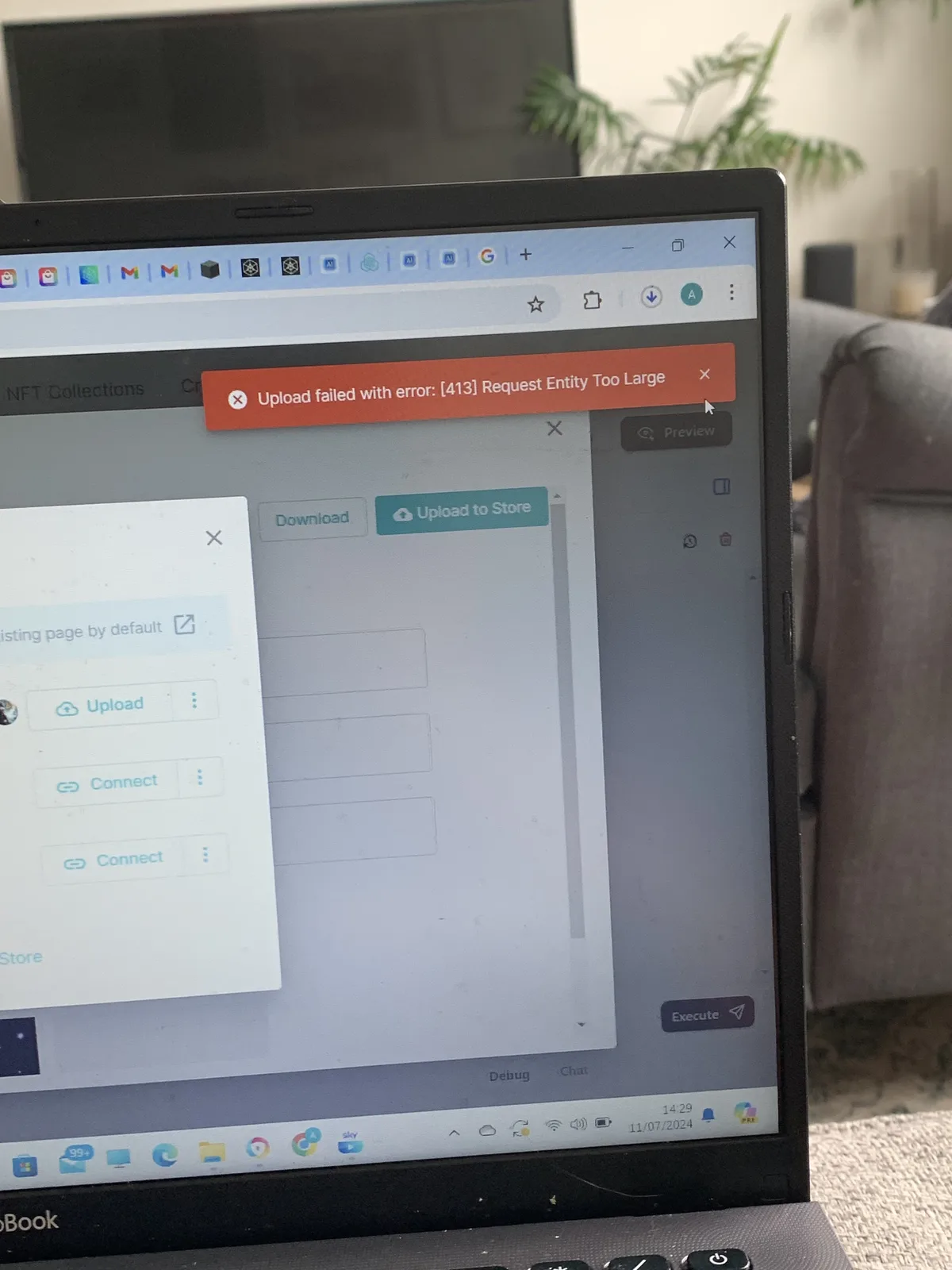
But i have an issue: I’m trying to upload Brain Titan to the official store (tested it in builders playground and it’s all good), I get this error when I press upload to the official store. It says “Request entity too large”:
I downloaded the blocklet zip file from the download button in aigne studio to see the size: 656 MB
Weird, i used the meta url link to install it on builders playground and it worked just fine. I don’t understand why file is too large for blocklet store🤔 I also managed to upload brain titan to my personal blocklet store, which functions similarly to official store in terms of uploading, so I am a bit confused why i get the file too large error for official store
9 replies
After unzipping the downloaded zip file, you can take a look at which files are larger. Currently, the file that may be too large is the uploaded avatar image.
can have a look, but even if the avatar is too large, why is that a feature to stop it from being uploaded? The overal zip file is only 656MB😁 thats not a large file at all
i’m thinking it could be since the avatars for all agent profiles are GIFs, and same with the layout background for multi-agents chat in the entry agent. But this is a feature really important to me for this dApp, it is part of its appeal and theme, and it is not something I’d like to change to static images😅 could this “request entity too large” error be fixed by the team please? to allow for larger files to be published to the store
z1SubswWWkUtz75uZC5Qs56Fg3zspdnXypk I looked inside the package for the blocklet from the downloaded zip file (extracted it)…The resources are not that big, 20MB for largest avatar:
Could you give a link to download your zip package? I will check it.
thank you. I just sent you the zip file link in private messages here💪 I uploaded it to google drive
I found the problem, it's because you selected unnecessary targets when publishing. I think you should only select "application," other types are for enhancing AIGNE and not suitable for your scenario.
It seems that if only the application is released, the bundle will be over 100MB. You can try republishing it to the store.
thanks, it worked once I fixed this😄
Of course, this is also a point that we need to optimize in the future, we need to try to share static resources as much as possible, we have recorded the issue to follow up on this issue, thank you for your feedback 💗