
Missing Circle Icons/Images on NFT Mint Page Header

Summary
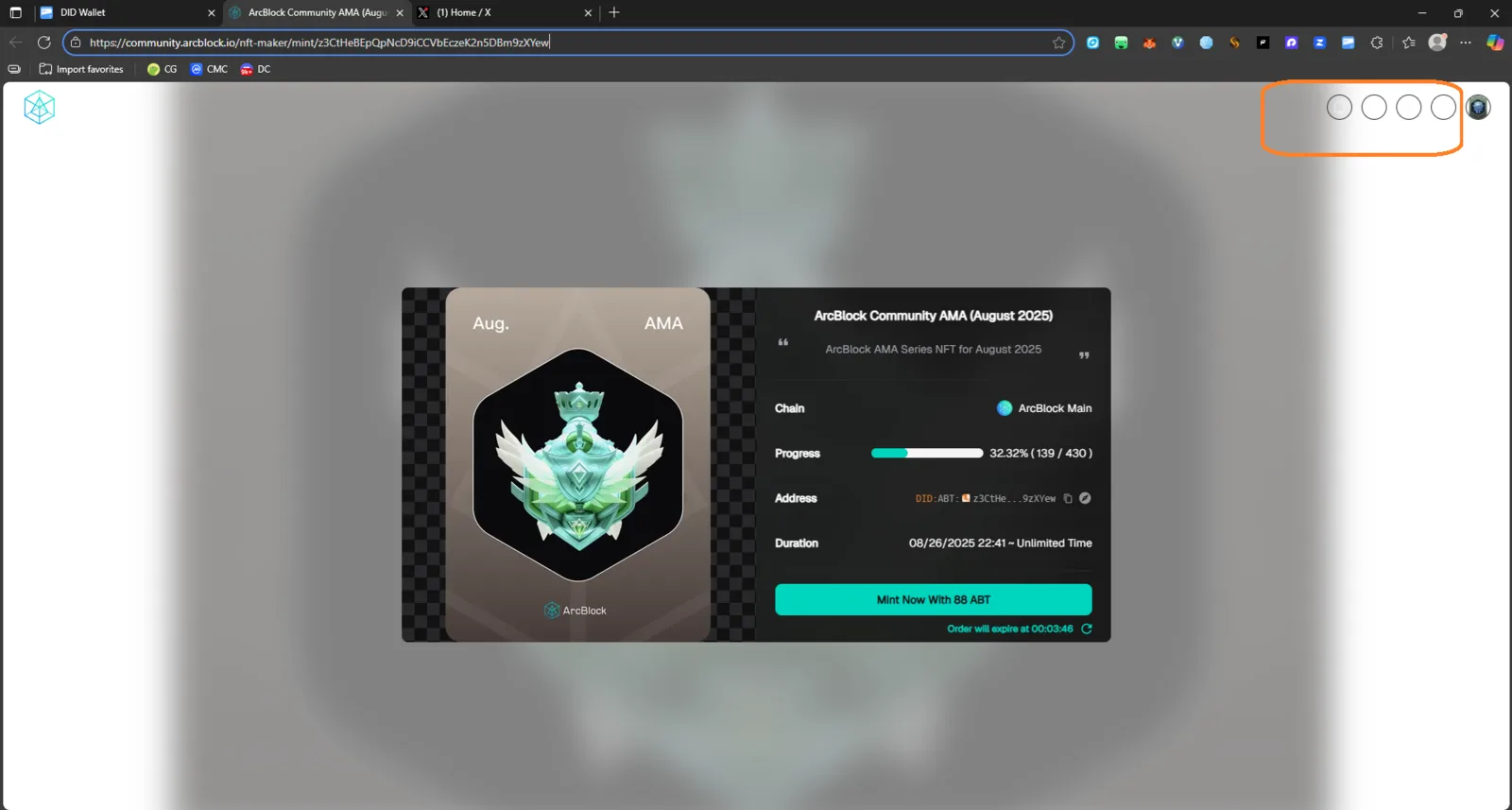
The header section of the NFT mint page shows four empty circle placeholders instead of properly loaded images/icons. This appears to be a UI rendering or asset-loading issue.
Steps to Reproduce
- Open the link to any ArcBlock NFT Maker mint page.
- Wait for the content to load completely.
- Observe the top-right section of the page header (beside the profile icon).
Expected Result
- Four icons or images (representing controls, indicators, or status badges) should load and display correctly.
Actual Result
- Four blank circles appear with no image or icon content loaded.
- They remain visible even after refreshing the page.