
Error when editing post

Issue when editing a post, keep being met with the same pop up multiple times and having to exit the post and try again several times before the edits save.
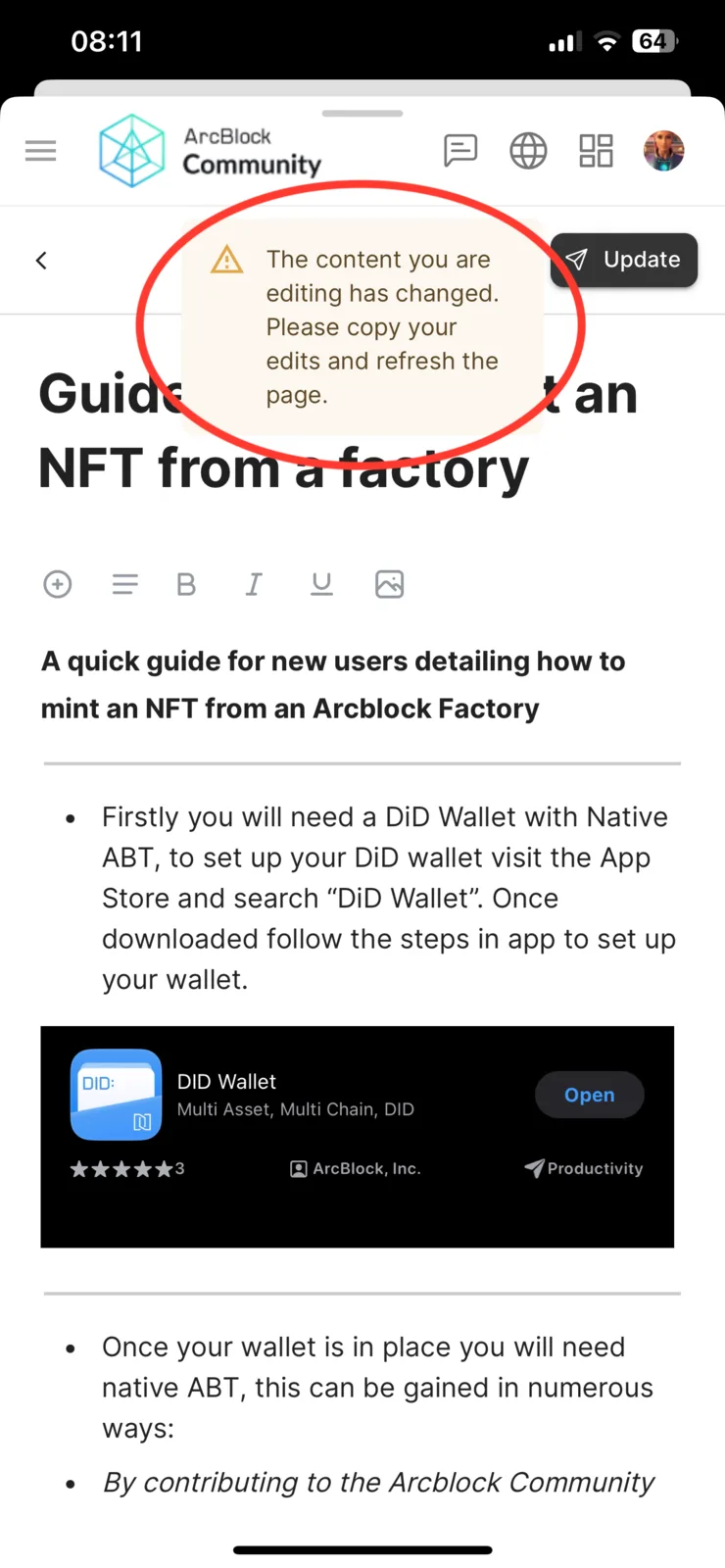
Issue when editing a post, keep being met with the same pop up multiple times and having to exit the post and try again several times before the edits save.
5 replies
This warning appears only when someone else is updating the post as you're editing it. It is a safety measure to prevent you from overwriting someone else's changes. If you're the only one editing, you shouldn't see this warning, so it might be a bug, but I can't reproduce it. We'll keep looking into this problem. Thanks for your feedback.
Who else would be editing a post I wrote?
I’m assuming team members as that would be the only logical explanation?
if so maybe that’s something we need to look at so changes by anyone other than the original author are highlighted in a different colour or something along those lines, or there’s a message somewhere on the post that states “edited by team member” otherwise there’s no differential between who put what and whoever has edited the post could make an error or put something that the original poster doesn’t agree with yet it would be their name linked to those words despite not being their own which is a little concerning 😬
I agree with you, we're planning to add a collaborative editing feature. Your suggestion is great, and we'll consider it. Thanks!
or even a notification when someone edits your post, that way you can approve the changes before it is made public again