
Backround image in pages kit cut off

When I choose “has full image” from the properties area, the backround image geta cutoff.
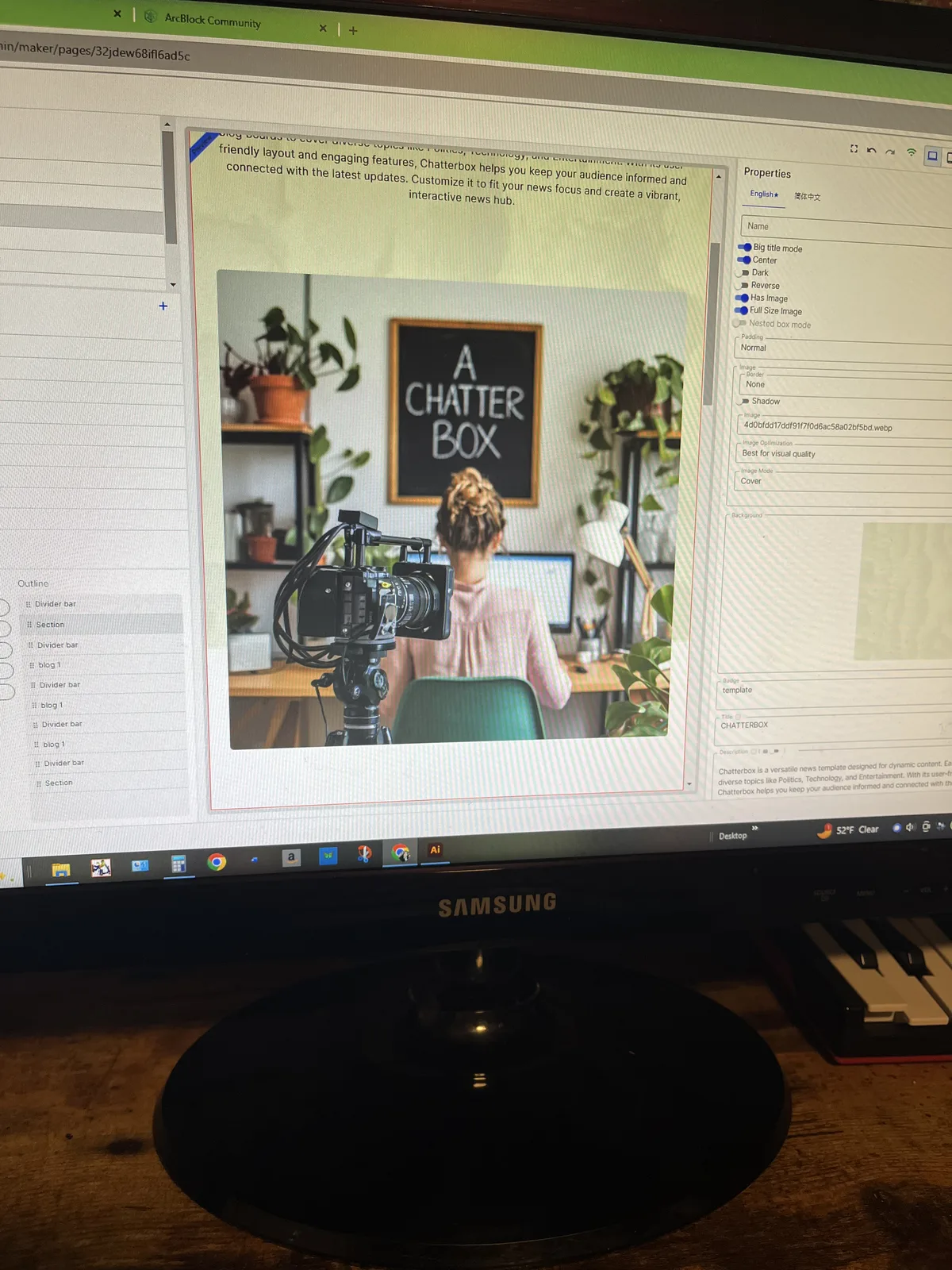
When I choose “has full image” from the properties area, the backround image geta cutoff.
4 replies
Hey there! Just wanted to let you know that what you're seeing is actually intentional design, not a bug. It's all part of the style we're going for on this website https://www.aikit.rocks/en. Thanks for understanding!
All good. i wasnt sure. I like it. Adds variation.
That site looks great too! Love the section card use
Somthing to consider though.
What if somebody doesn't want the backround image to be cutoff? There is no way for them to change that.
Whereas a person who was trying to achieve this split screen look, can also achieve this by uploading a backround image that is "pre-split".
So by allowing the backround image to extend the whole way, you would not be taking away any options, but rather adding an additional one.