
“Click to switch” missing when trying to change login

I signed in and forgot to hit the click to switch button to change access to the “Arcblock community“ 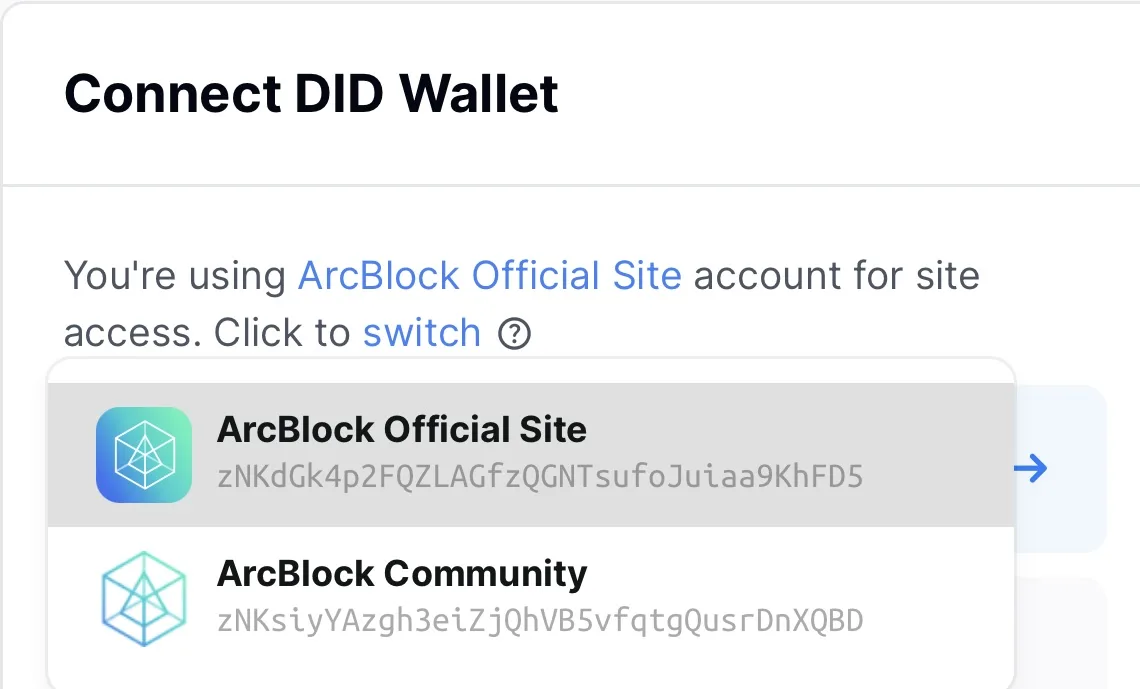
After I realized this I tried to switch it from “Arcblock Official Site” to the community but there was no switch option available after clicking the switch icon. See recording below. You will also notice that the about.blank page still appears after signing the approval as I have mentioned in a previous post.
2 replies
From the screen recording you provided, you are trying to "switch passport", which is designed to "switch to a different passport" on same user did (so app switch is not allowed in that workflow).
If you want to switch account, please click the DID in the session pop, then:
Awesome, thank you! 👏