
Duplicate Image Used Across Multiple Sections on ArcBlock Docs

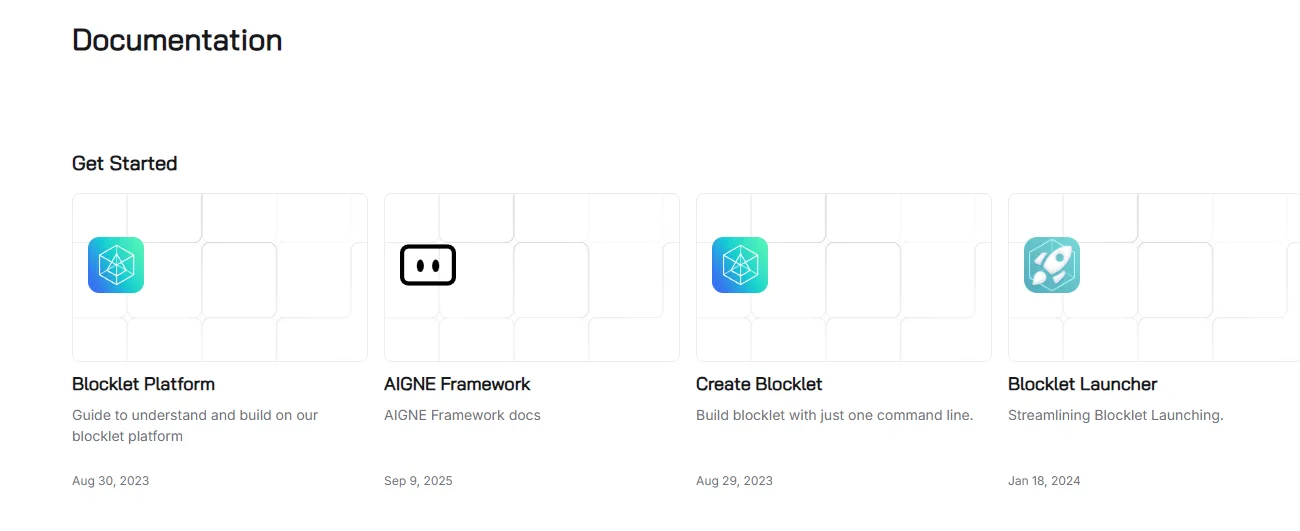
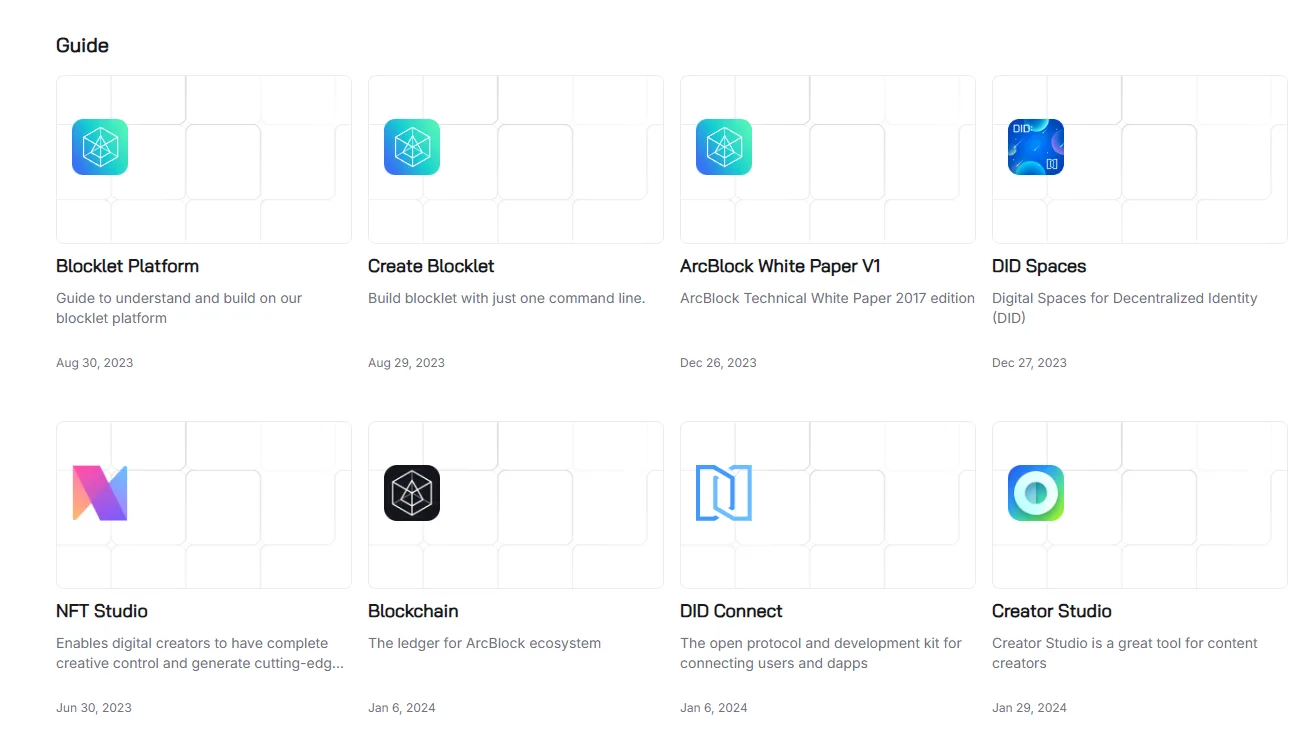
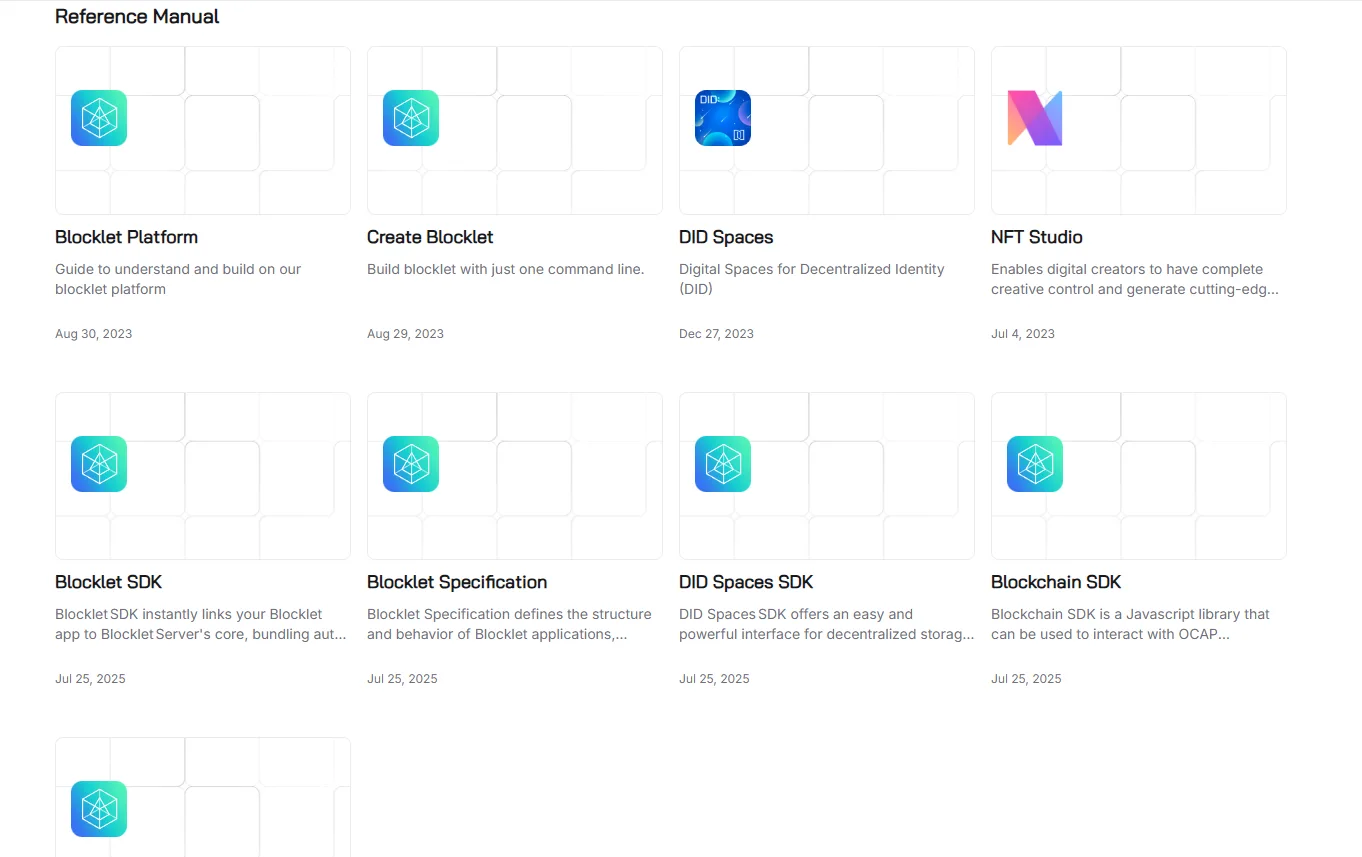
On the ArcBlock Docs site (https://www.arcblock.io/docs), the same image asset is displayed across different documentation sections (Get Started Guide, Reference Manual, Frequently Asked Questions, and MISC). This results in poor visual distinction between sections and reduces the usability of the documentation.
Steps to Reproduce:
- Visit https://www.arcblock.io/docs.
- Navigate through the following sections in the left-hand navigation:
- Get Started Guide
- Reference Manual
- Frequently Asked Questions
- MISC
- Observe the images displayed in the header/section preview.
Expected Result: Each section should have a unique, context-relevant image for clarity and better navigation.
Actual Result: All four sections reuse the same image, making them visually indistinguishable.
Bug Description: The reuse of the same image across different documentation sections creates confusion for users and reduces the effectiveness of visual navigation. It may also indicate a content management issue or missing assets.
Severity Classification:
- Severity Level: 🟡 Low (usability/UX issue, not a security flaw).
- CVSS v3.1 Base Score (Estimated): 2.0 (Informational/Low).
- Business Impact:
- Reduced professionalism and clarity in documentation.
- Potential user confusion.
Suggested Fix:
- Assign unique, context-appropriate images for each documentation section.
- Audit CMS to ensure each category has distinct assets.
1 reply
These icons should be different, pending further updates.