
Media kit pic is displayed and published incorrectly.

Here is the pic
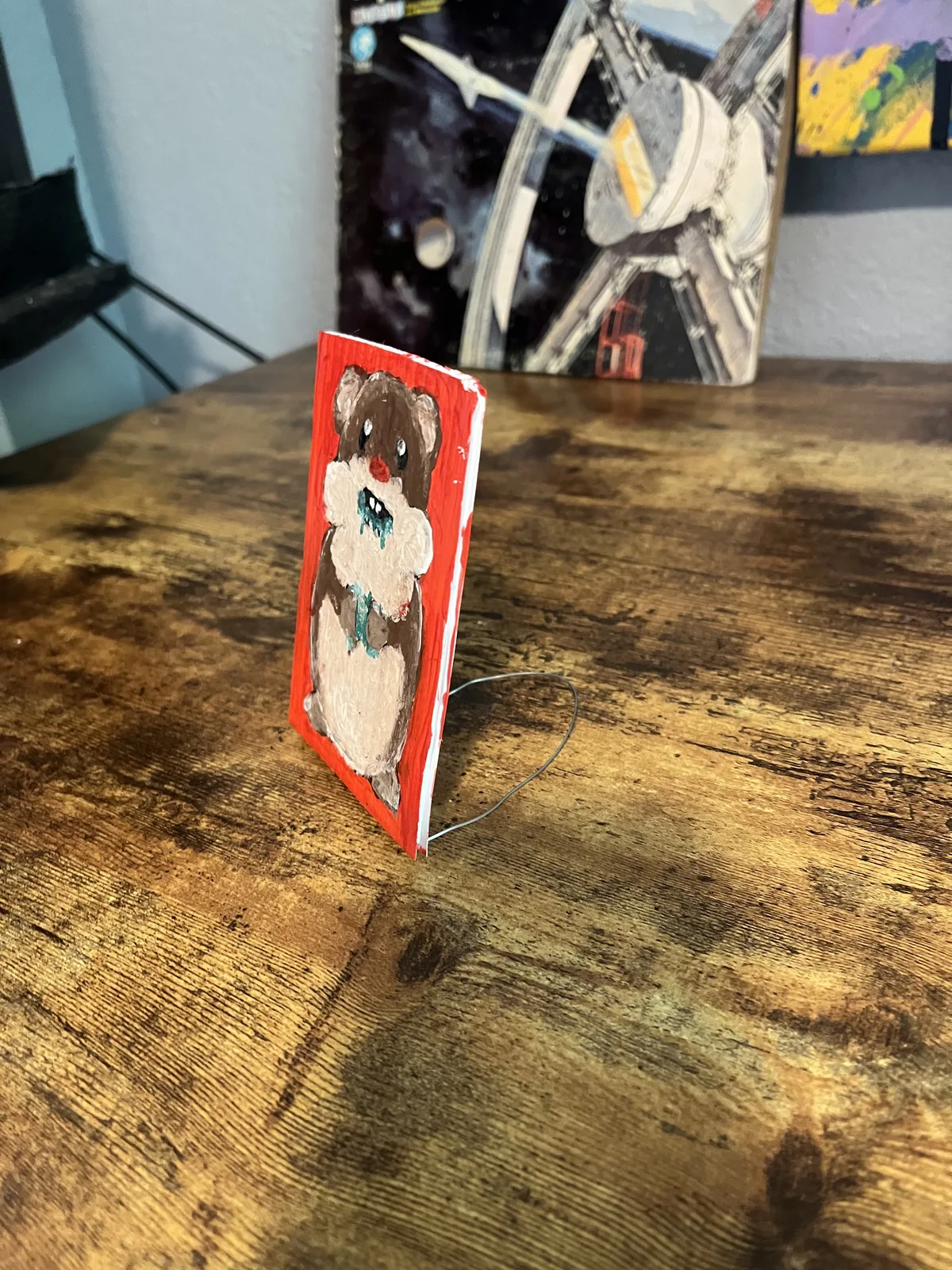
i uploaded to media kit From I phone.
It incorrectly displays it in media kit. when I open in media kit it is displayed correctly
(Shown in video)
i copied link and published to page. It is displayed incorrectly.

7 replies
I haven’t played too much with media kit yet, is there no edit function? Would certainly make sense to have a basic crop/rotate option on there 👍
once the media is uploaded I do t think it can be edited.
I found a solution. As long as I slightly crop the photo in the edit window before I upload, then it will come out correctly.
while this solution seems to work, I believe this is still a bug.
👀
Maybe caused by orientation info contained in the uploaded image not respected.
Thanks for the feedback, Apple's media direction agreement seems a bit peculiar
I'd also like to ask about the details of whether the image was taken from the camera or uploaded from the gallery.
Uploaded from my photo gallery.
I just tried to upload straight from camera, it worked fine without any need to adjust manually.