
Discuss-kit: How does Chats work?

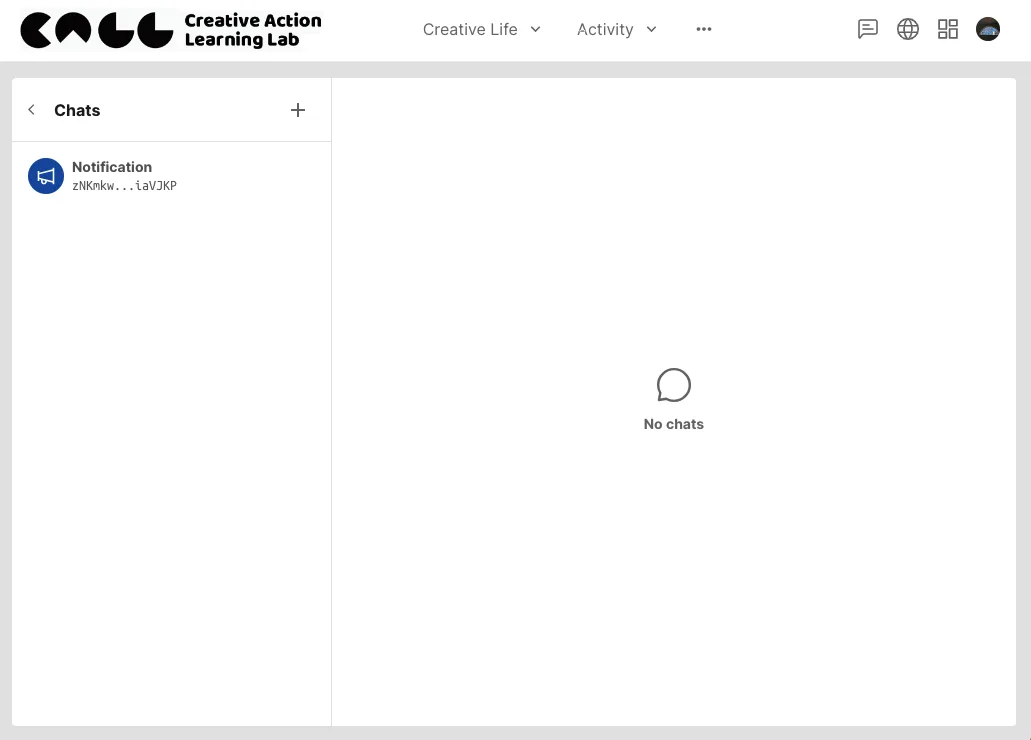
Today I saw a new button "Chat" on the navigation.
I don't understand it. How does it work?
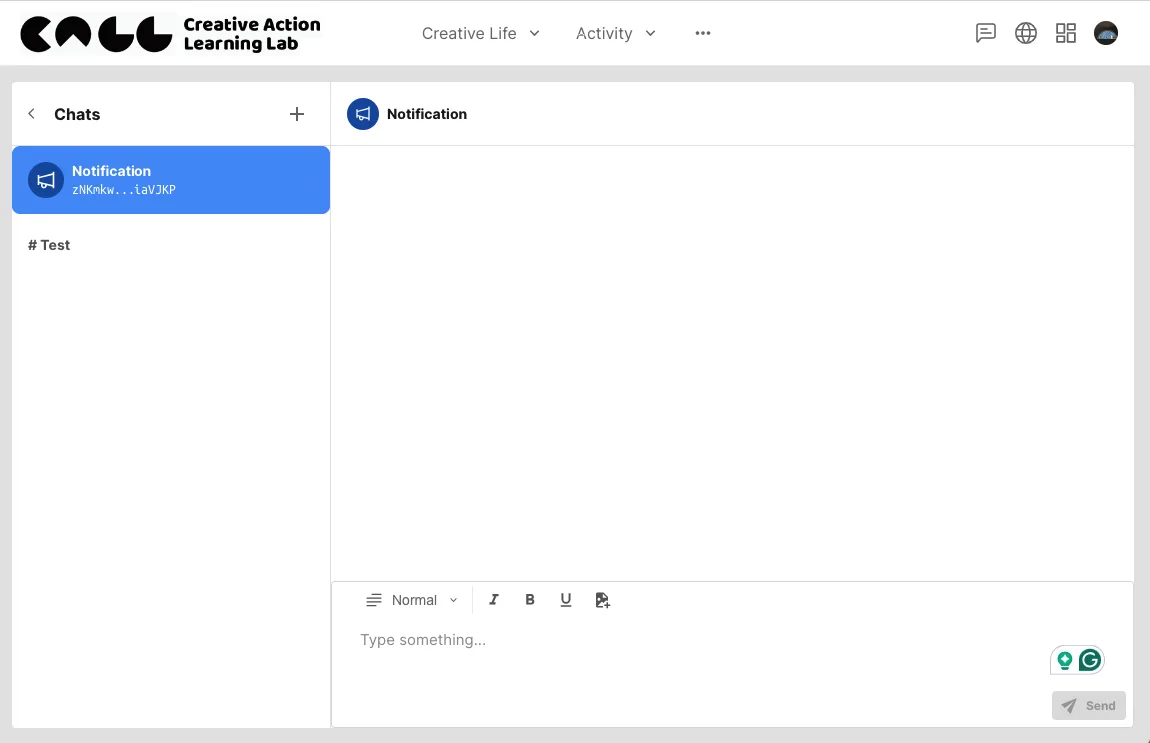
What does the default "Notification" mean? Is it for receiving information from the system? Is there a place for me (as the admin) to publish announcements?
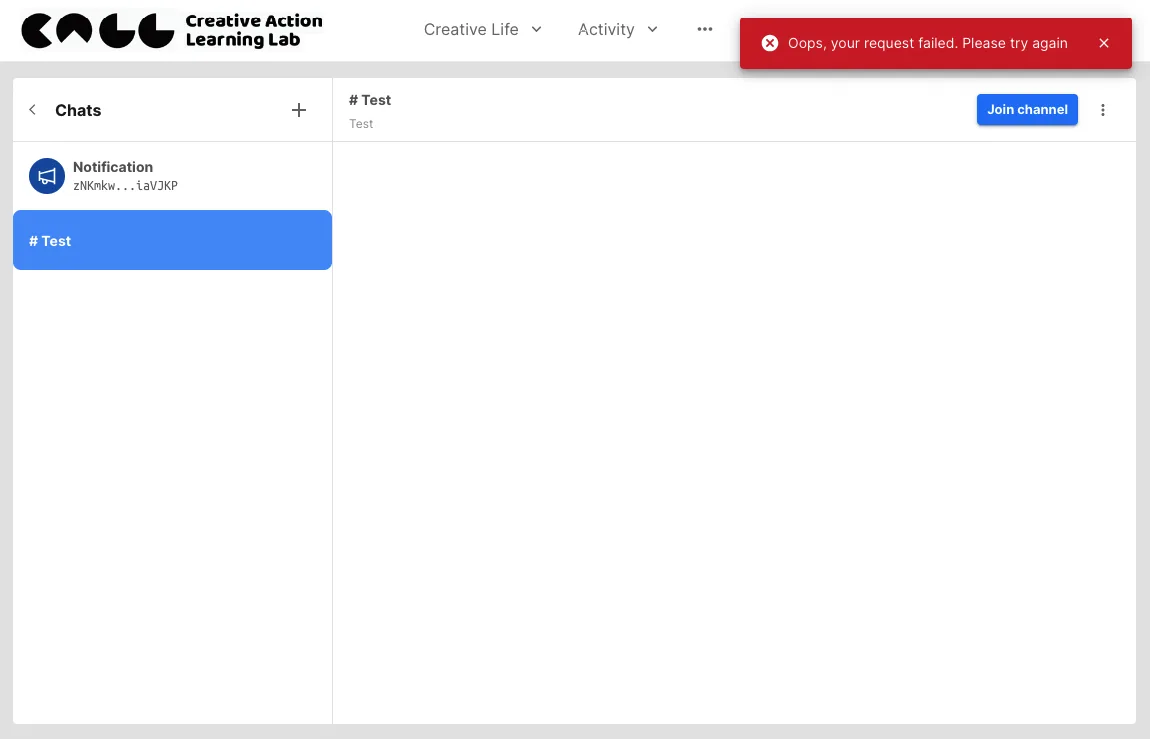
I created a new channel and tried to join it. Failed. See the above screenshot.
4 replies
Yes, when someone replies to your post or comment, you will receive a notification and see those messages here.
This might be a bug. Typically, after creating a channel, you should automatically become a member and not see the 'join' button. Could you create another channel to test if the 'join' button still appears after creation and check for any error messages when trying to join?
Currently, this feature is not supported. However, you can display a blog post from Discuss Kit as an announcement on a page created with Pages Kit. Here are the steps (Pages Kit installation required):
z1bt3r2g56auUkQo9pqU7b7PjeKdFPButQk
I don't quite understand what you mean by "publish announcement." Do you want all users to see it once it's published, or just members of a specific chat group? Where would you like this announcement to appear on your site?
Qualified and rewarded 🎉
Bug Bounty Contributors for March 2024