
NFT Studio not loading properly, specifically the NFT Blender

I just added a few Blocklets to Todai's Self Hosted Server, and they're running smoothly!
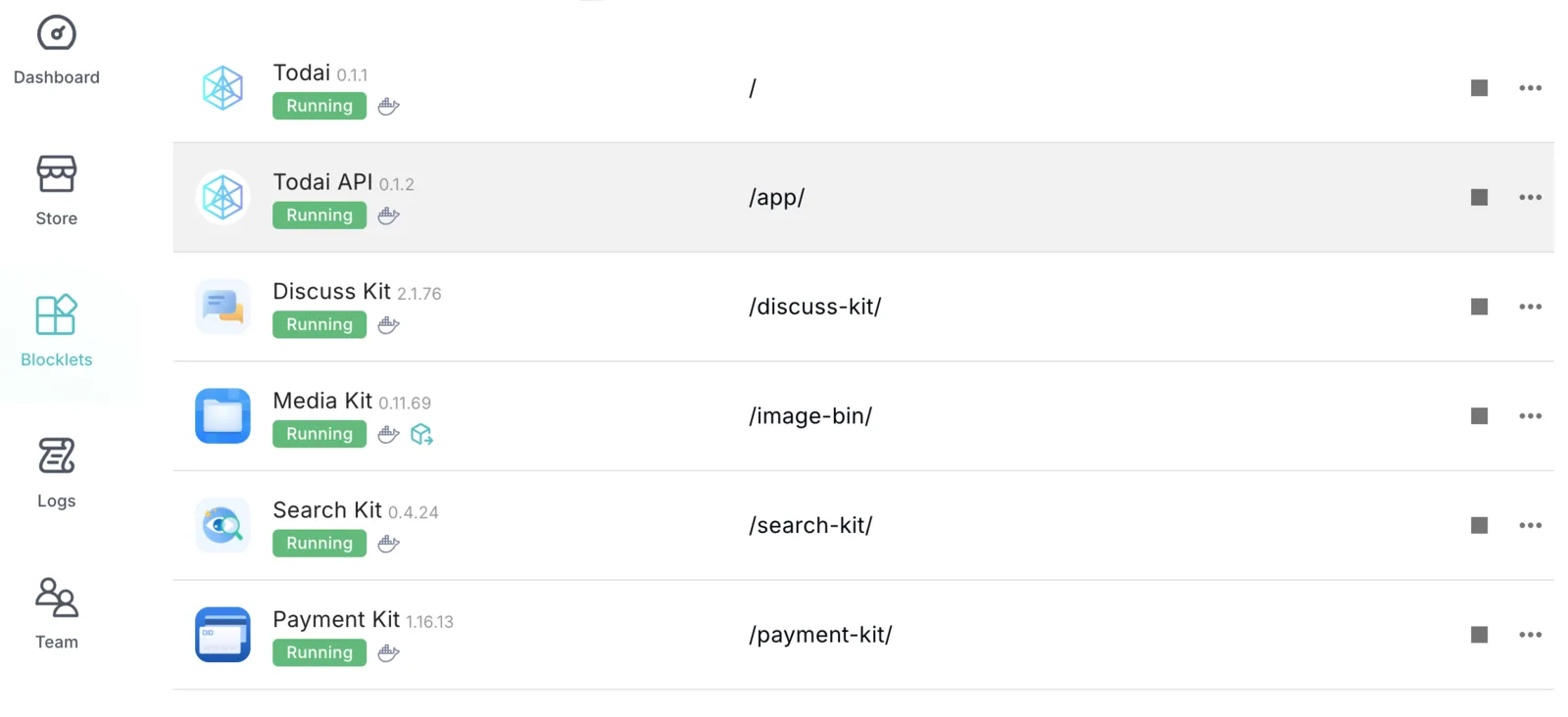 .
.
However, the next three Blocklets I tried to download were the NFT Maker, Store, and Blender.
But when I tried to add them as components to the app, the Blender continually failed to load.
So then I tried adding all three components as a standalone blocklet, and that also did not work, resulting in the video below.
I wasn't able to view anything from the logs that stuck out to me, and both z1k8cD8vpVuRYsGmkhUiswf2ngNcRjaBJLk and I were unable to figure out the core issue, which is why we thought to post it here and see if it was maybe a bug or something we had done wrong.
Thanks for your help!!
11 replies
NFT Studio Series Blocklets have some requirements for running scenarios, and if they are self-hosted server, they may not start due to machine configuration issues.
Can you export a zip file of the logs so we can troubleshoot the issue?
You got it!! Posted it below.
This is my first time downloading a blocklet without an on-demand server, so I won't be surprised if there's something wrong on my end lol
Thank you for the help though!
I would also like a log of Todai NFT Maker 😄
While redownloading it just now, it dawned on me that I was only using the Admin passport, so I wonder if it wouldn't work since I wasn't logged in as the Owner? Maybe that's why the "Todai NFT Maker" didn't work. However, I don't know if that explains why the component is also not working either. The main reason I thought to make a whole blocklet for the NFT Maker, was because it was giving me trouble on the main todai blocklet. I'll post a picture to show you what i mean. That is the logs I posted just a bit little bit ago.
Here is the zip for Todai NFT Maker, that is shown in the video I posted
this is directly on the todai blocklet. The logs for this is the first zip file I sent so you know!
Side note: I don't think it was related to me not having an owner passport, because I just downloaded the entire Aigne studio, and it began running as intended. Although it had some other issues, which I'll post at another time if I can't figure it out lol
I checked the logs and found only one reported error about docker
Can you help me to execute the following 2 commands in server(or docker container) and give me the result?
You can also try launching NFT Maker, NFT Blender, and NFT Store individually to see if they work.
By the way, I also need to check your blocklet server version to make sure it is up to date!
That was the issue!! I referred the information you provided to the dev I'm working with, and we got it working!
Thanks again for all your help, much appreciated!🔥